
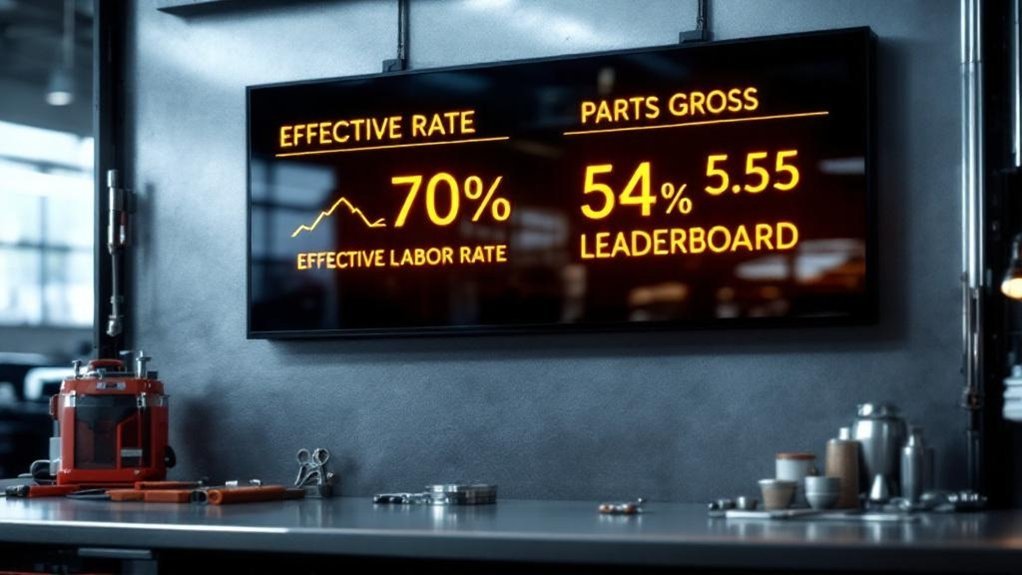
Display ELR and parts gross leaderboards on your shop TV to drive accountability and cash flow. You’ll show technician names, ELR (labor sales ÷ labor hours) and parts gross profit in real time with color-coded ranks. Clean, synced data and daily updates guarantee accuracy and fair competition. Use targets (70–80% gross) and personnel-cost alerts (aim labor ~40–45% of gross) to spot trends, coach technicians, and boost retention — continue for setup steps, calculations, and monitoring tips.
Key Takeaways
- Show each technician’s ELR (labor sales ÷ labor hours) and parts gross live to link pay and performance.
- Update displays daily with clean parts entries and synced sales data to ensure accurate rankings.
- Use color-coded ranks and concise metrics to highlight top performers and actionable gaps.
- Combine ELR and parts gross on one board to drive accountability, training needs, and incentive decisions.
- Monitor personnel cost and net-to-gross alongside leaderboards to maintain healthy margins and staffing levels.
Why ELR on Shop TV Drives Technician Performance
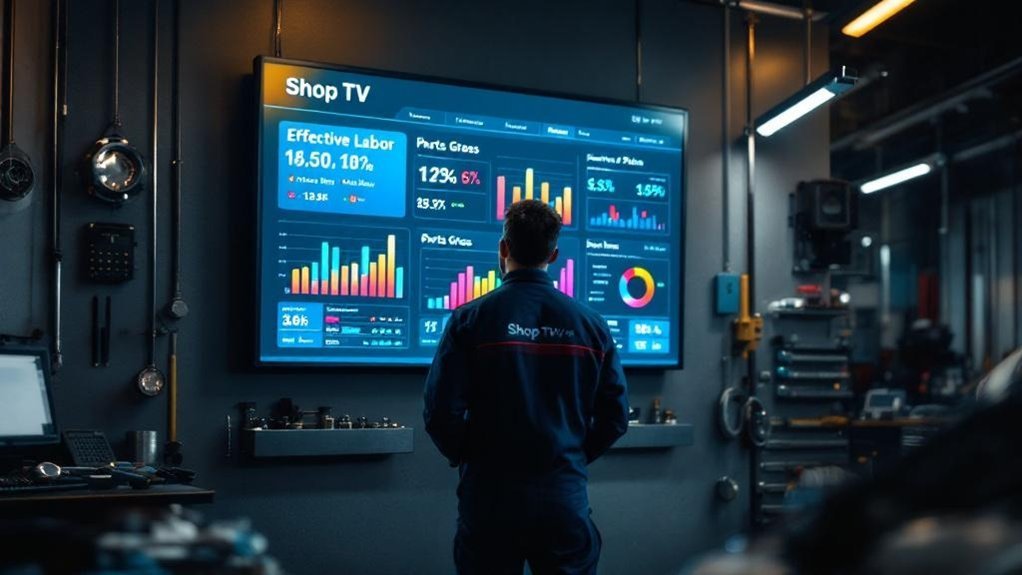
Because ELR ties pay and shop profitability to measurable outcomes, putting it on Shop TV gives technicians immediate, actionable feedback that boosts performance. You see effective labor rate in real time, so labor decisions become data-driven rather than subjective. When ELR hovers near the target (about 80%), your pay and the shop’s ability to hire improve, aligning incentives. Visible ELR and labor hours create a transparent scoreboard: technicians adjust pace, reduce rework, and prioritize higher-margin jobs to lift gross profit percentage. Management uses the same feed to rebalance workflow and staffing, minimizing downtime and optimizing labor mix. That consistent visibility builds a competitive, accountable culture that measurably raises labor sales and retention.
Setting Up the Parts Gross Leaderboard Display
Now that ELR is on Shop TV and driving labor behavior, you’ll want a Parts Gross Leaderboard to mirror that performance visibility for parts sales. Set it up to show technician names, parts gross profit, and rank in real time so data drives recognition and corrective action. Verify all parts sales entries and gross profit calculations before you publish the feed; accuracy is nonnegotiable for trust.
- Guarantee clean data input and daily syncing so leader positions reflect true performance.
- Use color coding and clear rank numbers to highlight top performers and outliers.
- Update frequently and integrate with ELR and other metrics to give a complete operational view.
Keep displays concise, factual, and action-oriented to sustain engagement and productivity.
Calculating and Interpreting Effective Labor Rate

Think of Effective Labor Rate (ELR) as a simple ratio: labor sales divided by labor hours sold, giving you a per-hour dollar value that directly ties technician output to revenue. You’ll use ELR for straightforward labor cost analysis and to measure technician productivity and sales performance. Divide total labor dollars by hours flagged; that’s it. Track ELR regularly to see how technician mix, pricing, and efficiency affect profitability and your target gross profit percentage (aim ~70%, 80% ideal). Higher ELR boosts gross contribution and covers technician costs. Use the table below to monitor targets, actuals, and variance for quick decisions.
| Metric | Target | Actual |
|---|---|---|
| ELR ($/hr) | 120 | 110 |
| Gross % | 80% | 72% |
Using Leaderboards to Improve Gross Profit Percentage
When you post a regularly updated leaderboard that combines ELR and parts gross, you give technicians clear, data-driven targets and a visible link between daily actions and the shop’s gross profit percentage. You’ll use performance tracking to spot trends: who hits the 70–80% parts gross target, who needs parts-pricing support, and who’s driving high ELR. That clarity fuels motivation strategies and creates a competitive edge without micromanagement.
Post a daily ELR-and-parts-gross leaderboard to set clear targets, reveal trends, and drive motivated, data-informed performance.
- Publish daily rankings to boost accountability and reward top performers.
- Combine ELR and parts gross to reveal training gaps and resource needs.
- Highlight wins and corrective actions to sustain improvement.
Use leaderboard analysis to allocate training, refine incentives, and lift overall gross profit percentage.
Monitoring Personnel Costs and Net-to-Gross Metrics
Leaderboards that track ELR and parts gross give you visibility into revenue drivers, but revenue gains mean little if personnel costs eat the margin. You should target personnel budgeting so labor stays ~40–45% of gross sales; outside that range profitability suffers. Use regular expense tracking and financial analysis to monitor net-to-gross — a 20% net-to-gross means expenses consume 80% of gross and demands action. Compare trends weekly, set alerts when personnel percent drifts, and tie leaderboard incentives to sustainable margins. Below is a concise snapshot to help you act fast.
| Metric | Target | Action |
|---|---|---|
| Personnel % of Gross | 40–45% | Adjust schedules/payroll |
| Net-to-Gross | >20% net | Reduce expenses |
| Review Cadence | Weekly | Update forecasts |
Frequently Asked Questions
What Is a Good Effective Labor Rate Percentage?
A good effective labor percentage is about 70%–80%: you should target an effective labor rate that covers technician costs and boosts shop profitability, so monitor and adjust pricing and staffing to sustain that range.
What Is the Average Shop Labor Rate?
You’re looking at roughly $75 to $150 per hour nationwide — but wait: labor rate trends vary, so you’ll want competitive pricing aligned with regional differences, using local data to set rates that maximize profit and win customers.
How to Calculate Effective Labor Rate?
You calculate effective labor by dividing labor dollars by hours flagged; this rate calculation shows dollars per hour, helps assess technician efficiency, and informs shop profitability, so track it regularly and act on trends to optimize margins.
How to Calculate Your Shop Labor Rate?
Divide total labor sales by total labor hours sold to get your shop labor rate. Use labor pricing strategies, factor service rate factors, compare industry benchmarks, and adjust for overhead, technician pay, and desired gross profitability.
Conclusion
You’ve seen how ELR and a parts gross leaderboard on Shop TV turn metrics into motivation — boost technician focus, track parts contribution, and tighten labor profitability. For example, a 20-bay shop that displayed ELR and parts gross rose ELR from $92 to $115 in three months while parts gross percent climbed 4 points, cutting cost leaks. Use the boards to monitor ELR, net-to-gross, and personnel costs, then act fast on outliers.