
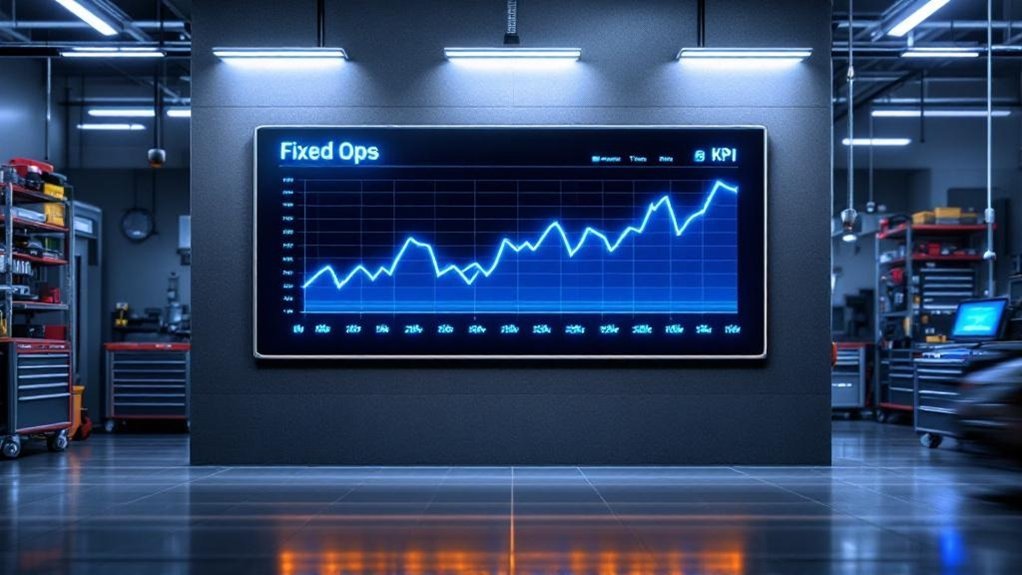
You should set monthly fixed‑ops goals from rolling trend lines, not one‑off targets, so your labor and revenue expectations match actual demand. Tie targets to technician hours, efficiency, CSI and utilization, and show them on a digital board with real‑time gauges and color status. Use DMS/CRM feeds for accuracy, adjust staffing to peak windows, and run weekly coaching from the leaderboard. Keep this cycle and you’ll see faster corrections, less overtime, and clearer next‑step actions.
Key Takeaways
- Set monthly goals from historical trend lines and seasonality so targets reflect true demand and avoid overstaffing.
- Display real-time KPIs (technician hours, efficiency, CSI) on the digital board for immediate comparison to monthly trend-based goals.
- Use color-coded graphs and rolling trend lines to highlight deviations and prioritize corrective actions quickly.
- Adjust staffing and scheduling from trend forecasts to match peak windows, reduce wait times, and limit overtime.
- Integrate DMS/CRM data into dashboards to track targets vs actuals and drive regular operational reviews and corrective strategies.
Key Takeaways on Aligning Monthly Goals With Trend Lines

When you align monthly goals with trend lines, you’re basing targets on historical performance and seasonal patterns so forecasts and resource plans are grounded in data rather than guesswork. You’ll set performance targets that reflect real service demand, reducing overstaffing or bottlenecks through smarter resource allocation. Comparing month-to-month against trend lines gives you a real-time view of technician performance and highlights deviations needing correction. Clear, measurable monthly goals create accountability, so technicians know the benchmarks that drive productivity. Tracking customer satisfaction alongside output guarantees quality isn’t sacrificed for volume. Regularly reviewing trend lines keeps you responsive to market changes and enables proactive decision-making, shifting priorities before issues escalate. This approach improves forecasting accuracy and operational resilience.
Why Technician Hours and Efficiency Must Drive Monthly Targets
Because technician hours and efficiency directly translate to billable capacity and throughput, you should base monthly targets on those metrics to guarantee labor is used effectively and service revenue is predictable. You’ll track technician hours and efficiency to quantify productivity, link outputs to Customer Satisfaction Index, and prioritize coaching where efficiency lags. Monthly targets tied to these metrics reveal labor needs, guide staffing strategies, and limit overtime. Real-time performance feedback creates accountability and accelerates corrective action.
| Metric | Action |
|---|---|
| Technician hours | Set capacity limits |
| Efficiency | Target % per tech |
| Productivity | Compare to trend |
| CSI | Correlate with output |
| Coaching | Assign based on gap |
Use data to forecast, coach, and align staffing strategies to hit monthly targets.
Designing Digital Board Visuals That Reflect Real-Time Performance

Having set monthly targets around technician hours and efficiency, you’ll want a digital board that makes real-time performance instantly visible and actionable. Design the board to compare real-time performance against monthly goals using clear data visualization: line graphs for trends, bar charts for daily totals, and color-coded status for gaps. Surface Key Performance Indicators like labor efficiency and Customer Satisfaction Index alongside technician performance metrics so teams see cause and effect. Use dynamic updates to maintain accountability; display individual and team KPIs, recent changes, and thresholds that trigger alerts. Review visuals periodically to refine clarity and relevance. When your board highlights trends and supports quick interpretation, it drives collaboration and focused operational adjustments across fixed ops.
Using Trend Line Data to Adjust Staffing and Scheduling
Use trend line forecasts to align technician headcount with peak demand windows so you’re staffed for volume without excess during lulls. Schedule shifts and assign skill sets based on historical peak patterns to cut wait times and improve throughput. Regularly update the staffing model from fresh trend data to catch emerging peaks and prevent productivity gaps.
Align Staffing With Peaks
When you map trend-line data against hourly and daily service traffic, you can pinpoint predictable demand peaks and adjust technician schedules to match those windows, cutting wait times and keeping CSI high; this targeted staffing also trims labor waste during slow periods and guarantees skilled techs are on hand when complexity spikes, improving throughput and profitability. Use trend line data to align staffing with peak service times, setting staffing levels by hour and day to match service traffic patterns. That reduces wait times and boosts customer satisfaction while preserving productivity. Monitor historical trends to forecast needs, apply scheduling strategies that prevent overstaffing, and guarantee skilled technicians cover high-complexity blocks—lowering labor costs and sustaining consistent operational performance.
Schedule Based on Trends
Although trend lines won’t eliminate every scheduling surprise, they let you forecast peak windows and build technician rosters that match real demand, cutting wait times and idle hours. You’ll use trend lines to map historical customer demand and adjust the schedule so staffing aligns with predictable peaks and lulls. In the service department, that means reallocating techs, parts, and bays ahead of seasonal shifts to maintain efficiency and productivity. Regular review of trend line data highlights changes in service offerings uptake, letting you tweak resource allocation and cross-train staff. A schedule based on trends reduces overtime, boosts throughput, and supports higher CSI scores by minimizing delays. Implement this as a recurring operational cadence tied to monthly goals.
Integrating DMS/CRM Data for Accurate Fixed Ops Reporting

Because integrated DMS and CRM data gives you timely, consolidated metrics, your fixed ops reporting becomes both accurate and action-ready—showing labor hours, job completion rates, and customer satisfaction in real time so managers can spot trends, correct anomalies, and align monthly goals with actual performance. You’ll see integrating DMS/CRM enable real-time reporting of key performance indicators that drive profitability and operational excellence. Data visualization highlights performance trends and anomalies, creating accountability among technicians and facilitating continuous improvement. Use dashboards to compare targets vs actuals, prioritize interventions, and preserve margin. The result: clearer decisions, faster responses, and measurable gains in productivity and customer satisfaction.
| Impact | Metric | Feeling |
|---|---|---|
| Clarity | KPIs | Confident |
| Speed | Real-time | Urgent |
| Trust | Accountability | Motivated |
| Growth | Profitability | Hopeful |
Coaching and Accountability Practices Based on Leaderboard Insights
With integrated DMS/CRM dashboards feeding the Fixed Ops Leaderboard, you can move from visibility to targeted coaching and measurable accountability. You’ll use leaderboard trends to pinpoint gaps, reinforce culture, and drive Fixed Ops performance through focused coaching. Leadership turns data into actions: celebrate top technicians, assign improvement plans, and track follow-through.
Integrated DMS/CRM leaderboards turn visibility into focused coaching, measurable accountability, and culture-driven Fixed Ops performance improvements.
- Review trends weekly to identify coaching opportunities.
- Set measurable performance goals tied to leaderboard metrics.
- Run data-driven coaching sessions addressing specific skill gaps.
- Publicly recognize top performers to reinforce accountability and culture.
- Escalate repeat underperformance with documented action steps.
This approach gives technicians clear visibility into expectations, creates accountability loops, and lets leadership optimize coaching resources for measurable performance gains.
Measuring Impact: KPIs to Track After Implementing Trend-Based Goals

When you tie trend-based goals to a focused KPI set, you’ll quickly see which levers drive profitability and customer loyalty — appointment show rates and customer retention reveal marketing ROI, technician efficiency and labor utilization expose productivity opportunities, and average repair order value plus parts sell-through inform pricing and promotion decisions; layering CSI trend lines on top lets you catch service quality issues early and iterate operationally, producing measurable gains in ROAS and service department profitability. After implementing trend-based goals, track appointment show rates, customer retention, technician efficiency, average repair order value, parts sell-through and Customer Satisfaction Index on rolling trend lines. Use those KPIs to test pricing strategies and promotions, adjust labor schedules, and prioritize corrective actions. Regular reviews turn data into operational strategies that raise service department profitability.
Frequently Asked Questions
What Is Fixed Ops in a Dealership?
Fixed ops is your dealership’s service, parts and repair operations that drive revenue: service department handles vehicle maintenance, repair orders, warranty claims; you manage parts inventory, technician training, service scheduling, service promotions, service marketing and customer retention.
What Is the Difference Between Fixed and Variable Operations?
Think of fixed ops as your steady backbone and variable ops as the swingy market side: fixed costs, predictable revenue generation, higher profit margins; variable costs need agile resource allocation, cost control, budget management, operational efficiency, financial stability, performance metrics.
What Is a Fixed Ops Director?
You’re the Fixed Ops Director: you lead fixed ops strategies to boost service department efficiency, run technician training programs, track customer satisfaction metrics, optimize parts inventory management, handle warranty claims processing, drive revenue growth tactics, repair order analysis, digital marketing initiatives, staff performance evaluations.
What Are Variable Operations?
Variable operations are your service department activities generating variable revenue through repair orders and revenue streams; you’ll track performance metrics like technician efficiency, inventory management, pricing strategy, customer satisfaction, and align marketing efforts to optimize results.
Conclusion
You’ll pivot faster when monthly goals align with trend lines, letting technician hours and efficiency dictate realistic targets. Use digital boards that show real-time DMS/CRM-fed trend data so staffing and scheduling match demand, not guesswork. Coach via leaderboards and hold teams accountable with clear KPIs — you’ll see impacts almost instantly, like flipping a switch. Track throughput, gross, RO, labor mix, and ticket time to prove continuous improvement.