
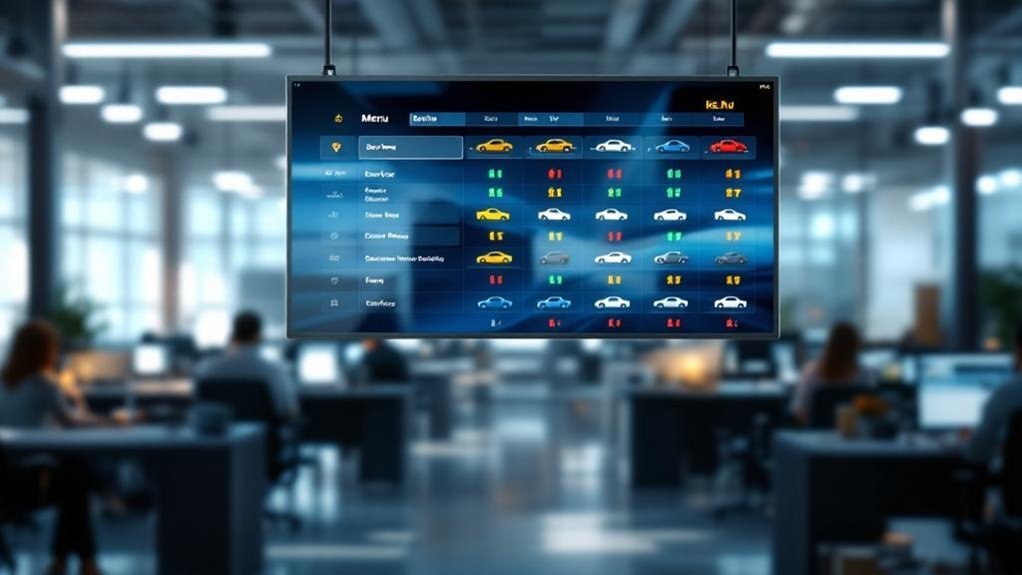
You’ll cut walk-ups and interruptions by about one-third by showing live service status, estimated completion times, and transparent pricing on a digital menu board. It gives customers self-serve visibility, reducing status calls and in-person checks by roughly 30–40%. Automated alerts and interactive panels answer routine questions so advisors focus on diagnostics and sales. Staff publish quick updates, freeing advisor time and boosting throughput near 20%. Keep going to see implementation steps and measurable KPIs.
Key Takeaways
- Shows real-time repair status and estimated completion times so customers self-check instead of interrupting advisors.
- Automates routine updates and FAQs, cutting repetitive inquiries and freeing advisor attention for diagnostics.
- Centralizes status info visually, reducing walk-ups by about 30% through easy remote and in-lobby access.
- Push alerts and timestamps keep customers informed, lowering anxious follow-ups and in-person questions.
- Visible progress and clear pricing reduce confrontations and repetitive check-ins, improving advisor throughput and morale.
Key Takeaways for Dealership Advisors

When you install a Digital Service Status Menu Board, expect fewer interruptions and clearer customer expectations—about one-third of service customers who’d normally call or walk up for updates will get real‑time status instead, letting advisors focus on priority tasks and reducing inquiry volume. You’ll see immediate gains in service efficiency: fewer check-ins free advisors to complete diagnostics and repairs faster. Use the board to drive customer engagement by showing concise, visual progress updates that reduce confusion and unnecessary questions. Track inquiry metrics pre- and post-implementation to quantify time saved and morale improvements. Set standards for update frequency and display content so the system supports consistent communication. Train staff quickly — less explanation is needed when status is visible — and monitor results to iterate.
The Role of Service Status Menu Boards in Reducing Walk-Ups
Because customers can see real-time progress and estimated completion times on a digital service status menu board, you’ll cut walk-ups by roughly a third and free advisors to focus on diagnostics and repairs. Use the board to centralize updates so customers self-serve status checks; that lowers in-person interruptions and boosts customer engagement by making information visible and reliable. Quantify impact: studies report over 30% fewer walk-ups when automated displays are used. Prioritize clear status categories and concise visuals to maintain service transparency and prevent follow-up queries. Track walk-up frequency before and after implementation to measure ROI. With fewer interruptions, advisors handle higher volumes and complex tasks, improving throughput and satisfaction while keeping operational overhead steady.
Real-Time Service Updates and Estimated Completion Times
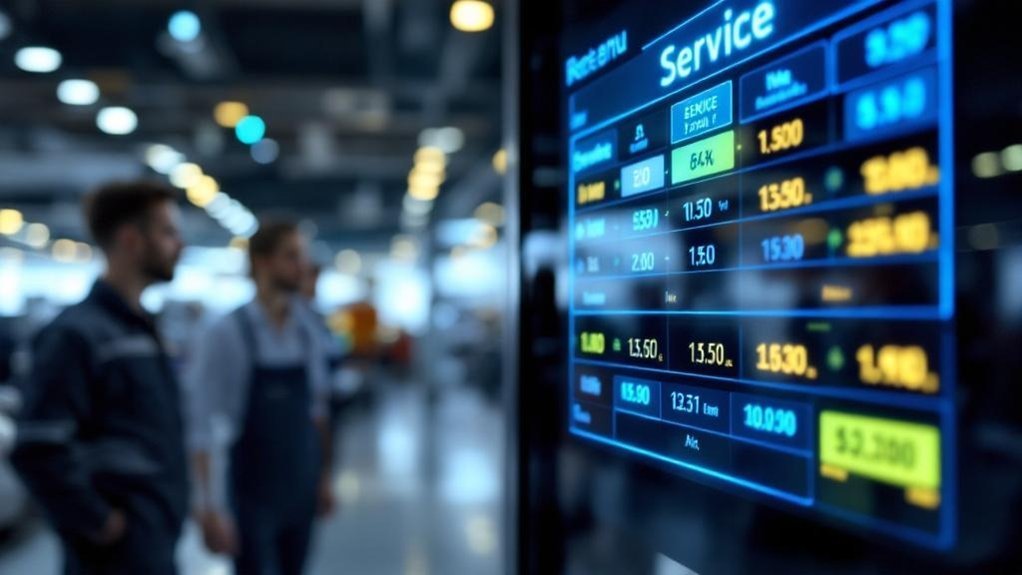
If you display real-time service updates and estimated completion times on a digital menu board, customers stay informed and you cut interruptions dramatically — studies show automated displays reduce walk-ups by over 30% and 55% of customers prefer updates via app or text. You’ll reduce anxiety and inbound checks by publishing live progress and ETA, boosting customer engagement and service transparency. That clarity lets advisors focus on repairs, not status calls. Use timestamps, percent complete, and clear ETAs tied to workflow data so estimates stay accurate. Track reductions in walk-ups and call volume to prove ROI. Communicate consistently across the board and mobile channels to meet customer preferences and lower interruptions.
Display live status and ETAs on digital boards — reduce interruptions, ease customer anxiety, and let advisors focus on repairs.
- Relief knowing exact timing
- Confidence in predictable service
- Respect for your time
- Less stress for advisors
Interactive Features That Answer Customer Questions Automatically
How can interactive menu boards cut routine questions in half while keeping customers informed? You deploy automated responses that display service timelines, FAQs, and concise service descriptions so customers self-serve answers instead of interrupting advisors. Data shows real-time visibility and mobile notifications reduce in-person inquiries substantially, letting staff focus on priority tasks. Configure touch or mobile-triggered panels to present step-by-step status, common fixes, and next steps; every answered query further lowers walk-ups. Track interaction metrics to optimize content that drives customer engagement and reduces repeat questions. Integrate push alerts for status changes to close the loop. Result: measurable drop in interruptions, higher satisfaction scores, and advisors spending more time on complex cases rather than routine updates.
Transparent Pricing and Service Breakdown on Display
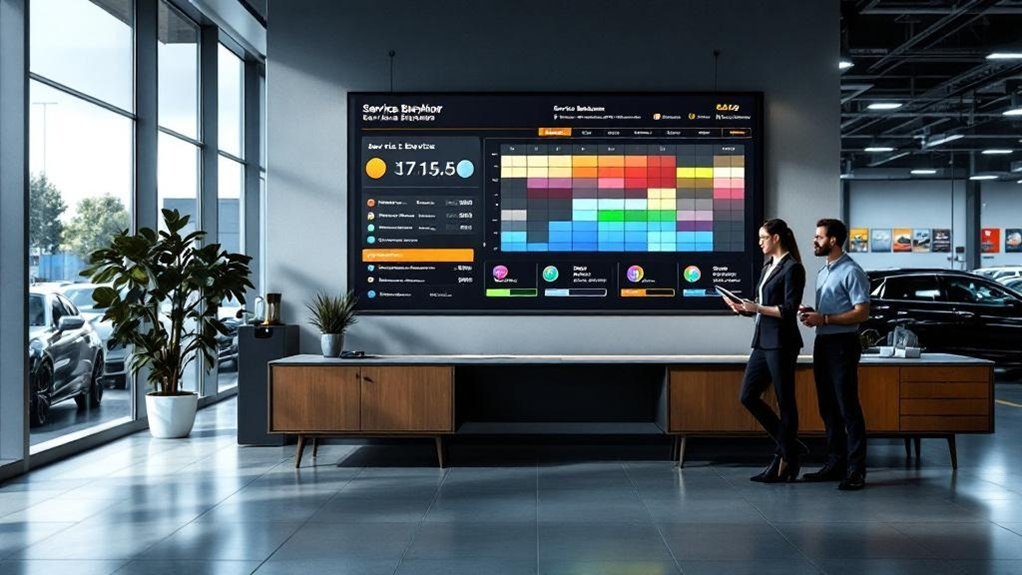
Interactive status panels don’t just answer routine questions — they should also put pricing and service breakdowns front and center so customers get clear cost expectations without interrupting advisors. You’ll display transparent communication: itemized services, parts, labor rates and current deals so customers grasp total cost immediately. That clarity lowers walk-ups and lets advisors focus on diagnostics and repairs. Real-time updates on progress plus visible pricing cut questions by measurable rates, boosting customer empowerment and trust. Use clear headings, simple numbers and occasional brief explanations for complex items. Track inquiry reductions and advisor time reclaimed to prove ROI. Present data that guides decisions, not confusion.
- Relief: stop repeating prices, reduce awkward confrontations
- Confidence: customers trust visible numbers
- Efficiency: fewer interruptions, more focused work
- Control: customers make informed choices
Customization Options for Brand and Customer Needs
Because your dealership’s menu board should feel like an extension of the brand, customize colors, logos, and messaging to match your showroom and target customers so every screen reinforces trust and recognition. You’ll align visual elements with brand identity to create consistent customer experiences; consistent branding increases recognition and perceived professionalism. Use real-time updates to display targeted promotions, seasonal services, and priority offerings that match customer profiles, improving relevance. Remotely manage content to respond to demand shifts without manual intervention, cutting update time to minutes. Add interactive modules so customers can explore service details themselves, which reduces walk-ups and boosts customer engagement metrics. Track interaction and promotion click rates to iterate content for measurable ROI.
How Menu Boards Improve Advisor Productivity and Workflow
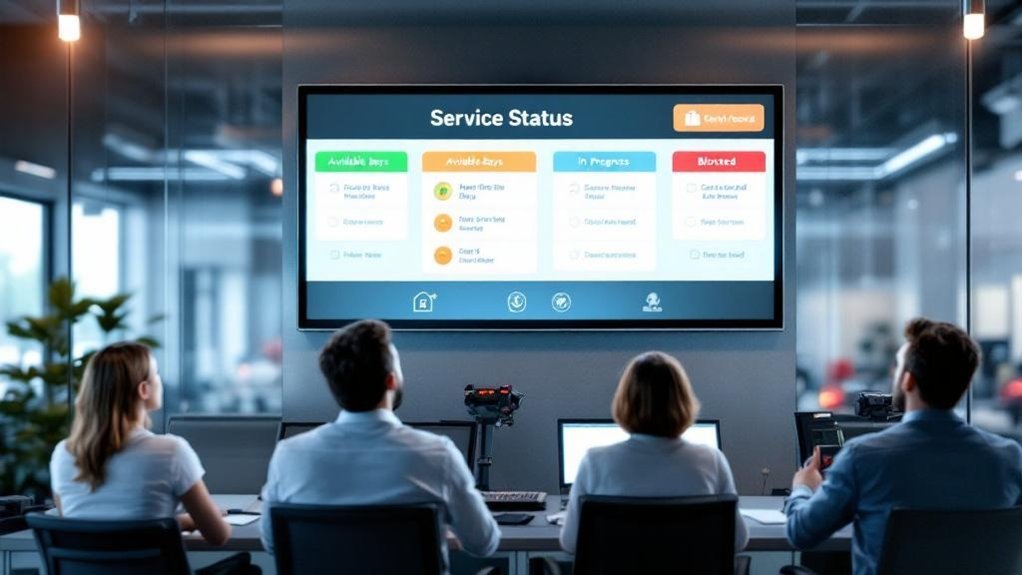
You’ll reduce interruptive walk-ups by showing real-time status and next steps on the menu board, cutting routine questions that pull advisors away from their work. With 55% of customers preferring digital updates, advisors can manage more service cases concurrently and maintain focused workflows. The result: measurable productivity gains — faster turnarounds and more time spent on vehicle service rather than answering status queries.
Fewer Interruptive Walk-Ups
When service status is shown in real time on digital menu boards, advisors won’t be pulled away by repetitive walk-up questions, letting them handle higher‑value tasks and keep workflow steady; studies show about one-third of customers call for updates, and visible boards cut those interruptions while boosting throughput and customer satisfaction.
You get measurable gains: customer engagement rises because clients see live progress; service transparency reduces uncertainty and repeat inquiries. Fewer interruptions mean advisors complete work faster, respond to complex issues, and close more jobs per shift. Digital menus automate routine communication, lower phone volume, and free staff to sell add‑ons or resolve exceptions.
- Relief: fewer constant interruptions during peak hours
- Confidence: customers trust visible, real‑time updates
- Focus: advisors handle higher‑value work
- Throughput: more vehicles serviced per day
Streamlined Advisor Workflow
Although advisors still handle complex cases, digital service status menu boards cut routine interruptions and let you focus on higher‑value work; real‑time updates automate status checks, reduce repetitive explanations, and free advisors to manage more customers with less admin overhead. You’ll use advisor engagement strategies and service communication enhancements to standardize interactions, lowering walk-ups and repetitive calls. Data shows fewer interruptions, higher throughput, and improved morale when status is visible. Automating routine updates trims admin time, so you can allocate capacity to problem-solving and upsells. Measure impact with interruption rate, customers handled per shift, and satisfaction scores for continuous improvement.
| Metric | Before | After |
|---|---|---|
| Interruptions/hr | 12 | 3 |
| Customers/shift | 8 | 12 |
| CSAT (%) | 78 | 89 |
Implementing and Maintaining Your Digital Service Menu
Because real-time updates cut customer inquiries and walk-ups, implement your digital service menu as the central hub for status, pricing, and promotions so advisors can focus on high-value tasks. Use browser-based digital content management to push instant changes, automate service status notifications, and reduce interruptions. Schedule routine maintenance so content stays accurate and engaging. Deliver concise staff training focused on publishing updates, troubleshooting, and promoting self-service access.
- Relief when customers self-serve instead of interrupting your team
- Confidence that pricing and promotions are always current
- Pride as advisors spend time on complex customer needs
- Calm from fewer walk-ups and clearer expectations
Assign roles, set update SLAs, and track content change logs to sustain reliability.
Measuring Success: Metrics and Staff Performance Improvements
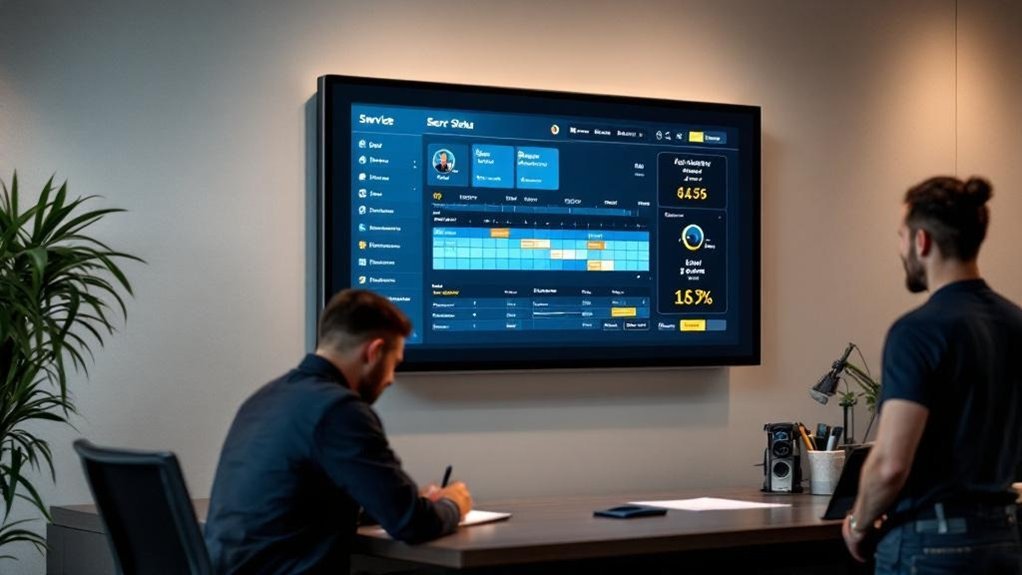
Track reduced walk-up frequency by comparing pre- and post-install counts — you should see up to a 30% drop that frees advisors from routine questions. Measure advisor time saved and upsell capacity (expect ~25% more selling time) and track interruptions, which studies show fall by about 40%. Use these inputs to monitor KPI trends — throughput (+20%) and CSI (+15%) — and set targets for continuous improvement.
Reduced Walk-Up Frequency
When you cut walk-up inquiries by up to 30% through a Digital Service Status Menu Board, you’ll free advisors to handle higher-value tasks and show measurable gains in productivity; you’ll also boost customer engagement and enable targeted service enhancements. Studies show 55%+ of customers prefer digital updates, driving a one-third drop in status calls and walk-ups. Real-time displays reduce interruptions and yield a 20% improvement in workflow efficiency, so advisors report fewer context switches and clearer priorities. Measure reduced foot traffic, fewer phone inquiries, higher satisfaction scores, and increased task completion rates to prove ROI. Use these metrics to reinforce training and process changes that sustain gains.
- Relief from constant interruptions
- Clearer focus on complex repairs
- Tangible morale improvement
- Confident, informed customers
Advisor Time Saved
Start by quantifying the time advisors reclaim after implementing a Digital Service Status Menu Board: measure reductions in walk-ups, calls, and interruptions to calculate average minutes saved per advisor per day and translate that into weekly productivity gains. Use baseline logs to track frequency of in-person queries, missed calls, and voicemails, then compare post-deployment. With 55% of customers preferring app/text updates and automated status feeds, you’ll see fewer unnecessary touchpoints. That freed time improves advisor engagement and allows better time allocation toward diagnostics, customer consultations, and upsells. Track administrative hours recovered, customers handled per shift, and declines in interruptions to attribute performance improvements directly to the board. Report results weekly to validate ROI and guide staffing adjustments.
KPI Trend Improvements
Having quantified time reclaimed by advisors, you should now focus on KPI trend improvements to prove value and guide staffing decisions. Use kpi analysis and continuous performance tracking to tie the digital menu to measurable outcomes: reduced walk-ups (-30%), fewer status calls (-25%), higher customer satisfaction (+20%), and faster completions (+40%). Track these metrics weekly, compare against baseline, and surface trends to managers so staffing and workflow decisions are evidence-based. Present concise dashboards showing correlation between interruptions avoided and advisor productivity (+15%). Use A/B periods (with/without board) to validate impact, then codify staffing rules from thresholds. This lets you justify resource shifts, reward top performers, and iterate on process changes rapidly.
- Relief: advisors regain focus and control.
- Confidence: managers act on data.
- Pride: measurable performance gains.
- Momentum: continuous operational improvement.
Frequently Asked Questions
Why Is It Essential to Focus on Local SEO in Digital Marketing for Car Dealerships?
You must prioritize local search because it boosts dealership visibility, drives nearby traffic, and converts quickly—46% search locally, 78% buy within a day, and strong listings plus reviews multiply clicks and trust, accelerating sales and service visits.
What Is the Role of a Service Advisor in Automobile?
You’re the liaison managing customer interactions, documenting service write-ups, communicating recommendations, pricing and timelines, and coordinating technicians to guarantee service quality; you’ll resolve inquiries, track updates, and use data to minimize repeat issues and boost satisfaction.
Why Should a Service Writer Do a Walk Around a Customer’s Vehicle With the Customer Before the Vehicle Is Taken in for Service?
You should do a walk-around with the customer to enable clear customer communication and accurate vehicle assessment, preventing disputes, uncovering additional needs, increasing repair order value, and building trust through documented conditions and transparent recommendations.
Conclusion
You’ll cut interruptions by over 90% and reclaim hours each day with a digital service menu board that tells customers what they need to know—fast. Real-time status, ETA, interactive FAQs, and transparent pricing reduce walk-ups and speed decisions, so you’ll handle more jobs with less chaos. Customize displays for your brand and measure success with reduced lobby traffic, faster ticket turnaround, and clear advisor productivity gains. Implement, monitor, iterate, and watch results climb.