
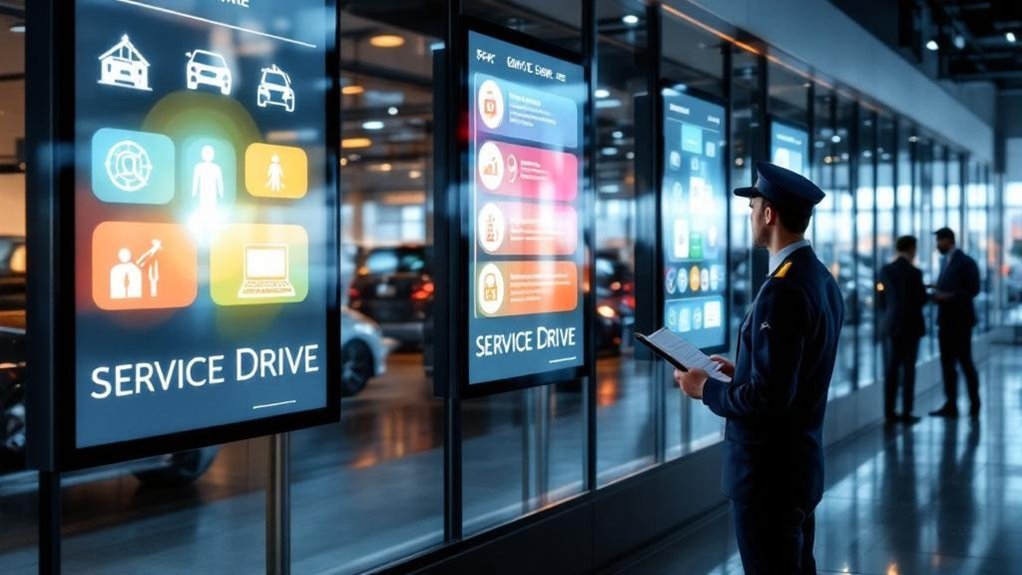
Digital signs cut advisor back-and-forth by showing real-time job status and estimated wait times, so you can answer fewer questions and focus on service. They display dynamic menus and upsell prompts with accurate pricing to boost tickets. Visual workflows keep advisors and technicians aligned, reducing interruptions and mistakes. Personalized check-in screens greet customers and show tailored updates to lower anxiety. Keep going and you’ll see how each display type delivers those measurable benefits.
Key Takeaways
- Display real-time service status and estimated wait times to reduce advisor interruptions and repetitive customer questions.
- Show dynamic service menus and promotions so advisors give accurate quotes and easily upsell maintenance bundles.
- Present visual workflows and live task assignments to streamline advisor–technician coordination and reduce manual status checks.
- Provide personalized check-in screens that confirm appointments, greet customers, and show tailored service updates tied to the DMS.
- Operate offline-capable displays to maintain critical communication during DMS outages and avoid lapses in customer updates.
Real-Time Service Status and Wait-Time Displays

When you’re waiting on service, real-time status displays keep you informed by showing up-to-the-minute progress and estimated wait times, so you don’t have to check with staff. You’ll see accurate updates pulled from the DMS that reflect your vehicle’s current stage, improving service transparency and reducing repetitive inquiries. Clear wait-time displays let you plan errands or adjust expectations, which boosts customer satisfaction and lowers front-desk pressure. Split-screen layouts can also share relevant dealership information while keeping status front and center, maintaining engagement without distracting from progress. Because displays cache data and run offline during outages, you won’t lose access to critical updates. Overall, these signs streamline communication, save advisor time, and create a calmer, more informed customer experience.
Dynamic Service Menus and Upsell Prompts
Real-time status boards make waiting easier, and digital service menus take that same clarity into the sales conversation by showing up-to-date offerings, pricing, and promotions right where advisors and customers can see them. You’ll use dynamic pricing updates fed from your DMS so every quote is current, avoiding back-and-forth and building trust. Clear service categorization organizes oil changes, inspections, and add-ons so advisors can quickly pinpoint relevant options. Upsell prompts highlight value-packed maintenance bundles and timely promotions, giving you precise, customer-focused talking points. The visual layout reduces explanation time, increases average ticket size, and makes recommendations feel informative rather than pushy. Overall, digital menus let you communicate confidently and close more appropriate service opportunities.
Visual Workflows for Advisor–Technician Coordination
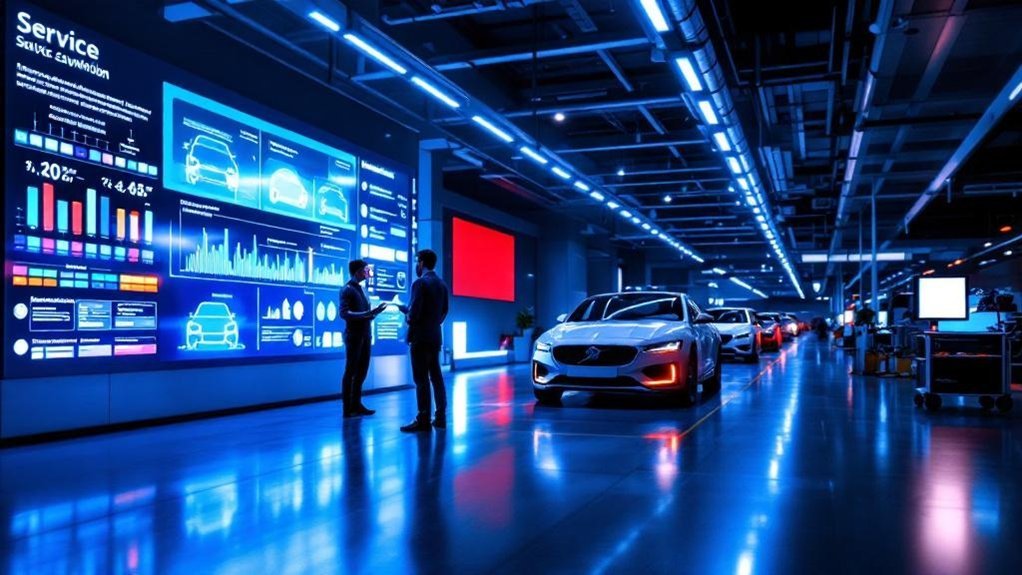
Although advisors and technicians often juggle competing priorities, visual workflows on digital signs keep everyone aligned by displaying live task assignments, progress markers, and technician responsibility at a glance. You’ll cut back-and-forth interruptions because live service status and DMS-linked updates reduce manual checks; advisors can tell customers where a repair stands without hunting down a tech. Customizable displays categorize tasks and show who’s responsible, so you’ll reduce errors and speed handoffs. That clarity supports advisor training by giving new staff real-time examples of task flow and expectations. Overall, these visual workflows drive measurable workflow optimization: faster throughput, fewer miscommunications, and higher customer satisfaction as you keep clients informed and your service team synchronized.
Customer Check-In and Personalized Communication Screens
A welcome screen that greets customers by name sets the tone for a smoother, more personal service drive experience and instantly reduces front-desk friction. You’ll see immediate gains in customer engagement as automated check-in screens pull data from your DMS to confirm appointments and display tailored messages. Personalized communication screens free advisors from routine updates by showing real-time service status, estimated completion times, and targeted promotions while customers wait. That reduces inquiries, lowers staff workload, and shifts advisor time to higher-value conversations. Integrating digital signage with your Dealer Management System guarantees accuracy and enables dynamic service personalization—promoting add-ons or maintenance reminders relevant to the vehicle. The result is faster check-ins, clearer expectations, and higher satisfaction across the service drive.
Frequently Asked Questions
What Does a Service Advisor Do for a Car Dealership?
You manage service advisor responsibilities by guiding customers through inspections, estimates, repairs, and updates; you use customer interaction strategies to build trust, coordinate technicians, manage expectations on timelines/costs, and guarantee timely, satisfactory service outcomes.
What Is the Four Square Trick at a Car Dealership?
You’d be right to suspect it’s both tactic and transparency: the four square’s a dealership pricing worksheet dividing price, trade, down payment, and monthly payment so you see how adjustments shift totals, helping you negotiate clearly and efficiently.
Do Service Advisors at Car Dealerships Make Commission?
Yes — service advisors often earn commission. You’ll find varied commission structures tied to service advisor roles, with percentages or flat rates plus bonuses, so you’ll be incentivized to boost sales while maintaining customer satisfaction and transparency.
What Is the Highest Paid Position at a Car Dealership?
Like a CEO steering a ship, the highest paid position is usually the general manager. You’ll see sales manager salaries and dealership employment trends influence pay, with bonuses and incentives pushing total compensation higher.
Conclusion
You’ve seen how digital signs speed communication, cut confusion and drive sales in the service drive. One striking stat: dealerships using real-time displays report up to a 30% reduction in perceived wait time—something customers notice and appreciate. By showing status, tailored offers, technician workflows and personalized check-in info, you’ll boost advisor efficiency, increase upsell conversion and improve satisfaction. Put these screens where customers and staff can see them, and you’ll get measurable operational and service gains.