

Use service-drive digital signs to educate and reassure customers, reduce uncertainty, and speed decisions by showing real-time wait times, transparent service menus, and short how-it-works videos. Place larger screens at entries and waiting areas, smaller panels by advisor desks, and interactive kiosks for vehicle-specific estimates. Keep messages short, jargon-free, and paired with progress bars or itemized pricing. Automate live updates from your shop system, track engagement, and optimize content — keep going to learn practical setup and metrics.
Key Takeaways
- Show short, jargon-free videos that explain common maintenance, repair causes, and simple DIY checks.
- Display real-time wait times and progress bars paired with itemized service steps for clear expectations.
- Use vehicle-specific estimates and interactive kiosks to personalize recommendations and upsell relevant services.
- Rotate customer testimonials, loyalty perks, and limited-time service promotions to build trust and drive conversions.
- Integrate CMS with dealership systems to auto-update pricing, appointments, and technician status for accurate, timely content.
The Role of Service Drive Digital Signs in Customer Education
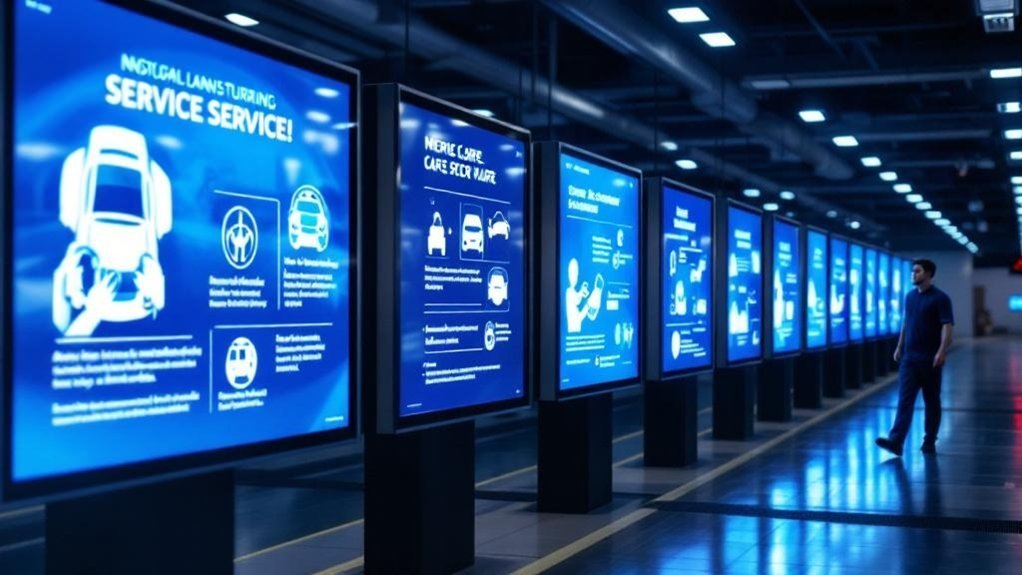
When you pull into the service drive, digital signs do more than look modern — they educate, reduce uncertainty, and speed decisions. You’ll see real-time wait times and appointment statuses so you can plan, and perceived waits drop by over 35%. Educational videos and clear graphics explain routine maintenance and specific services, building trust and clarity. Dynamic promotions for loyalty programs and membership perks encourage enrollment while signage displaying service menus and pricing fosters transparency and faster choices. Interactive features like kiosks give you vehicle-specific maintenance data, empowering better decisions and raising satisfaction. Strategically designed content increases customer engagement, shortens decision cycles, and turns passive visitors into informed, repeat customers who feel respected and informed.
Key Locations and Placement Strategies for Maximum Impact
You’ll want screens where customers naturally look—at service drive entry points and along the drive—to grab attention the moment they arrive. Place larger displays in waiting areas and smaller panels near advisor desks to deliver maintenance education and live updates without interrupting conversations. Combine interactive kiosks and promotional signs in the drive to let customers explore service packages and act on limited-time offers while they wait.
Service Drive Visibility
Visibility matters: placing digital signs at service drive entry points, check-in kiosks, waiting areas and service desks guarantees customers see promotions, wait-time updates and maintenance recommendations right when they need them. You’ll boost customer engagement by situating screens where arrivals pause — entry lanes, reception counters and lounge zones — so your messages get immediate visual impact. Use large displays for clear, educational content about common services and maintenance benefits; smaller screens at kiosks can show personalized appointment info and real-time wait times. Position content to guide decisions: highlight timely promotions near payment points and maintenance overviews in waiting areas. By matching screen size, message and touchpoint, you’ll reduce perceived waits, increase transparency and drive uptake of recommended services.
Strategic Screen Placement
Anyone arriving at your service drive should immediately see clear, timely messages — so place screens at entry points to catch attention, in waiting areas to show real-time updates and progress, and along high-traffic routes to reinforce maintenance education and promotions. You’ll boost screen visibility and customer engagement by using purpose-specific placements: entrances for promos, waiting rooms for status updates, big displays in the service bay for how-to videos, and counters for testimonials. Place screens at eye level, avoid glare, and sequence content so customers get useful info as they move. Metrics and layout reviews guarantee ongoing impact.
- Entrance screens: capture attention, highlight offers
- Waiting area: show ETA and progress
- Service bay: play educational videos
- Service counter: display testimonials and trust signals
Content Types That Inform and Encourage Maintenance Decisions

When customers see short, clear videos and service reminders on digital signs, they’re more likely to understand why routine maintenance matters and to act on it; combine instructional clips, concise maintenance schedules, testimonials, special-offer highlights, and interactive kiosks to both inform and nudge them toward timely service decisions. Use video content that explains essential services and benefits in 15–30 seconds to boost customer engagement and comprehension. Pair those clips with clear maintenance timelines and on-screen reminders so owners know when to return. Rotate brief customer testimonials and success stories to build credibility without long copy. Promote targeted specials—oil changes, tire rotations—visibly to convert attention into appointments. Finally, offer interactive kiosks for vehicle-specific estimates so customers can explore options and commit with confidence.
Designing Clear, Trust-Building Messaging for Service Customers
Make your pricing and timelines impossible to misinterpret by using short, jargon-free statements and clear visual hierarchies so customers instantly see what a service costs and how long it’ll take. Pair those figures with simple process timelines or progress bars on your digital signs to set realistic expectations and reduce anxiety. That transparent approach builds credibility, increases acceptance of recommended work, and keeps customers coming back.
Clear, Transparent Pricing
Clear, transparent pricing on your service drive removes guesswork and builds immediate trust by showing customers exactly what they’ll pay before they authorize work. You’ll strengthen customer trust by using itemized menus, real-time promotions, and clear visuals that remove ambiguity and speed decisions. Keep messaging brief, accurate, and updated so clients never face surprise bills.
- Use itemized service menus with prices to reinforce transparent pricing and options.
- Add infographics or short videos to explain complex repairs and cost drivers.
- Highlight current promotions beside standard pricing to drive add-on purchases.
- Update displays in real time to guarantee accuracy and protect customer trust.
This approach converts clarity into loyalty and higher average ticket value without sacrificing transparency.
Service Process Timelines
Because customers hate uncertainty, displaying a simple, step-by-step service timeline on your digital signs turns ambiguity into confidence and control. You’ll outline check-in, inspection, repair, quality check, and completion with estimated wait times so service expectations are clear from the start. Use concise text and engaging visuals — icons, progress bars, or countdown timers — to communicate real-time updates and maintain customer engagement. Regularly refreshed status reduces anxiety and signals respect for the customer’s time, building trust and loyalty. Strategically position timelines where patrons wait or pass by, and keep language actionable: “Arriving,” “In Service,” “Finalizing.” That clarity transforms passive observers into informed partners, improving satisfaction and the perceived professionalism of your dealership.
Integrating Digital Signs With Service Workflow and Staff Communication

When digital signs are tied directly into your service workflow, they keep customers informed in real time about vehicle status, estimated completion and wait times while easing staff coordination and reducing back-and-forth updates. You’ll use digital signage integration to push live status, recommended maintenance tips, and promos to both customers and technicians, so everyone shares the same expectations. With clear protocols and staff training, signs become an extension of your front desk—automating updates, highlighting loyalty offers, and prompting techs to confirm stages. That reduces interruptions, speeds throughput, and increases service uptake. Deploy content rules, notification triggers, and simple edit tools so nontechnical staff can manage messaging without bottlenecks.
- Automate status updates from the shop floor
- Display recommended maintenance and promos
- Sync alerts for techs and advisors
- Train staff on content and escalation protocols
Measuring Effectiveness: Metrics and Tools for Service Drive Displays
Now that your signs are integrated with workflow and staff, you’ll want a disciplined way to prove they’re working and continuously improve them. Use analytics to track dwell time, interaction rates, and content effectiveness; tie those to customer feedback targets (70% positive). Compare sales data for promoted services before and after deployment to seek a 15% uplift.
| Metric | Goal |
|---|---|
| Dwell time & interaction | Increase engagement |
| Customer feedback | 70% positive |
| Sales data uplift | ≥15% |
| Retention & wait times | +20% retention, satisfaction +35% |
Dashboard your wait-time reductions and repeat-visit frequency. Run short surveys at touchpoints, correlate responses with sales data, and iterate content based on what demonstrably moves behavior.
Best Practices for Hardware, Software, and Ongoing Content Management

Hardware, software, and content are the three pillars that determine whether your service-drive signage actually moves customers — so choose components that work together, are easy to manage, and deliver crisp, timely information. Pick displays with strong hardware specifications (resolution, brightness, durability) so visuals read from service bays and lobbies. Favor platforms with smooth software integration to your dealership databases so promotions and wait times update automatically. Implement an intuitive content management system so staff can schedule videos, testimonials, and maintenance tips without training. Maintain a regular update cadence to keep repeat visitors engaged and build trust.
- Use high-resolution screens sized for sightlines
- Automate data feeds for real-time accuracy
- Schedule varied, informative content rotations
- Train staff on the CMS and update workflow
Frequently Asked Questions
What Is the Four Square Trick at a Car Dealership?
The four square trick is a dealership strategy where you see a four-box grid showing vehicle price, trade-in, down payment, and monthly payment, letting you compare options, build trust, and negotiate transparently and strategically.
What Are the Four P’s of Car Sales?
The four P’s are Product, Price, Place, and Promotion — they’re sales techniques you’ll use to highlight vehicles, set competitive pricing, optimize dealership presentation, and craft promotion strategies that boost customer engagement and drive conversions.
How to Attract Customers to a Car Dealership?
You’ll attract customers by boosting customer engagement with eye-catching digital signage, promoting limited-time offers, showcasing models, sharing real-time inventory and financing, and offering interactive kiosks so visitors can explore options confidently and convert faster.
What Is a Red Flag in a Dealership?
Like a town crier in a smartphone age, a red flag in a dealership is warning signs of unethical dealership practices — unclear pricing, hidden fees, poor vehicle history, or uninformed staff — and you shouldn’t ignore them.
Conclusion
You might think digital signs only dazzle — but research shows they actually raise recall and prompt service actions when placed and messaged right. Use them where customers wait, sync content with technicians, and push clear, trust-building tips that make routine maintenance feel urgent and smart. Track impressions, engagement, and nearby bay conversions to prove ROI. Do this consistently, and your service drive becomes a quiet educator that grows loyalty and revenue.