

You’ll stop juggling calls and guessing service needs when a digital service menu routes customers to the right resource, shows prices and availability, and books appointments instantly. That reduces hold times, cuts transfers, and lowers double bookings so advisors spend less time triaging and more time servicing. Real‑time integration with your DMS prevents conflicts and AI suggestions scope jobs correctly, shrinking no‑shows and advisor stress. Keep going and you’ll find practical design and rollout steps to make it work for your team.
Key Takeaways
- A clear digital menu routes customers to the correct service instantly, eliminating repeated advisor transfers and reducing wait-time pressure.
- Real-time booking and availability integration prevents double bookings and shortens time spent reconciling schedules.
- Automated appointment confirmations and AI scoping cut no-shows and reduce time advisors spend rescheduling.
- Interactive pricing and service details speed customer decisions, decreasing call length and in-person consult time.
- KPIs and real-time dashboards let managers spot bottlenecks and reassign resources to ease advisor load quickly.
The Service Scheduling Problem Advisors Face Daily

When call volume spikes and you can’t answer 60% of requests, the scheduling chaos that follows isn’t just annoying—it’s expensive: each missed call can cost about $300, double bookings happen in roughly 15% of appointments, and poor appointment management can shave around $50,000 off a dealership’s yearly revenue. You’re juggling hundreds of weekly requests, dealing with appointment overflow while trying to keep technicians busy and customers satisfied. Advisors get swamped, mistakes pile up, and customer frustration grows when calls go unanswered or slots conflict. That erodes trust and revenue fast. You need pragmatic scheduling controls, clear prioritization, and tools that reduce manual load so your team can handle demand without burning out or losing business.
How a Digital Service Menu Streamlines Customer Choices
Because customers can see services, prices, and specials instantly, a digital service menu lets you cut the back-and-forth with advisors and speeds decision-making by roughly 30%. You’ll find that an interactive interface presents clear options, comparisons, and current promotions so customers make informed choices without prolonged explanations. That streamlined customer decision making reduces advisor interruptions and shortens appointment times. With real-time updates, you avoid confusion from outdated pricing and lower reschedules or cancellations. The result is higher engagement—customers browse more and feel less pressured—so advisors handle more appointments efficiently. Implementing a concise, well-organized menu gives you predictable workflows, fewer clarifications, and measurable gains in throughput and satisfaction without adding complexity to staff routines.
Real-Time Booking and Integration With Dealership Systems
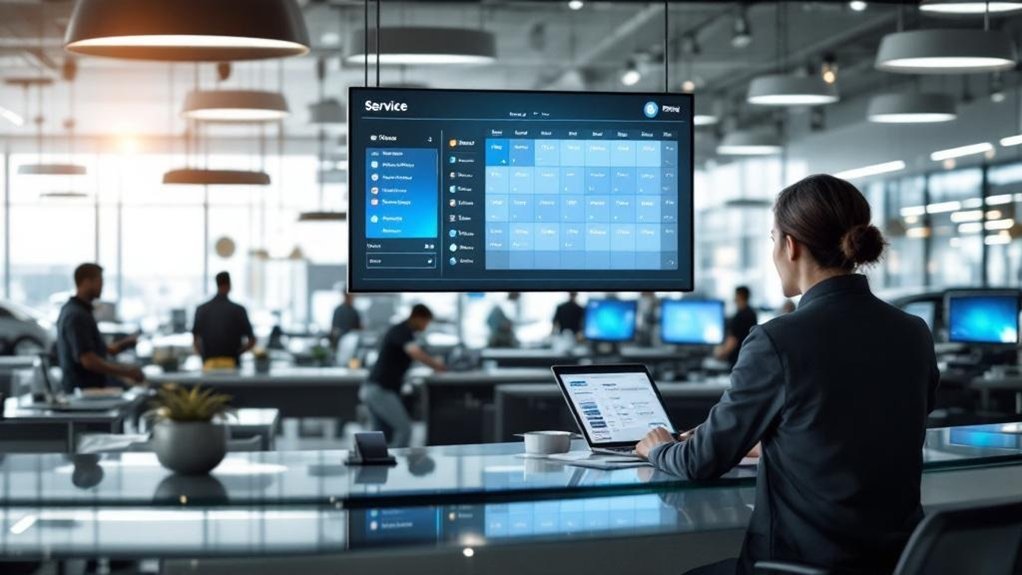
Having a clear digital service menu is only part of the efficiency equation—real-time booking and tight integration with your dealership systems make sure those choices actually turn into on-the-books appointments. When your booking platform pushes real time updates to the dealership management system (DMS), you avoid double bookings and maintain accurate technician and bay availability. Automated scheduling confirms appointments instantly via text or email, cutting no-shows by roughly 45–50% and giving customers immediate certainty. With AI-driven booking suggestions, the system recommends relevant services so appointments are properly scoped before arrival. That shifts manual load away from advisors, letting them focus on customer interactions and problem-solving rather than calendar juggling. The result is predictable throughput, less stress, and higher productivity.
Reducing Call Transfers, Hold Time, and Repeat Calls
You’ll cut transfers and shorten hold times by routing customers to the right resource immediately through a clear digital service menu. That reduces unanswered peak-hour calls and curbs the repeat-call cycle that drags NPS down. Faster resolution also eases advisor workload so your team can handle higher-value interactions.
Fewer Call Transfers
When calls get bounced around, customers notice—and they’re less likely to recommend your dealership; transfers drop NPS from 59 to 47, and repeat callers fall to just 45. You need tools that improve call efficiency and protect customer retention. A digital service menu routes requests so advisors answer with context, cutting transfers and repeat callbacks.
- Direct routing to the right advisor the first time
- Clear self-service options for routine requests
- Visible advisor availability to prevent unnecessary transfers
- Call-back scheduling to avoid unanswered peak-hour calls
- Data-driven routing to reduce repeat contacts
Fewer transfers mean fewer missed opportunities—each answered call preserves roughly $300 in service revenue—and a steadier experience that keeps customers coming back.
Shorter Hold Times
Because every extra minute on hold chips away at satisfaction and revenue, dealers need a focused strategy to slash wait times and repeat calls. You can meet rising customer expectations by cutting transfers and automating routine tasks: calls without transfers yield an NPS of 59 versus 47 with at least one transfer. Many callers hang up after 30 seconds, costing about $300 per missed call, so reducing hold time pays quickly. Implementing a streamlined digital service menu and automated scheduling lets advisors resolve issues faster, reduces repeat calls that push NPS down to 43, and improves service efficiency. Integrating AI and automation can bring response times from 4–6 minutes to under 30 seconds, directly boosting satisfaction and revenue.
Measuring Advisor Time Savings and Customer Satisfaction
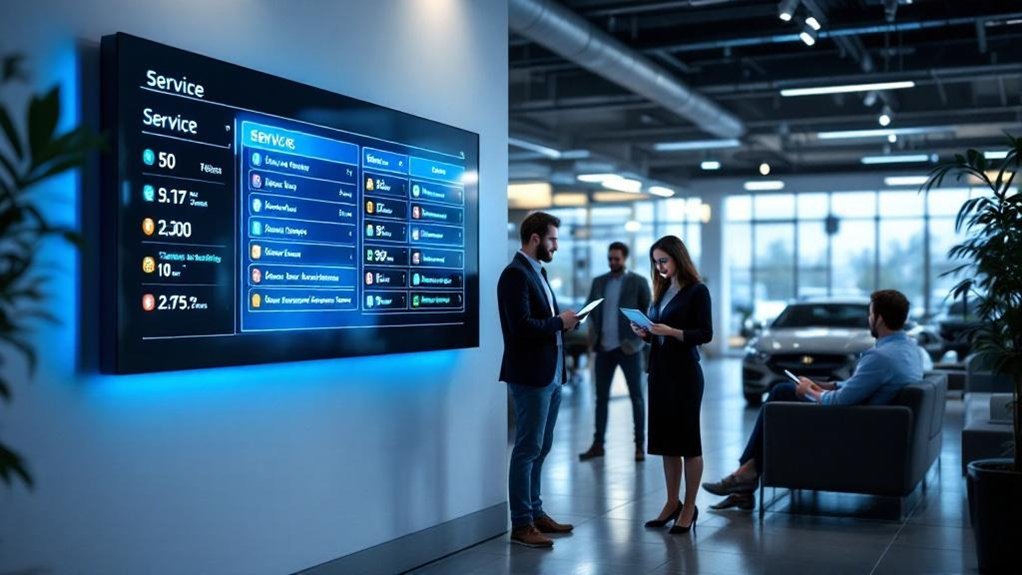
Although digital service menus often work behind the scenes, they let you measure advisor time savings and customer satisfaction with clear, quantifiable metrics: You’ll track advisor productivity and collect structured customer feedback to prove impact. Use these concrete KPIs to show reduced wait-time pressure and operational gains:
- Time saved per advisor (30% reduction on scheduling/inquiries; 10-minute average wait reduction)
- No-show rate drop (45–50% improvement) and its effect on advisor workload
- Booking conversion time improvement (45–50% faster via automated confirmations)
- Customer retention lift (52% increase) as a proxy for long-term satisfaction
- Net satisfaction score from real-time feedback tied to specific menu interactions
You’ll combine these metrics for concise, actionable reporting and continuous improvement.
Best Practices for Designing an Intuitive Digital Menu
You should present clear, concise options so customers can find and select services without hesitation. Keep the flow fast and logical, grouping related services and minimizing steps between selection and booking. That way you reduce advisor explanations, speed up scheduling, and boost engagement.
Clear, Concise Options
A few well-chosen, clearly labeled options on your digital service menu will cut decision time and confusion, making it easier for customers to pick what they need and for advisors to process requests faster. Use customer engagement and service clarity as guiding principles: prioritize the most common services, use plain labels, and surface essential details up front. Keep entries brief and actionable.
- Label services with short, unambiguous names
- Group related items to reduce scanning time
- Include one-line summaries and expected durations
- Add icons or visuals to speed recognition
- Show real-time availability for appointments
These measures reduce confusion, boost satisfaction, and lower advisor explanation time, helping you manage peak demand and prevent scheduling errors that cost revenue.
Fast, Logical Flow
Having clear, concise options is only half the job — the menu also needs a fast, logical flow so customers can move from choice to confirmation without friction. You’ll prioritize quick, predictable paths: grouped services, prominent common actions, and minimal taps to confirm. Real-time updates on service status and wait times cut perceived waits and keep customer engagement high, boosting retention. Interactive touchscreens and clear visuals speed decision making, letting customers self-serve instead of leaning on advisors. Build short feedback checkpoints after selection to capture preferences and refine the flow over time. Measure navigation times and survey responses, then iterate to remove friction points. A streamlined, data-driven flow reduces advisor interruptions and improves throughput.
Overcoming Implementation Challenges and Staff Adoption

While rolling out a digital service menu can take 4–6 weeks and means you’ll need an initial systems assessment to confirm compatibility with your dealership management software, the real success comes from tightly coordinated training, change management, and communication. You’ll focus staff training on workflows, customer scripts, and escalation points so advisors stay confident and service quality doesn’t slip. Change management should map role changes, set metrics, and provide leadership support. Customize customer communication templates for consistent branding, then run refresher sessions and offer ongoing support.
- Conduct focused staff training sessions
- Define change management steps and ownership
- Customize customer messaging templates
- Schedule refresher trainings and coaching
- Provide a dedicated support channel
Frequently Asked Questions
What Is the Four Square Trick at a Car Dealership?
The four square is a dealership pricing tool you’ll see on a worksheet dividing vehicle price, trade-in value, down payment, and monthly payment. It lets you visualize adjustments, simplifying negotiation and keeping discussions focused.
What Is a Red Flag in a Dealership?
A red flag in a dealership is any warning sign of trouble — like 60% of calls going unanswered — showing red flag behaviors that lead to customer complaints, lost revenue, and urgent operational fixes you can’t ignore.
What Is the Turnover Rate for Automotive Service Advisors?
You’re looking at about a 30%–40% annual turnover rate for automotive service advisors; improving advisor retention through service efficiency measures can cut hiring costs, stabilize teams, and boost consistent customer service and dealership reputation.
What Is the Most Stressful Job at a Dealership?
You’re like a pressure cooker: the Service Advisor role is often the most stressful job at a dealership, driven by Service Advisor Stress and broader Dealership Challenges, and you’re juggling expectations, calls, appointments, and customer frustrations constantly.
Conclusion
You’re tackling a daily time sink: advisors answering repetitive calls and guiding unsure customers. A digital service menu cuts that pressure by letting customers self-select services, book in real time, and see availability—so advisors spend less time on hold and more on high-value interactions. One dealership saw a 40% drop in average advisor call time after rollout. Adopt clear categories, real-time sync, and simple language to guarantee fast staff adoption and measurable time savings.