
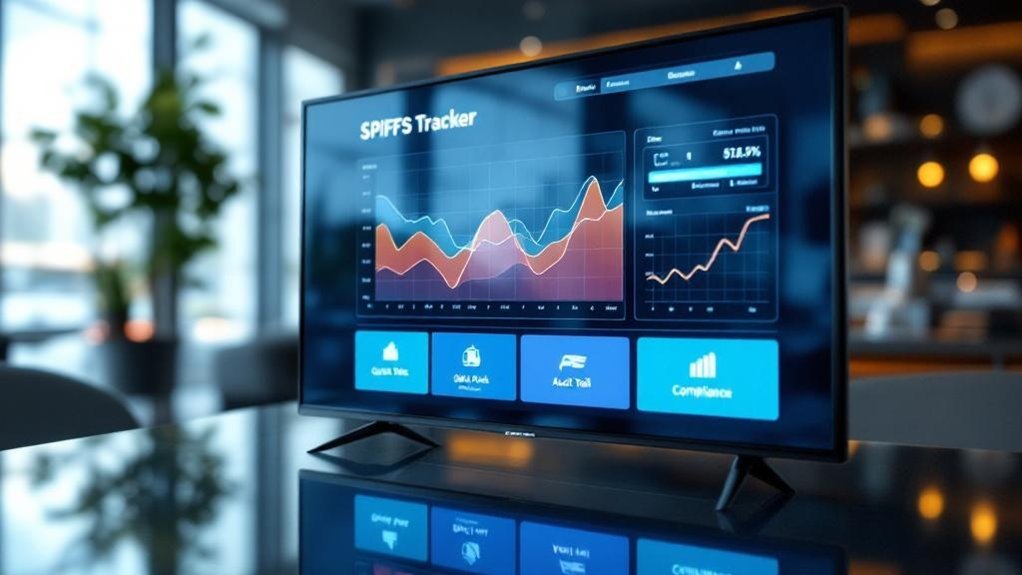
You’ll boost showroom sales fast by setting clear SPIFF goals (units, dollars, CSAT) and turning them into visual KPIs on TVs. Integrate your POS/CRM for real‑time updates, use APIs or middleware to minimize lag, and display bold leaderboards with progress bars and top performers. Automate alerts for milestones and recognition moments to keep reps engaged. Measure results weekly, collect rep feedback, and iterate visuals and rewards to tighten impact—keep going to see practical setup tips and examples.
Key Takeaways
- Define specific SPIFF goals (units, dollars, CSAT) and map them to visual KPIs shown on showroom TVs.
- Integrate POS/CRM via APIs or middleware to push real-time SPIFF progress to displays.
- Use bold leaderboard visuals and progress bars to highlight top performers and remaining targets.
- Automate milestone alerts and recognition moments on screens to celebrate wins and drive urgency.
- Review weekly performance reports and team feedback to iterate goals, visuals, and reward structures.
Set Clear SPIFF Goals and Visual KPIS for the Screen
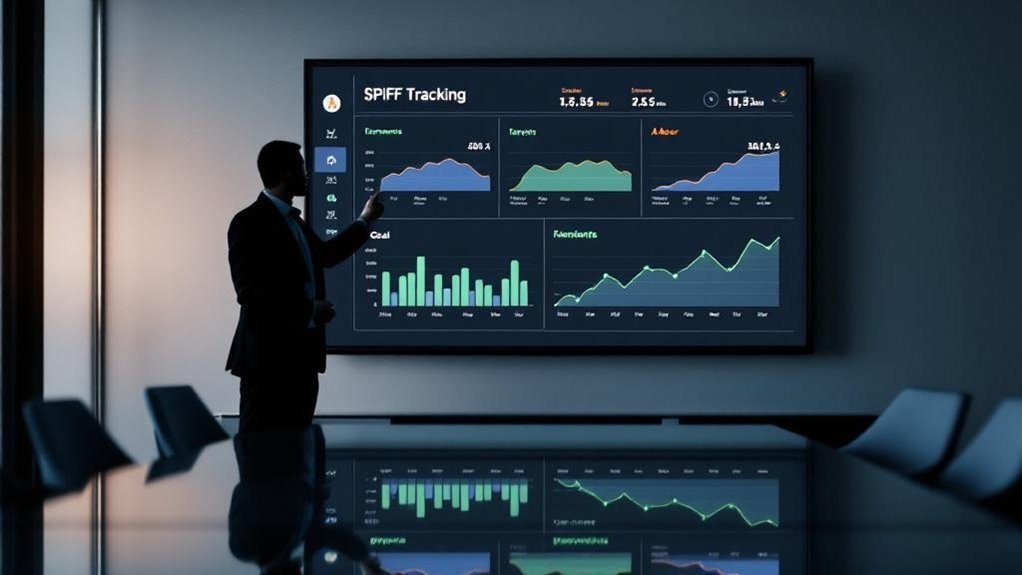
When you set SPIFFs, be specific about the behaviors and outcomes you want—like selling X cars, hitting Y dollars in sales, or maintaining a target customer-satisfaction score within a set timeframe—and translate those goals into visual KPIs on showroom TVs so progress is visible in real time. You’ll define SPIFF goals tied to clear sales behaviors: units sold, dollars generated, or customer feedback thresholds. Configure visual KPIs that give immediate visibility into performance metrics and real-time progress. Use leaderboard formats to showcase top performers and motivate sales teams, fostering healthy competition without ambiguity. Update displays regularly when targets shift so the team stays aligned. This pragmatic approach keeps everyone accountable and helps motivate salespeople toward measurable, short-term wins.
Integrate Real-Time Sales Data With Your Display System
If you want SPIFFs to actually drive behavior, integrate your POS and CRM with showroom TVs so real-time sales data updates instantly on-screen. You’ll use APIs or integration middleware to feed the display system, ensuring SPIFF progress reflects actual transactions with minimal lag. Real-time sales data enables immediate recognition of wins, which boosts sales engagement and keeps teams focused. Configure leaderboards to highlight top performers and their earnings, sparking healthy competition without manual updates. Schedule frequent syncs or event-driven pushes so progress and standings stay current; this urgency supports short-term sales uplifts. Measure impact: look for rising sales engagement and short-term sales gains, and tweak thresholds or visibility rules to sustain momentum and fairness.
Design Eye-Catching Leaderboard and Progress Visuals
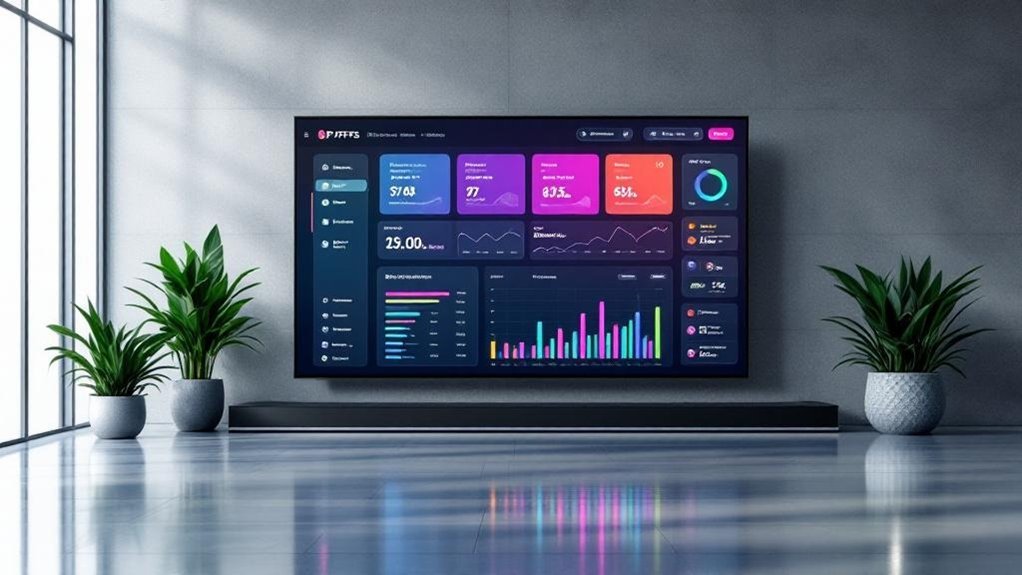
Think of your leaderboard as a high-impact visual cue: use bold colors, clear typography, and dynamic graphics so staff and customers instantly grasp who’s leading and how close targets are. You’ll design a leaderboard that puts performance metrics front and center, combining progress visuals like bars and pie charts to make achievements and gaps obvious. With real-time updates, healthy competition grows and sales incentives feel immediate, which helps boost morale and motivation. Highlight top performers and concise stats to celebrate success without clutter. Position the display on prominent digital signage in the showroom so reps and buyers see it regularly. Keep layouts simple, data readable from a distance, and color coding consistent so the leaderboard drives focus and sustained performance.
Automate Updates, Alerts, and Recognition Moments
Because real-time visibility matters, automating SPIFF updates and alerts on showroom TVs lets your team see progress, milestones, and winners the moment they happen. You should automate updates to reflect sales performance instantly, freeing managers from manual tasks so they can coach. Configure alerts for milestone hits and streaks to spark friendly competition and drive short-term goals. Use recognition moments — spotlight top sellers and recent wins — to boost morale and reinforce desired behaviors. Combine alerts with clear visual progress tracking so everyone knows where they stand and what’s achievable today. For sales teams running SPIFFs, this reduces admin friction, increases engagement, and creates a loop of immediate feedback that raises focus and results without extra overhead.
Measure Impact and Iterate the Display Strategy
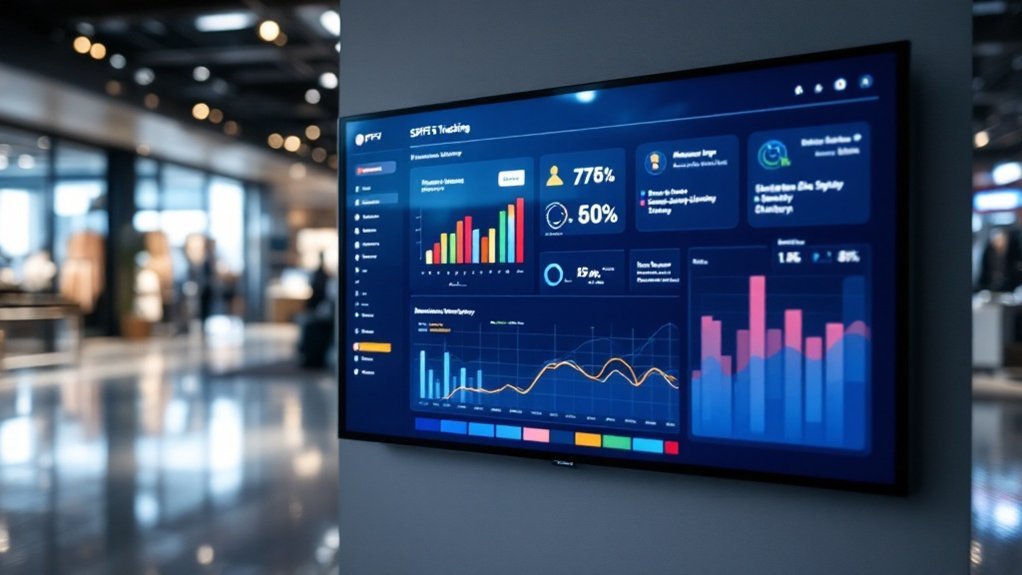
While you’re running SPIFFs on showroom TVs, measuring their impact and iterating the display strategy is non-negotiable: set regular reporting intervals (weekly or bi-weekly), collect sales and qualitative feedback from reps, and compare pre- and post-campaign data to quantify lift (targeting the ~15% benchmark many firms see). Use showroom screens to show real-time SPIFF performance metrics so teams track progress and you can measure impact quickly. Gather feedback from sales representatives to improve engagement and motivation. Analyze sales data against short-term objectives and adjust the sales SPIFF program accordingly. Test visual formats, messaging, and reward structures, then repeat what works.
- Celebrate wins
- Diagnose slumps
- Iterate visuals
- Tighten objectives
Frequently Asked Questions
What Are the Best Practices for Spiff Payouts?
You should use clear spiff program design, proven spiff calculation methods, regular spiff payout frequency, spiff tracking tools and sales performance metrics, apply incentive alignment techniques, employee motivation strategies, effective communication channels, and ongoing spiff program evaluation as best spiff practices.
What Does “Spiff” Actually Stand For?
“Spiff” stands for Sales Performance Incentive Funds. You’ll see it used as a Performance Bonus within Sales Incentive programs, driving Retail Promotions, Employee Motivation, Commission Structure, Revenue Sharing, Profit Sharing, Team Collaboration, Market Strategy, Customer Engagement.
Is a Spiff Considered Taxable Income?
Yes — they’re taxable. For example, when you paid a $500 spiff to a rep, you reported it as wages; consider tax implications, income reporting, sales incentives, financial planning, employee motivation, commission structures, tax deductions, bonus calculations, compensation packages, revenue management.
How Does SPIFFS Work?
You earn spiffs by meeting defined targets; spiff mechanics set rules, spiff eligibility defines who qualifies, spiff calculations determine payouts, spiff tracking and reporting measure spiff performance, while spiff administration, management and incentives drive motivation.
Conclusion
You’ve got a game plan: set clear spiff goals, stream live sales into your displays, craft bold leaderboards, automate updates and shout-outs, then measure and tweak. Treat your showroom screens like a pit wall—feeding crews real-time data so everyone can sprint smarter. Stick to these quick wins, keep visuals simple and actionable, and you’ll turn passive signage into a profit-driving engine that motivates reps and proves its ROI fast.