
You’ll get immediate, data-driven visibility into estimated vs. actual labor so you can correct course before delays compound. Real-time flag/hour variance alerts put accountability on technicians, reveal repeat overruns, and help you balance loads across bays. A centrally mounted shop-wall display tied to live flat-rate forms drives faster decisions, reduces wasted hours, and quantifies labor savings. Set clear thresholds, train responses, and track KPIs to prove ROI — continue and you’ll see implementation steps and measurement tactics.
Key Takeaways
- Display live flag/hour variances on a central shop-wall monitor to immediately surface estimated vs. actual labor discrepancies.
- Use WebSocket-enabled integration with the shop database for sub-minute updates and automated variance calculations.
- Color-code alerts (green/yellow/red) with defined actions to drive immediate technician response and load rebalancing.
- Log and trend alert data by technician, job type, and time to identify repeat overruns and refine estimates.
- Combine alerts with training, shift audits, and threshold tuning to convert variance signals into sustained labor-hour savings.
Benefits of Real-Time Flag/Hour Variance Alerts
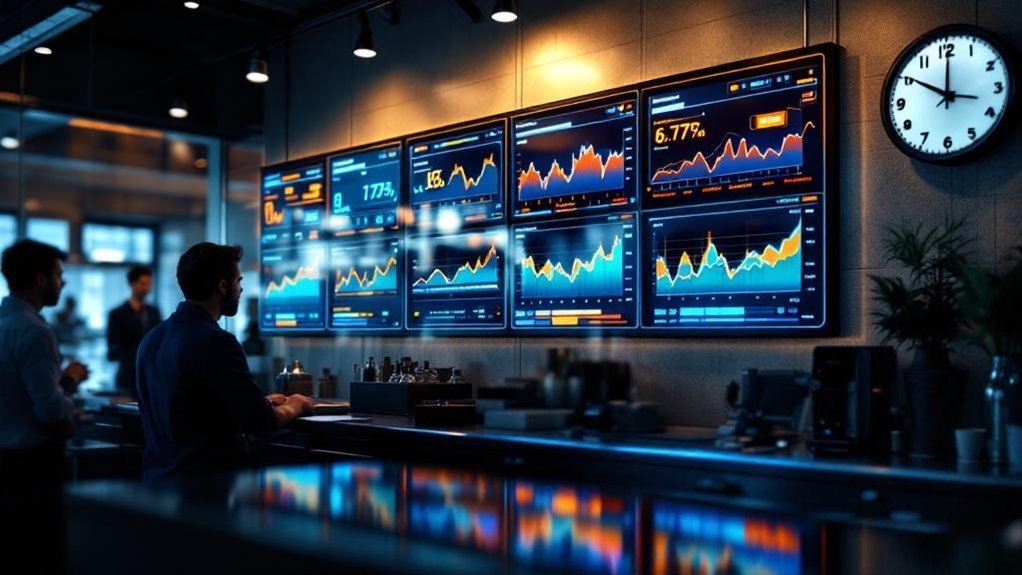
A dashboard or shop wall display that flags hour variances in real time gives you immediate visibility into where estimated and actual labor diverge, so you can hold technicians accountable and correct course before delays compound. You’ll get real-time alerts that surface discrepancies the moment they occur, letting you reassign tasks, adjust flat-rate expectations, or coach technicians to prevent overtime. That visibility drives operational efficiency by shortening decision cycles—issues are resolved during the shift, not after. Visual indicators also align technician behavior with targets, improving throughput and customer communication about progress. Measured over time, quicker interventions translate to lower labor costs through reduced wasted hours and optimized resource allocation. The approach yields predictable productivity gains and clearer, data-backed management actions.
How Alerts Improve Technician Accountability
Building on how real-time variance flags shorten decision cycles, these alerts also create direct, data-backed accountability for technicians by giving immediate feedback when estimated hours and actual labor diverge. You’ll stop trying to figure where time slipped because the shop wall displays live variances, so you know who’s meeting targets and who’s going to need coaching. When alerts surface discrepancies, you can keep a running record of patterns by technician, job type, and time of day, enabling focused feedback and performance metrics. That transparency encourages technicians to self-correct and prioritize tasks to hit allotted hours. Over time, regular monitoring reduces estimate error, improves time management, and aligns individual incentives with shop productivity goals without manual oversight.
Setting Up the Shop Wall Display System
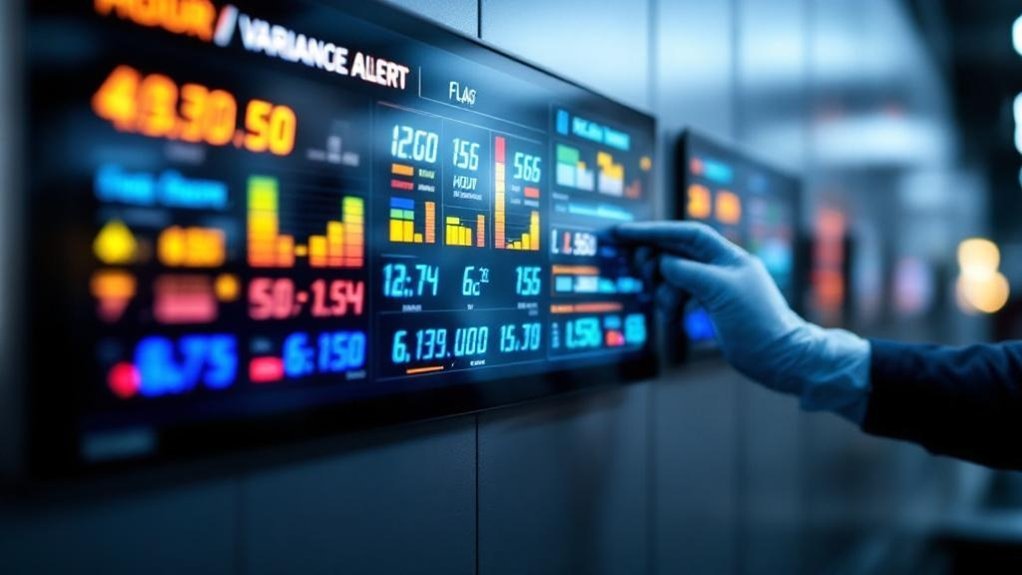
You’ll start by choosing robust hardware and placing a large, high-contrast screen centrally so 95% of technicians can view real-time metrics without leaving their workstations. Then you’ll integrate the display with your central database via a JavaScript-enabled app that pulls labor-hour records and pushes instant updates to the wall. Finally, configure visual rules to flag discrepancies between recorded and actual hours so teams can act on variances within minutes.
Hardware and Placement
Because visibility drives response time, your shop wall display should use a high-resolution monitor centrally mounted so every technician can see real-time flag/hour variance alerts at a glance. You’ll choose a screen size and pixel density that maintain legibility from the farthest workstation, and prioritize centralized placement to minimize sightline obstruction and reduce average alert acknowledgement time. Integrate the display with existing tracking software via standardized APIs and JavaScript hooks to guarantee reliable data feeds. Configure color-coded thresholds (normal, caution, critical) and concise text to enable sub-second comprehension. Plan for routine hardware health checks, firmware updates, and spare-part availability to keep uptime above 99%. Document mounting specs, power/cable routing, and maintenance intervals for repeatable deployment.
Real-time Data Integration
Start by mapping the real-time data paths you’ll need: identify the labor-management endpoints, job-entry events, and performance metrics to stream, then define API contracts and WebSocket or Server-Sent Events channels so your JavaScript-based display can consume updates with sub-second latency. You’re going to go from source to wall: pull job-entry events, flat-rate vs actual hours, and technician flags. Use WebSocket streams for immediacy, fall back to SSE, and batch-sync summaries to Google Sheets for simple reporting and historical checks. Responsive JavaScript UI visualizes variances; the first step is confirming schemas and auth. Keep payloads minimal, use JSON with timestamps, and monitor dropped messages.
| Source | Payload |
|---|---|
| LMS | job_id,hours |
| Entry | timestamp,status |
| Performance | tech_id,delta |
| Wall | render_state |
| Archive | csv_link |
Integrating Flat Rate Forms With Live Dashboards
When you link flat rate forms directly to live dashboards, submitted hours and variances stream to displays in real time so managers and techs get accurate, actionable data without manual entry lag; this automated flow highlights estimated vs. actual hour discrepancies, supports quick workflow adjustments, and feeds performance alerts to shop walls and mobile devices for clearer team communication. You’ll reduce errors by automating JavaScript-enabled transfers that normalize form fields, validate entries, and push updates to multi-device dashboards. Use aggregated metrics to prioritize bottlenecks, and present variance trends so teams can go back and diagnose recurring estimation gaps. Let’s say you surface high-variance jobs on the shop wall, technicians can reassign tasks or request support immediately, improving throughput and accountability.
Designing Clear and Actionable Alert Thresholds
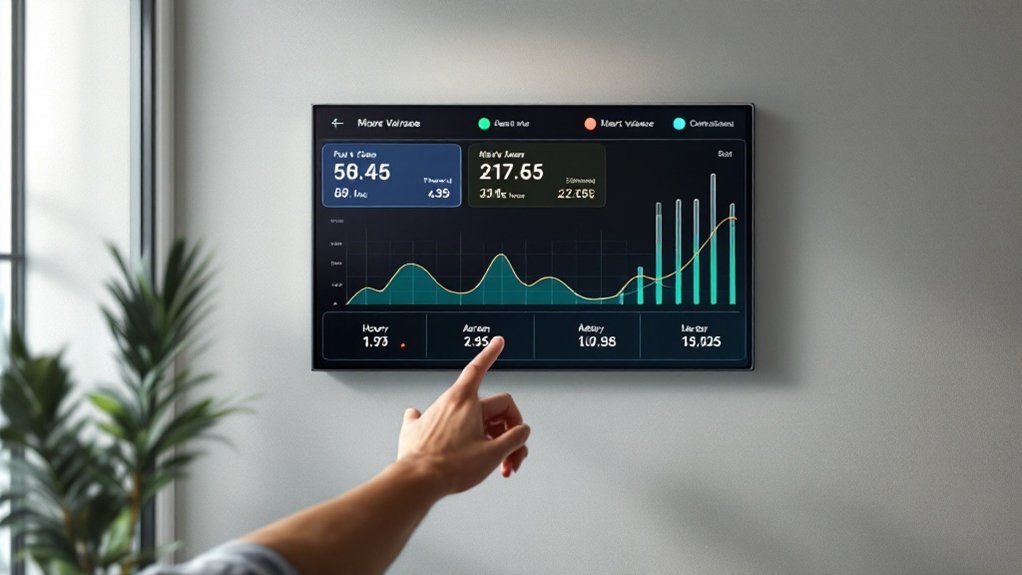
Although alert thresholds need to be grounded in historical performance, you’ll get the most value by combining that baseline with ongoing real-time monitoring so thresholds reflect both typical variance and current shop conditions. Use historical data analysis to set initial acceptable ranges per task, then layer automated real-time analytics to trigger green/yellow/red alerts when variances exceed thresholds. Define concrete actions for each color — e.g., reallocate labor or adjust technician assignments — and embed those recommendations in the alert payload. Employ alert customization strategies so supervisors can tune sensitivity by bay, job type, or technician skill. Close the loop with technician feedback loops to validate thresholds and iteratively refine them based on measured outcomes and operational context.
Best Practices for Data Accuracy and Validation
Because accurate labor data is the foundation of reliable variance alerts, you should treat data entry and validation as operational priorities rather than afterthoughts: implement regular audits, enforce validation rules in forms/spreadsheets, and standardize input processes so flat-rate hours, order numbers, dates, and vehicle details are consistently recorded; add real-time discrepancy alerts to catch mismatches between reported and expected hours, and run periodic training so technicians stay aligned with the standards. You’ll enforce data entry guidelines that limit field formats, reduce free-text errors, and guarantee consistent identifiers. Use automated validation rules and immediate alerts to reduce correction time. Regular audits quantify error rates and guide improvements. Reinforce practices through scheduled technician training focused on common errors and corrective workflows.
- Standardize fields and formats
- Apply validation rules in forms/spreadsheets
- Run scheduled audits and KPI tracking
- Deliver recurring technician training
Using Alerts to Optimize Workflow and Scheduling
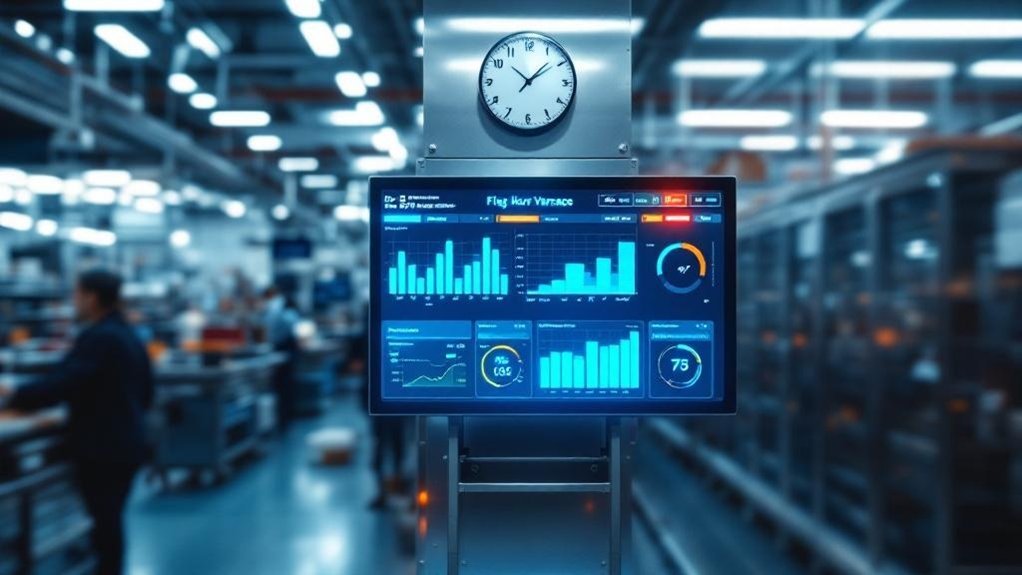
When a flag/hour variance alert appears, you can make immediate schedule adjustments to reassign work and prevent downstream delays. Use the alert data to balance technician loads by skill and capacity, reducing overtime and idle time. Over time, trending these alerts lets you proactively level the board and improve on-time completion rates.
Immediate Schedule Adjustments
If you set up real-time flag/hour variance alerts on the shop wall, you’ll be able to reassign technicians the moment a job falls behind or finishes early, minimizing idle time and reducing overall repair turnaround by routing labor where it’s needed most. You’ll use schedule optimization strategies, technician response protocols, and workflow adjustment techniques to convert alerts into actions. Data from alerts lets you prioritize tasks with the biggest impact on throughput and customer wait time. Clear protocols speed decision-making and maintain accountability.
- Triage: rank variance alerts by impact and ETA, then assign available techs.
- Short-shift fills: move technicians to sub-two-hour tasks to prevent bottlenecks.
- Cross-skill routing: deploy multi-skilled techs to high-variance areas.
- Post-shift review: log variances for training and future allocation.
Technician Load Balancing
Shifting from immediate schedule fixes, you’ll use real-time flag/hour variance alerts to keep technician loads balanced across the day, spotting gaps between estimated and actual hours and reallocating work before bottlenecks form. You’ll apply load distribution strategies driven by alert feeds and technician performance metrics, reallocating tasks to minimize idle time and smooth peak demand. A visual shop-wall alert system makes disparities visible to everyone, enabling quick, collaborative task management decisions that prioritize urgent jobs and level daily throughput. Over time, trend analysis of alerts refines scheduling templates and staffing plans, so your forecasts match reality more closely. The result: fewer overtime spikes, improved on-time delivery, and measurable productivity gains.
Training Staff to Respond Effectively to Alerts
Because real-time flag/hour variance alerts are visible on the shop wall, you’ll need targeted training that teaches staff to recognize alert types, interpret their significance for labor and service KPIs, and take specific corrective steps within set timeframes. You’ll build alert response strategies tied to measurable outcomes, use staff engagement techniques to drive consistent reporting during huddles, and apply training effectiveness measurement to refine content. Train with case studies showing consequences of ignored alerts, provide quick-reference guides and digital tools, and schedule short refreshers.
Real-time flag alerts demand targeted training: recognize types, act quickly, track outcomes, and reinforce through case studies and refreshers
- Standardize recognition: define each alert, threshold, and first action.
- Practice scenarios: role-play corrections and communications.
- Communication protocol: who notifies, how, and within what window.
- Feedback loop: collect response data and adjust training.
Measuring ROI and Productivity Gains From Alerts
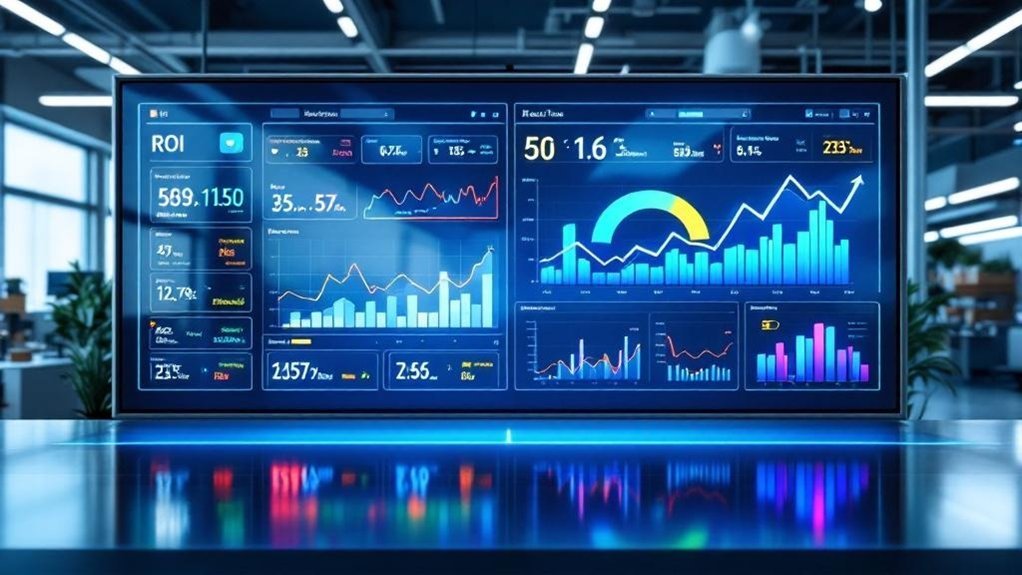
You’ll want to quantify labor-hour improvements by comparing pre- and post-alert technician productivity metrics to confirm the expected 15–20% gains and reduced repair times. Convert those hour savings into alert-driven revenue and cost reductions—using the ~$3 ROI per dollar spent and reported 10% labor-cost drop—to model net financial impact. Finally, tie alerts to uptime by measuring how faster turnarounds and higher completion rates increase throughput and available capacity for additional jobs.
Tracking Labor-Hour Improvements
When you track labor-hour variances in real time, you’ll be able to quantify how alerts translate into concrete productivity gains—measuring changes in actual vs. estimated hours, technician throughput, and labor cost per job to calculate ROI and prioritize process fixes. You’ll combine labor tracking technologies, performance analysis tools, and technician feedback systems to spot patterns, reduce overruns, and enforce accountability. Use alerts to close gaps quickly and document the before/after metrics that prove impact.
- Compare estimated vs. actual hours weekly to identify repeat overruns.
- Measure technician throughput and cycle time improvements post-alert.
- Calculate labor cost per job reductions tied to variance resolution.
- Feed performance data into coaching and process-change plans for ongoing gains.
Calculating Alert-Driven Revenue
Having established how real-time flag/hour variance alerts help you spot and fix labor overruns, the next step is quantifying their financial impact: calculate additional revenue from improved technician productivity, labor-cost savings from fewer overruns, and reduced error-related expenses to produce a net ROI. Use alert analysis techniques to parse alert frequency, severity, and resolution time; correlate those with technician performance metrics to isolate productivity gains—shops report up to 15% revenue uplift and ~10% labor-cost reduction. Build revenue forecasting models that factor in repeat-business increases from faster turnaround (up to 20%) and reductions in error-related inefficiencies (up to 30%). Present a concise ROI table: incremental revenue, labor savings, error-cost avoidance, implementation expense, and payback period.
Linking Alerts to Uptime
Because uptime directly ties to billable hours and customer throughput, linking real-time flag/hour variance alerts to uptime metrics gives you a clear, quantifiable way to measure ROI and productivity gains. You’ll use alert response strategies to convert immediate discrepancies into corrective tasks, reducing idle time and aligning labor with demand. Performance metric analysis of alert frequency and root causes pinpoints where technician engagement techniques will have the biggest impact. Track improvements in mean time between delays, percent billable utilization, and job cycle times to translate alerts into dollars.
- Measure alert volume by category to prioritize fixes.
- Correlate alert trends with uptime and revenue weeks.
- Implement targeted technician engagement techniques for low performers.
- Report ROI via reduced downtime and higher billable hours.
Future Enhancements for Shop Wall Alert Systems
If shops want faster, more precise responses to labor discrepancies, future shop-wall enhancements will deliver real-time flag/hour variance alerts that notify technicians and managers the moment efficiency drifts from target. You’ll leverage alert customization options to set thresholds tied to role, bay, and historical performance so noise is minimized and signal is immediate. Machine learning integration will analyze patterns across shifts and jobs, producing predictive alerts that flag likely variances before they’re realized. Mobile notifications tied to the shop wall guarantee technicians get actionable prompts and managers receive escalation summaries. Performance tracking tools will aggregate variance trends, enable root-cause dashboards, and quantify ROI from interventions. You’ll prioritize measurable KPIs, iterative tuning, and data governance to sustain accuracy.
Frequently Asked Questions
How Much Does a Real Time Labor Guide Cost?
You’ll pay roughly $100–$500/month for labor guide pricing, with industry standards including tiered software options, occasional $200–$1,000 setup fees, and discounts for commitments—evaluate ROI against efficiency gains strategically and quantitatively.
Is a Real Time Labor Guide Worth It?
Yes — you’ll likely see up to 20% boost in productivity. Real time efficiency improves, labor time accuracy rises, and mechanic productivity tools cut disputes, so strategically it’s a data-driven investment for profitability and service consistency.
How Accurate Are Mechanic Labor Time Guides?
They’re moderately accurate: labor time accuracy often underestimates real work by 20–30%. You’ll need to adjust for mechanic efficiency, vehicle complexity, and local industry standards, using data to update guides and set realistic flat-rate expectations.
What Are Flag Hours for Mechanics?
Flag hours for mechanics are the standardized labor time per task. You’ll use flag hour definition to set expectations, flag hour calculation to allocate work, and flag hour significance to measure efficiency, control costs, and optimize scheduling.
Conclusion
You’ll see faster, measurable gains when you use real-time flag/hour variance alerts on the shop wall—data shows shops cut wasted hours and boost throughput by double digits when alerts drive corrective action. Train technicians to treat alerts as prompts, not punishments; integrate flat-rate forms and dashboards for live transparency. Remember, “measure twice, cut once.” Be strategic: set clear thresholds, track ROI, and iterate—small, data-led changes yield steady productivity lifts.