
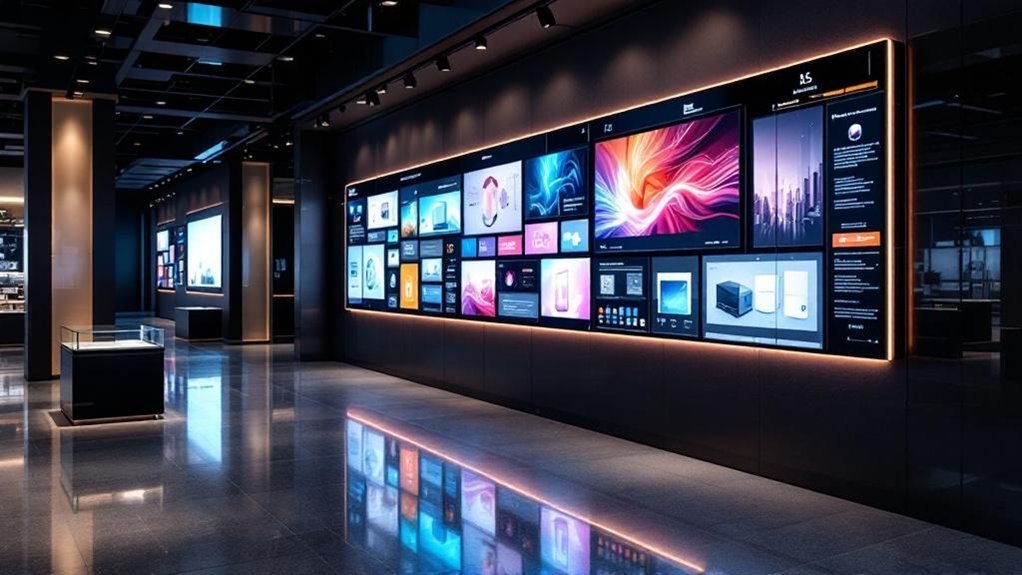
Swap your static whiteboard sales boards for centrally managed digital screens and you’ll get up to 400% more views, faster updates and measurable sales lift. You’ll cut print waste, reduce staff time changing signs and lower repetitive customer questions so your team focuses on high‑value interactions. Dynamic visuals and targeted messaging boost conversions and let you pivot promos in real time. Choose screens that fit your layout and content strategy, and keep going to see setup, content and ROI tips.
Key Takeaways
- Digital screens update content remotely and instantly, eliminating manual whiteboard rewriting and reducing staff time spent on maintenance.
- Dynamic visuals and video on screens attract up to 400% more views than static whiteboards, boosting customer engagement and conversions.
- Targeted, real-time messaging lets you promote relevant products, promotions, and inventory changes to improve sales and customer experience.
- Digital signage reduces print waste and clutter, lowers repetitive customer questions, and frees staff for higher-value interactions.
- Analytics from screens measure content performance and inform marketing decisions, improving ROI and conversion optimization.
Benefits of Switching to Digital Displays in Showrooms
Switching to digital displays can boost your showroom’s impact quickly and measurably: studies show digital screens attract up to 400% more views than static whiteboards, while remote content management lets you update promotions instantly without physical labor. You’ll see clearer ROI from reduced print costs and less staff time spent swapping signage. An interactive display turns passive browsing into guided discovery, delivering videos, animations, and real-time specs that lift engagement and conversions. Digital signage also reduces repetitive questions, so your team can focus on high-value interactions. The modern, professional aesthetic reinforces brand positioning and signals sustainability compared with paper. Measure success with view counts, dwell time, and conversion rates to justify scaling digital deployments across locations.
Choosing the Right Screen Size and Type for Your Space
When you’re planning screens for a showroom, start with sightlines and capacity: larger displays (75–98″) are recommended so content remains legible from multiple angles and distances, while available touch sizes (55, 65, 75, 86, 98″) and multi-touch options let you tailor interactivity to traffic and presentation needs. You’ll assess floorplans and audience capacity to map ideal placement and viewing distances; calculate that 75–98″ displays serve larger rooms while 55–65″ panels fit consultation areas. Prioritize 4K ultra high definition for product detail and brand impact; clarity directly influences perceived quality. Choose interactive whiteboards or multi-touch screens based on desired engagement level and foot traffic. Specify commercial-grade panels with mounting, brightness, and warranty that align with brand standards and operational uptime.
Designing Dynamic Content That Drives Sales

Because dynamic content can boost engagement by up to 400% over static signage, you should prioritize video, animation, and interactive elements that clearly showcase product benefits and promotions. Use high-quality video loops and short animated sequences on each Digital Screen to communicate key features and time-limited offers. Tie content to inventory and seasonal data so messaging stays relevant; cloud-based content management makes updates fast and trackable. Design Interactive touch experiences that let customers drill into specs, compare models, or request demos, capturing intent signals for follow-up. Measure performance with view time, interaction rate, and conversion lift, then iterate creative based on those KPIs. Keep brand visuals consistent, calls-to-action prominent, and load times minimal to protect shopper attention and maximize sales impact.
Integrating Video Conferencing and Remote Collaboration
Although remote teams often feel disconnected, integrating video conferencing into showroom digital screens makes collaboration as seamless and productive as in-person meetings. You’ll leverage digital smartboards with integrated webcams and multi-touch interactive whiteboard features so multiple contributors annotate in real time. Data shows 4K displays reduce visual friction, keeping shared content legible and decision cycles shorter. Plug-and-play setups minimize user steps and boost adoption; you won’t need complex configuration or extra devices beyond a simple video cable when required. Real-time capture and cloud sharing keep remote participants synced, improving conversion-focused demos. Measure engagement with metrics like annotation frequency and call duration to optimize presentations and reinforce your brand’s professional, tech-forward showroom experience.
| Feature | Benefit |
|---|---|
| 4K display | Clear visuals |
| Multi-touch | Simultaneous input |
| Cloud sync | Real-time sharing |
Installation, Mounting and Connectivity Best Practices
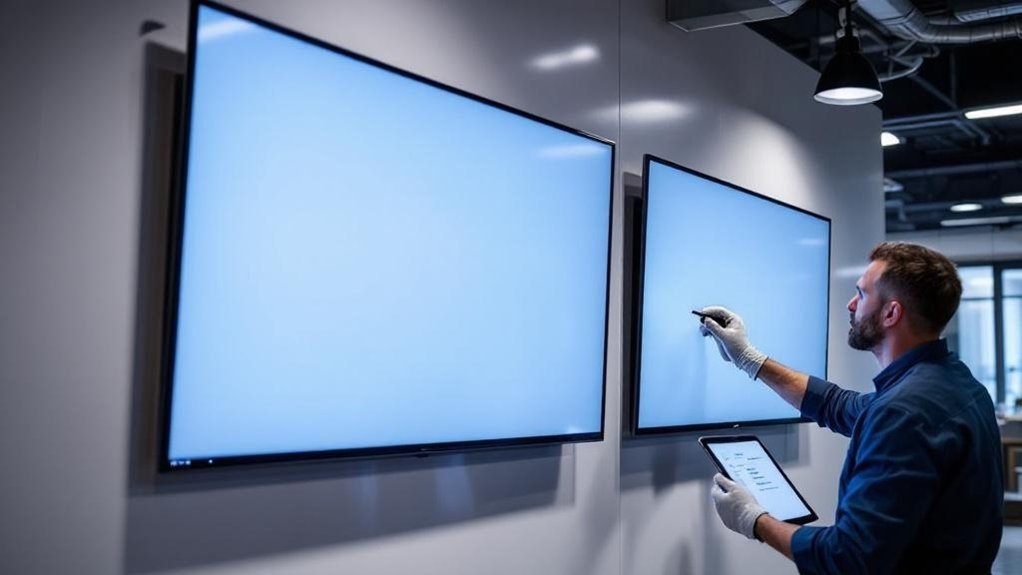
If you want reliable, professional showroom screens, start by matching mount hardware to each display’s weight and dimensions and following the manufacturer’s recommended heights and viewing angles for interactive use. For installation, verify wall reinforcement and use heavy‑duty mounts for models over 75 inches—86″ and 98″ need structural backing to prevent sagging. Select mounting solutions by rated load, VESA pattern and expected user engagement. Use professional installation if you’re unsure to guarantee safety and regulatory compliance. For connectivity, prioritize wireless options to reduce cable clutter and enable device mobility, but plan for wired fallback for critical feeds. Document mount specifications, cable paths and network settings so your brand delivers consistent, reliable displays across locations.
Cost, Warranty and Maintenance Considerations
When budgeting for showroom screens, start with clear line-item ranges—entry-level replacements can run as low as $100 while high-end interactive panels reach $10,000—so you can match feature needs (size, touch, resolution, CMS integration) to capital limits. You’ll evaluate total cost not just by purchase price but by lifecycle savings: eliminate projector lamp replacements and printing expenses, and quantify reduced labor from instant cloud-based CMS updates. Prioritize models with at least a 3-year manufacturer warranty covering parts and labor to protect uptime and brand presentation. For maintenance, choose displays with remote management and straightforward access panels to minimize service calls. Track warranty terms, expected mean time between failures, and vendor SLAs to keep your showroom reliable and on-brand.
Real‑World Use Cases and Success Stories
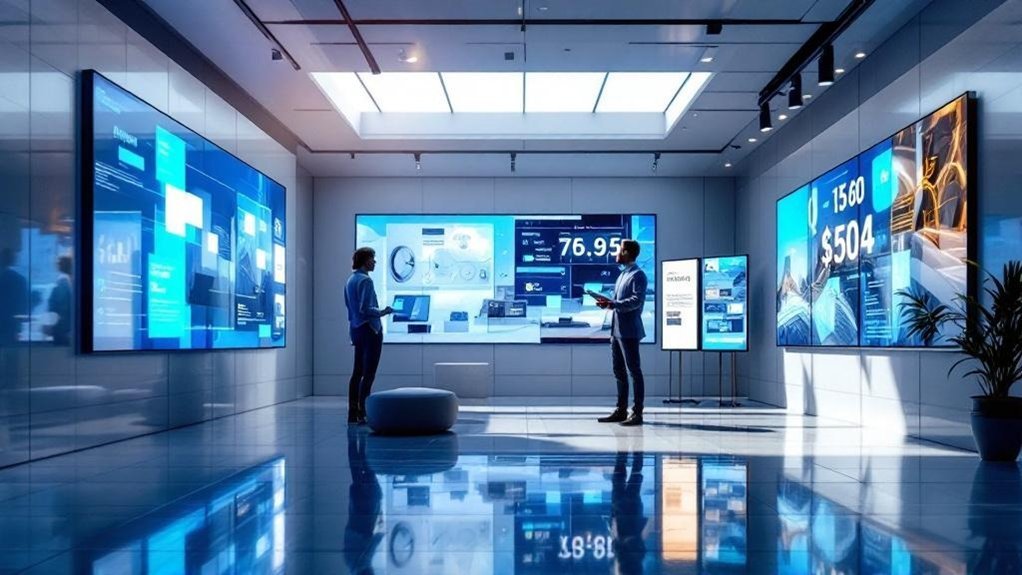
You’ll see how digital screens drive sales floor engagement with measurable lifts — for example, a dealership’s switch to digital boards raised engagement 30% and sales 25% in one quarter. Real-time promotions on displays boosted foot traffic and transaction value in showrooms and restaurants, while cutting staff inquiries and manual update time. Use these cases to shape brand-focused screen strategies that prioritize immediate offers and measurable customer interaction.
Sales Floor Engagement
Three clear examples show how digital screens transform sales-floor engagement: retailers reporting a 400% jump in customer interaction after swapping whiteboards for vivid displays, automotive showrooms cutting routine inquiries by up to 30% with real-time sales boards, and libraries boosting event participation through engaging audiovisual content. You’ll see digital ink annotations and interactive LED layouts replace static notes, turning display screens into collaborative selling tools that shorten decision cycles. Your brand benefits from measurable uplift: higher foot engagement, fewer repetitive questions, and improved staff focus on personalized service. Multi-touch interactive screens also drive team collaboration during presentations, accelerating consensus. Deployments emphasize content clarity, uptime, and analytics so you can scale wins across locations and quantify ROI quickly.
Real-Time Promotions
Because real-time screens let you change promotions instantly based on inventory and trends, brands are seeing clear, measurable gains: retailers reported a 30% sales lift after swapping whiteboards for dynamic displays, restaurants cut food waste by 50% by promoting daily specials, and dealerships reduced promotion-related inquiries by 25%, freeing staff to sell.
| Use case | Outcome |
|---|---|
| Retail | 30% sales lift |
| Restaurant | 50% less waste |
| Dealership | 25% fewer inquiries |
| Visibility | 400% more views |
| Staff focus | Higher conversion |
You’ll use digital screens to run targeted, data-driven real-time promotions that match stock and demand. The display flexibility boosts relevance and engagement, reduces waste, lowers noise from inquiries, and increases conversions — measurable wins for your brand.
Frequently Asked Questions
How to Convert Whiteboard Into Digital Board?
Buy an interactive display, deploy digital transformation strategies via signage software, enable wireless mirroring and annotation, track usage metrics, highlight benefits of interactivity, and train staff to boost enhancing customer engagement and measurable showroom conversion rates.
What Is a Digital Whiteboard Called?
A digital whiteboard’s usually called an interactive display or digital display technology. Picture collaboration accelerating: you’ll use interactive learning tools and collaborative workspaces, backed by measurable engagement gains and streamlined content sharing for consistent brand experiences.
What Is an Example of a Digital Whiteboard?
An example is the ELMO EL86R2HOL, an 86-inch 4K interactive display that’s a collaborative tool, offering multi-touch touchscreen technology, digital annotation, and seamless streaming—data-driven performance that elevates presentations and remote meeting workflows.
Can Smart Boards Be Used as Whiteboards?
Yes — you can: smart board features let you write, save and share like a traditional board while enabling interactive learning and digital collaboration; data shows they boost engagement and streamline content distribution for your showroom or classroom.
Conclusion
You’re trading dusty markers for radiant pixels that sell: digital screens boost engagement, cut update time by up to 80%, and let you deliver targeted, data‑driven messaging across your showroom. Pick sizes and mounts that fit sightlines, design dynamic content that nudges conversions, and enable remote demos to expand reach. With planned maintenance and warranty coverage, your showroom becomes a scalable, measurable sales engine — a polished stage where your brand consistently converts.