
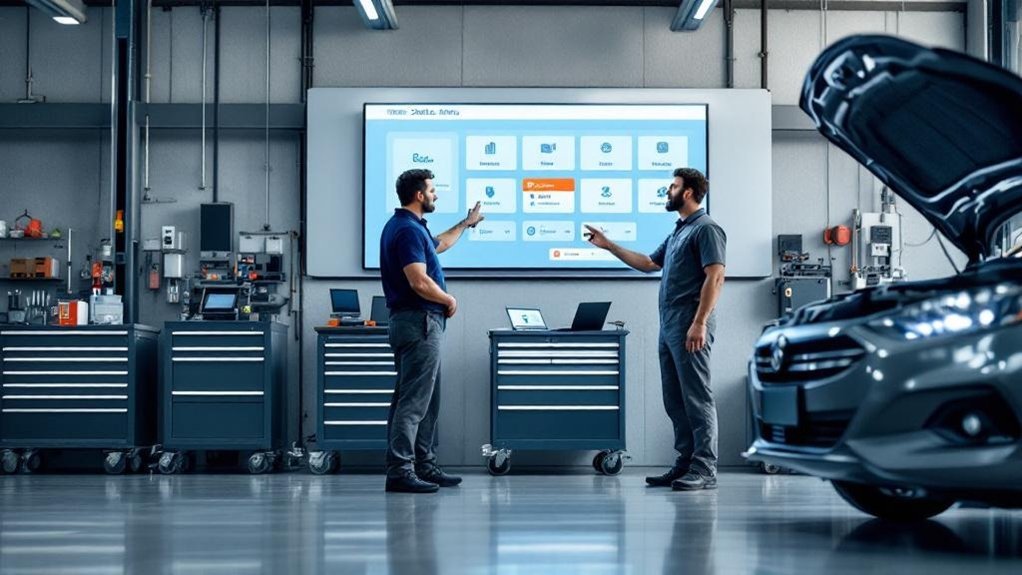
A digital service status menu board gives you real-time, color-coded updates on every vehicle so you spot bottlenecks and reassign work instantly. It routes messages to the right person, cutting back-and-forth and miscommunication. Centralized digital work orders and instant inspection results keep technicians and advisors aligned. Scheduled checkpoints and short team briefings flag issues early. Clear role visibility enforces accountability and cleaner handoffs, so turnaround speeds up — keep going to see how each piece works in practice.
Key Takeaways
- Provides real-time color-coded vehicle statuses so advisors and technicians instantly see priorities and delays.
- Routes messages directly to the right technician, reducing back-and-forth and miscommunication.
- Shares centralized digital work orders and inspection results for instant, accurate task updates.
- Enables scheduled checkpoints and briefings flagged by the board to catch issues early and keep workflows steady.
- Makes role responsibilities and task ownership visible, improving accountability and cleaner handoffs.
Real-Time Visual Status Updates for Every Vehicle
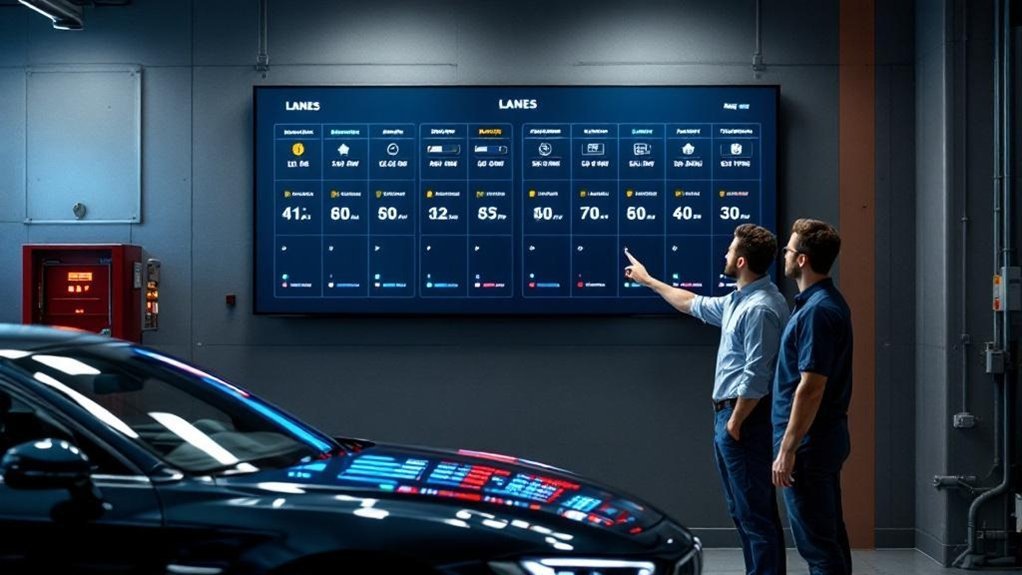
Think of the digital service status menu board as your shop’s central nervous system: it gives technicians and advisors real-time, color-coded updates on each vehicle so you can spot bottlenecks, reassign work, and prioritize tasks immediately. You’ll receive real time notifications that reflect current progress, so you’re not chasing status by phone or walkie. The visual workflow lays out every job stage, highlighting delays and urgency with color cues that reduce miscommunication. That clarity cuts back on back-and-forth, saving roughly 30 minutes per technician daily and accelerating repair cycles. Use the board to triage tasks, shift resources, and set clear expectations with staff and customers — a process that delivers faster turnaround and measurable gains in efficiency.
Streamlined Message Routing Between Advisors and Technicians
When advisors and technicians share a single digital status board, messages get routed instantly to the right person so you stop chasing updates and start fixing cars. You’ll get improved message clarity and measurable communication efficiency: real-time visibility cuts back-and-forth, highlights delays visually, and routes alerts to the assigned technician so work continues without interruption. This reduces daily communication time by up to 30 minutes per technician and keeps priorities aligned. Process: post status → auto-route message → technician acknowledges → work resumes. Advisors then relay accurate ETA to customers, boosting satisfaction. Below is a quick reference for routing actions and outcomes.
| Trigger | Routed To | Outcome |
|---|---|---|
| Status change | Assigned tech | Immediate action |
| Delay flagged | Advisor + tech | Rapid triage |
| Parts needed | Parts desk | Faster procurement |
| Job complete | Advisor | Customer update |
| Urgent issue | Supervisor | Escalation |
Centralized Digital Work Orders and Inspection Results

Routing messages accurately sets the stage for centralized digital work orders and inspection results to keep everyone aligned throughout the repair process. You’ll use a single platform so technicians get real-time updates, cutting clarifying time and improving workflow by roughly 30 minutes daily. Digital inspection results are shared instantly with advisors, so decisions on repairs happen faster and customer updates are accurate. Removing paper reduces lost info and streamlines communication, while integration with shop management software lets you track progress, assign accountability, and maintain transparency. The result: digital workflow efficiencies that reduce handoffs and enable improved task clarity for each team member. Implementing this process sharpens response times and lowers error risks across the service bay.
Scheduled Checkpoints and Team Briefings Driven by the Board
Because the digital service status menu board gives real-time visibility into each vehicle, you can schedule short, focused checkpoints that keep advisors and technicians aligned on priorities and progress. You set checkpoint frequency to match shop volume—brief 10–15 minute touchpoints every few hours or longer strategic reviews at shift change—so issues get flagged early and workflows stay steady. During board-driven team briefings, you review bottlenecks, reassign tasks, and confirm parts or diagnostic needs, which boosts briefing effectiveness and reduces follow-up friction. The process turns ad hoc conversations into predictable, data-led communication: statuses, blockers, and next steps are visible to everyone. That clarity increases accountability, speeds resolution, and measurably improves repair throughput and team coordination.
Standardized Role Visibility and Responsibility Tracking
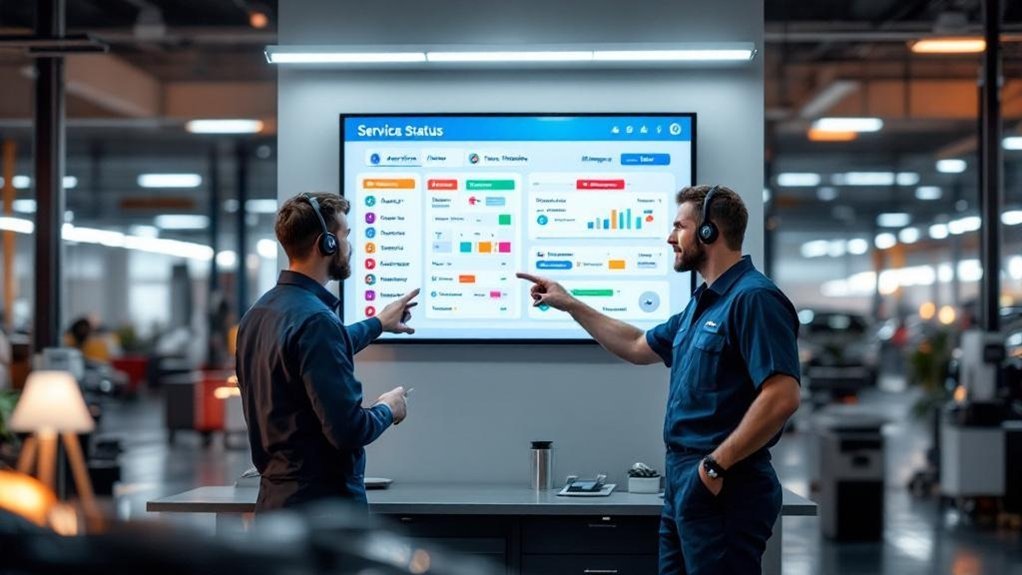
Though it looks simple, a standardized digital service status menu board makes everyone’s role unmistakable: it shows who’s responsible for each task, where a vehicle sits in the workflow, and what’s blocking progress, so you can stop guessing and start executing. You get instant role clarity and task accountability: real-time updates and color-coded stages make responsibilities visible, so advisors and technicians act without overlap. The board centralizes status, reduces miscommunication, and keeps each task assigned and tracked, improving throughput and customer updates. Use it to enforce checkpoints, escalate delays, and measure technician productivity. The result is cleaner handoffs, faster turnaround, and a clear audit trail of who did what and when.
| Stage | Role | Status |
|---|---|---|
| Intake | Advisor | Assigned |
| Repair | Technician | In Progress |
| QA | Advisor | Pending |
Frequently Asked Questions
How Do Service Customers Increasingly Prefer to Communicate With Dealerships?
You increasingly prefer text messaging and other digital platforms for dealership service — they give faster responses, clearer updates, and flexible options; you’ll get real-time video, chat, or social updates that streamline decisions and boost convenience.
What Advantage Do Dealership Technicians Have Over Most Independent Technicians?
You get technicians with deeper technician expertise and richer dealership resources, so they’ll diagnose faster, use OEM parts, follow manufacturer processes, and deliver more reliable repairs — improving throughput, accuracy, and predictable outcomes for your service workflow.
What Is the Role of a Service Advisor at a Car Dealership?
You manage vehicle intake, diagnostics coordination, and repair scheduling; you use service advisor responsibilities and customer interaction strategies to capture concerns, relay clear tech instructions, set expectations, and track outcomes for efficient, measurable service delivery.
How Can Effective Customer Service Enhance the Reputation of an Auto Shop?
Effective customer service boosts your auto shop’s reputation by raising customer satisfaction and demonstrating consistent service quality; you’ll build trust, encourage repeat business, reduce complaints, and create measurable processes that drive loyalty and profitability.
Conclusion
You’ll see how the digital service status menu board becomes the nervous system of your shop, sending real-time pulses so advisors and technicians act in sync. By routing messages, centralizing orders and inspections, and pacing the day with checkpoints, it turns scattered tasks into a smooth assembly line. Roles stay visible and accountability is clear, so you’ll cut delays, boost throughput, and deliver predictable, measurable results every service cycle.