
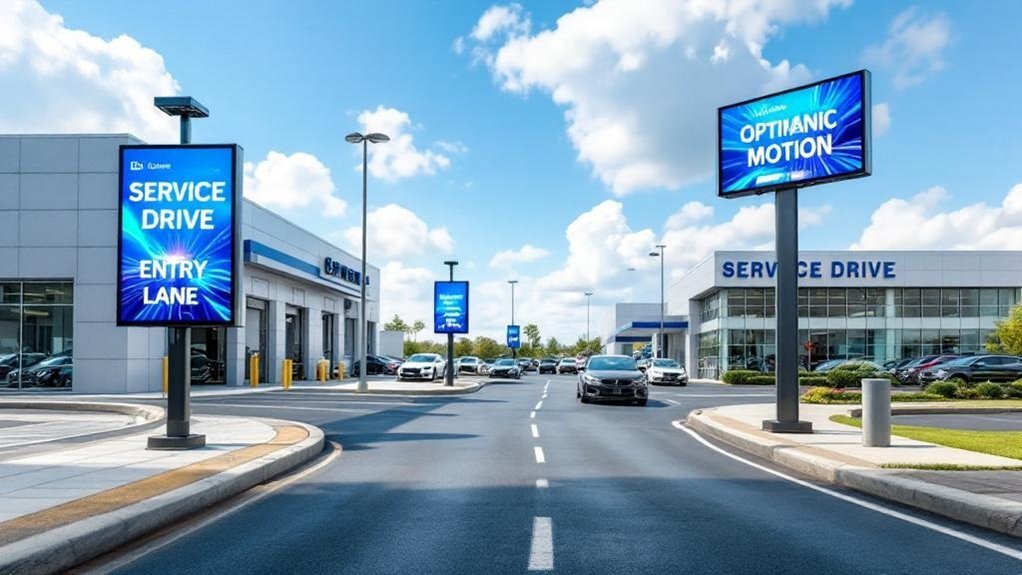
Place bright, anti‑glare digital signs at 58–62 inches for pedestrian sightlines and angle them slightly off‑axis to catch peripheral vision. Mount exterior screens above vehicle roofs at the service drive entrance and at decision points to engage incoming drivers. Add displays at check‑in and waiting areas for shared visibility and interactivity, sync content with live inventory and offers, and use IP65+ housings with 50–70% brightness. Keep going to learn placement, tech, and measurement tips.
Key Takeaways
- Mount primary signs above the service drive entrance, elevated so they clear vehicle roofs and are visible to approaching drivers.
- Place secondary displays at decision points (entrance, check-in) angled slightly off-axis to capture peripheral vision without distortion.
- Install indoor reception screens at 58–62 inches eye level for shared visibility among customers and staff.
- Use weatherproof, anti-glare outdoor units (IP65+) with 50–70% brightness and angle away from sun paths to reduce glare.
- Integrate interactive touchscreens and large QR codes near check-in to drive bookings, measure engagement, and sync promotions with inventory.
Understanding Customer Sightlines in the Service Drive
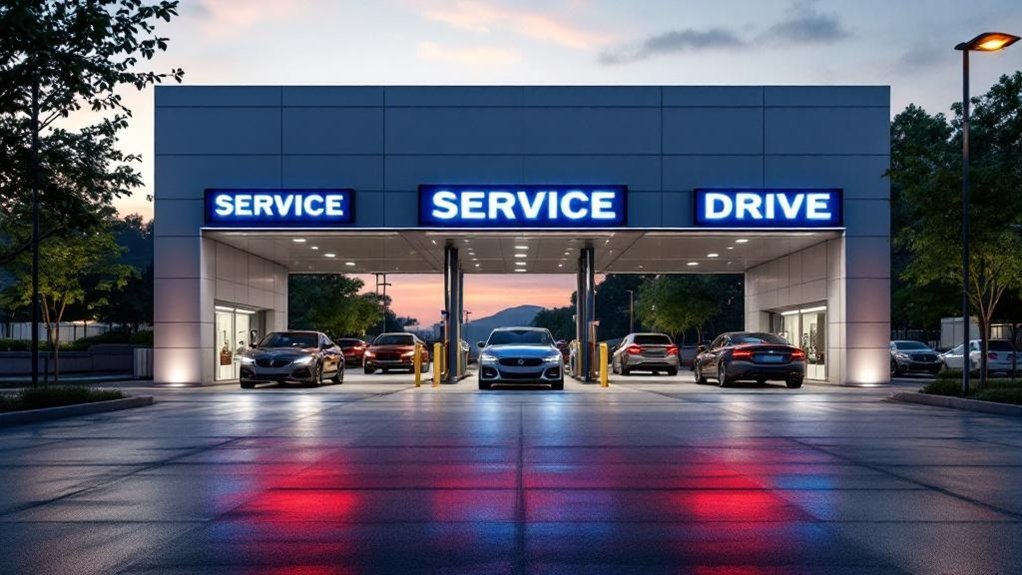
When you’re positioning digital signs in the service drive, prioritize eye-level placement—about 58–62 inches—so approaching customers see content without craning their necks; place displays at decision points like the entrance and check-in area, angle them slightly off-axis toward incoming traffic, and use bright, high-contrast, anti-glare screens so messages stay readable in changing light. You’ll want to base placement on measured sightline analysis: map typical vehicle paths, stopping points, and pedestrian arcs to align displays with natural customer behavior. Test visibility from multiple distances and lateral angles, logging read rates and dwell time. Use that data to iterate placement, content size, and contrast. This dealership-savvy, metrics-first approach reduces missed impressions and increases actionable engagement at critical moments.
Optimal Height and Angle for Service Drive Screens
You’ve already mapped sightlines and decision points; now narrow focus to the specific mounting dimensions and tilt that make messages readable from moving and stopped vehicles. For consistent visibility factors, mount screens 58–62 inches off the ground so drivers and pedestrians share the same sight plane and avoid obstruction by curbs, planters, or signage. Angle displays slightly off-axis toward incoming traffic—enough to capture peripheral vision without creating keystone distortion—so approaching vehicles see messages earlier and stopped drivers read them easily. Set brightness to 50–70% in daylight to balance legibility and display lifespan, and specify anti-glare coatings to maintain contrast under variable lighting. These screen placement parameters minimize read-failure and increase engagement at critical approach points.
Placing Screens Near Service Reception and Check-In
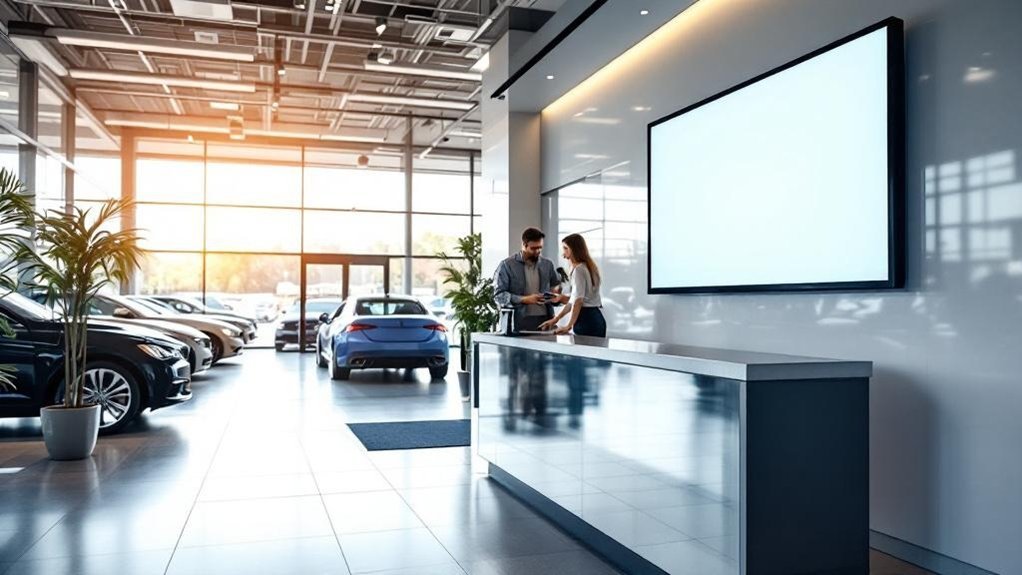
Because first impressions matter, place screens at 58–62 inches in the service reception and check-in area so standing and seated customers share the same sight plane and key messages are immediately legible; this height, combined with anti-glare treatment and 50–70% daylight brightness, reduces read-failure and keeps wait-time, specials, and testimonial content clear. You’ll greet arrivals with up-to-date service info and promos, improving perceived professionalism and reducing perceived wait time. Prioritize screen placement that avoids direct reflections and aligns with primary queuing paths. Add simple interactivity for sign-ups and option browsing to boost conversion metrics. Measure dwell time, click-throughs, and loyalty enrollments to quantify customer engagement and iterate content cadence for peak hours.
- Real-time wait-time updates
- Limited-time service specials
- Rotating customer testimonials
- Interactive loyalty sign-up
Positioning Displays to Capture Incoming Vehicle Traffic
Having screens at the reception sets expectations inside the dealership, but capturing drivers starts before they open the door — place digital signs at the service drive entrance and elevated above vehicle roofs so messages register from distance and during approach. You’ll influence customer behavior by making that first contact visual and immediate: drivers notice elevated, well-lit signs over rooftop lines earlier, increasing stop-rate for time-limited service specials. Use dynamic content that swaps promos and directional cues as vehicles slow, and position additional displays at decision points just before the bay to reduce hesitation. Prioritize glare-free angles and consistent brightness across dayparts; measure engagement by correlating display schedules with arrivals. Optimized sign placement yields measurable upticks in pull-ins and promoted-service uptake.
Using Screens at Waiting Areas and Cafés to Increase Engagement
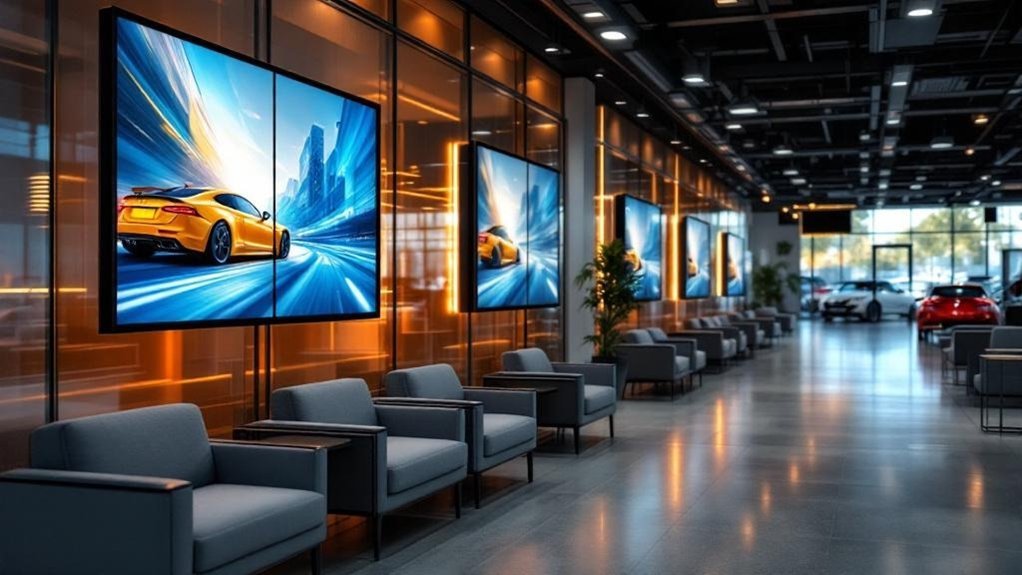
When customers wait, well-placed high-resolution screens and interactive kiosks can turn idle time into measurable engagement by delivering targeted promos, service upsells, and trust-building testimonials; clinics that added waiting-area displays saw higher ancillary-service bookings and reported reduced perceived wait times. You can boost digital engagement and customer interaction by installing crisp displays and touch kiosks in seating zones and cafés. Use data-driven playlists: testimonials, short how-tos, timed promos, event notices. Measure clicks, dwell time, and redemption to prove ROI.
Turn wait time into engagement with high-res screens and touch kiosks delivering targeted promos, testimonials, and measurable ROI.
- Promote ancillaries with timed calls-to-action tied to service visits.
- Surface personalized offers via kiosk prompts based on service history.
- Run rotating entertainment (trivia, short videos) to lower perceived waits.
- Display verified reviews to increase trust and booking conversions.
Integrating Digital Signs With Directional and Wayfinding Elements
If you want customers to find the service drive without asking for directions, integrate digital wayfinding into key touchpoints — parking lots, entrances and the service lane — using eye-level screens with bold typography and bright colors for visibility and interactive kiosks where guests can pull up directions, wait times and targeted promos. Position signs at decision points to reduce hesitation and speed flow; data shows clear directional cues cut wayfinding time and perceived frustration. Use interactive kiosks to deliver real-time wait times and service offers, boosting customer engagement and conversion. Standardize visual language and contrast ratios across devices so drivers recognize prompts quickly. Track kiosk interactions and dwell time to refine wayfinding strategies and measure ROI on signage-driven service appointments.
Exterior vs. Interior Placement: Balancing Visibility and Protection
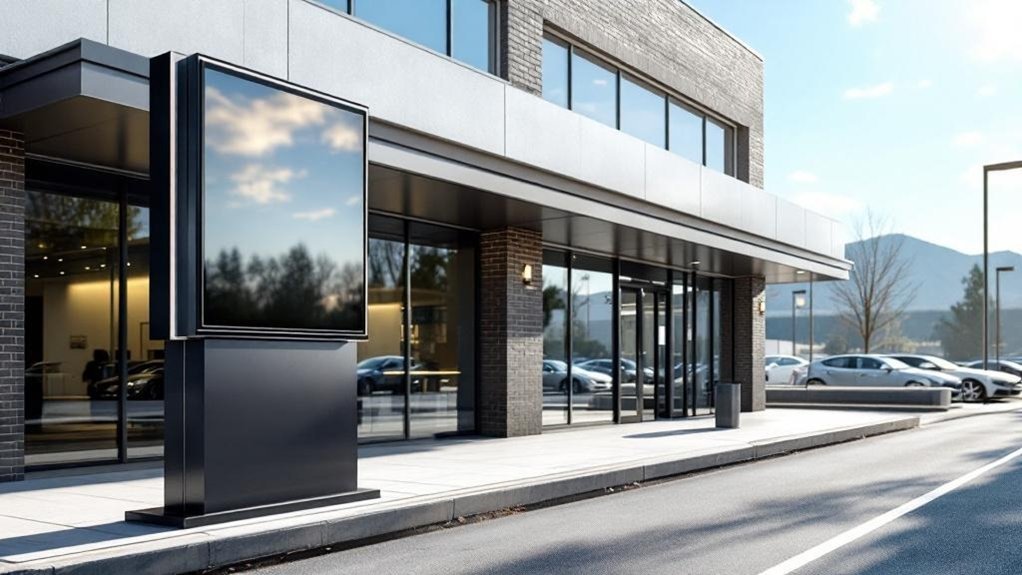
You’ll want exterior signs sited in high-traffic spots near the service drive at about 58–62 inches to maximize visibility for incoming customers and drivers. Protect indoor investments by placing displays in waiting areas and along service pathways where engagement is high but environmental risks are low. For outdoor units, specify anti-glare coatings, covered mounting (awnings) and a maintenance schedule to weatherproof hardware and preserve uptime.
Maximize Outdoor Visibility
Visibility wins customers: placing a weatherproof, anti-glare digital sign at the service drive entrance captures incoming traffic and boosts awareness, while illuminated outdoor units extend discoverability after dark; inside the drive, screens should be angled for sightlines from the waiting area and service lanes so messaging reaches both drivers and passengers without compromising protection from the elements. You’ll prioritize exterior placement where highest impressions occur: entrances, parking adjacencies, and main thoroughfares. Outdoor units must meet IP-rated protection and anti-glare specs to perform across weather and daylight. Use illuminated displays for night visibility and sync content with peak arrival times. This aligns with current digital signage trends and measurable customer engagement strategies.
- Entrance-mounted, weatherproof displays
- Anti-glare tech for daylight legibility
- Illuminated signs for nighttime discovery
- Angle interior screens for multi-angle viewing
Protect Indoor Investments
Outdoor placement grabs attention, but protecting your indoor signage investment is about placement, material specs and smart routing of content. You’ll place outdoor displays at the service-drive entrance for max visibility, then use indoor signage in waiting areas to boost customer engagement. Position indoor screens to avoid window glare and overhead reflections; measure sightlines and contrast ratios. Use robust materials outdoors, but route IoT-driven content so interior signs get real-time promotions and wait-time updates without overdriving brightness. Track engagement metrics (dwell time, impressions) to balance where you spend. Below is a quick comparison table for decision-making:
| Location | Priority | Key Metric |
|---|---|---|
| Entrance exterior | Visibility | Impressions |
| Waiting room interior | Engagement | Dwell time |
| Curbside exterior | Reach | Passersby |
Weatherproofing and Maintenance
Because exterior signs face rain, dust and temperature swings, prioritize weatherproofing specs like IP65 and anti-glare coatings while setting brightness to about 50–70% for sunlight legibility and reduced wear; indoor screens, by contrast, are shielded from the elements and let you conserve maintenance resources and fine-tune contrast for waiting-room sightlines, but they won’t reach passing traffic unless placed near entry points or windows. You’ll balance signage durability against visibility: outdoor units cost more upfront but lower routine attention, while indoor panels need tighter maintenance schedules and more frequent calibration. Use data to decide placement based on traffic counts, sun exposure, and cost-per-impression. Consider these operational actions:
- Specify IP65+ and anti-glare for outdoor units
- Set exterior brightness 50–70% and log performance
- Track maintenance schedules monthly for indoor displays
- Position indoor screens at entries/windows for passerby reach
Lighting, Glare Reduction, and Brightness Settings for Service Drives
When you place digital signs in service drives, prioritize locations that get steady natural or artificial light but not direct sun, since glare can wash out content and shorten screen life; aim to run displays at 50–70% brightness and use high-brightness panels with anti-glare coatings so messages stay vivid across changing conditions while extending component longevity. You’ll apply lighting techniques like angling screens away from common sun paths, using shading canopies, and positioning near consistent artificial fixtures to stabilize luminance. Test during peak and low light to validate contrast and legibility. For glare solutions, choose matte or polarizing coatings and adjust mounting to avoid reflections from vehicle glass. These data-driven steps reduce maintenance, improve read rates, and protect ROI by extending display lifespan while keeping content effective.
Leveraging Interactive Touchscreens and QR Codes in the Service Lane
Good lighting and glare control set the stage for interactive experiences in the service lane: once your screens are readable at varying ambient light, adding touchscreens and QR codes turns passive displays into engagement tools that drive convenience and conversions. You’ll boost customer engagement and digital interaction by placing touchscreens where customers naturally pause—near waiting areas and service desks—so they can view promotions, book services, or check wait times. Studies show 79% higher interaction when features are interactive, so pair touch UI with clear CTAs and simple flows. QR codes on signs provide a low-friction path to detailed offers or service history on mobile.
Good lighting and glare control make touchscreens and QR codes effective tools for bookings, promotions, and easy customer engagement.
- Place touchscreens at eye level and within reach
- Use large QR codes with short landing pages
- Prioritize fast, intuitive UI for bookings
- Track scans and taps to measure ROI
Syncing Signage With Inventory, Promotions, and Real-Time Updates
You’ll tie digital signs directly to real-time inventory feeds so displayed units, colors, and availability match your lot at a glance. Schedule promotions centrally and sync them with peak hours or service events while IoT-driven price updates push timely discounts or loyalty rates to screens automatically. This reduces misinformation, raises inquiry rates, and helps convert walk-ins into booked services and sales.
Real-time Inventory Feeds
One clear advantage of syncing digital signs with live inventory feeds is that customers get accurate, up-to-the-minute availability and promotions the moment stock changes. You’ll reduce wasted inquiries and boost satisfaction by delivering real time updates tied to inventory management systems. IoT-enabled signage flips between new arrivals, sold units, and limited offers instantly, creating urgency and directing customers to priority models. Analytics from these feeds let you optimize content based on demand and sales velocity, improving conversion rates.
- Display current availability to avoid false leads
- Highlight overstock or newly acquired models dynamically
- Use feed analytics to prioritize high-demand vehicles
- Trigger messages when stock thresholds hit to drive action
This is measurable, scalable, and operationally efficient.
Promotion Scheduling Sync
While syncing promotions with live inventory and traffic patterns, dealerships can automatically schedule the right offers to the right audience at the right time, boosting conversions and appointment rates. You’ll tie signage to inventory feeds and peak traffic windows so limited-time service specials and parts promos display when demand’s highest. Use centralized content management to push consistent, timed messages across lots and multiple locations, improving promotion effectiveness by showing only in-stock services. IoT-driven triggers can adjust messaging as inventory shifts, keeping content relevance high without manual edits. Measure clicks, appointment bookings, and on-site engagement to refine schedules. The result: higher engagement and more booked service slots with minimal ops overhead, driven by data and automated timing.
IoT-driven Price Updates
Because inventory and promotions change by the hour, connecting your lot’s digital signs to IoT-enabled inventory feeds lets displayed prices and offers update automatically and in real time. You’ll cut pricing errors, align on-site messaging with online listings, and push flash deals the moment they’re approved. IoT integration benefits are measurable: lower mismatch rates, faster promotion rollouts, and improved customer trust. Use digital signage analytics to track which updates drive traffic and which offers convert.
- Sync price changes instantly from your DMS to avoid customer frustration.
- Automate limited-time promotions to appear only while stock remains.
- Monitor engagement metrics to refine timing and content.
- Reduce manual labor and reconcile pricing discrepancies faster.
Frequently Asked Questions
What Is the Four Square Trick at a Car Dealership?
The Four Square Trick is a layout dividing your dealership into four focused zones to boost customer engagement and cross-sell; you’ll use targeted signage and staff to highlight service promotions, inventory, financing, and customer service efficiently.
Where Do Car Dealers Hide GPS?
Like a telegram, dealers hide GPS in dashboards, under center consoles, beneath rear seats, wheel wells, or infotainment wiring; dealer practices favor factory-embedded modules and discreet placements for theft recovery, backed by inventory tracking data and protocols.
How to Increase Traffic to Your Car Dealership?
You’ll boost traffic by combining targeted digital marketing, SEO and paid ads, tracking conversion metrics, optimizing listings, and improving customer engagement with timely follow-ups, promotions and service-drive signage analytics to convert visits into appointments and sales.
Why Do Dealerships Put GPS Trackers on Cars?
Like a watchdog on duty, you use GPS trackers because GPS benefits include real-time recovery, inventory control, service reminders and driver insights. Tracking systems deliver data for maintenance, sales optimization and risk reduction, boosting dealership efficiency.
Conclusion
You’ve seen where signs matter most — but the payoff depends on execution. Place bright, anti-glare screens at eye level for drivers, near check-in lanes, and in waiting areas; angle them toward incoming traffic; sync content to inventory and service status; add QR codes for instant action. Do this, and you’ll measurably lift impressions, engagement, and service upsell rates. Ready to test one placement and watch the data tell the rest?