
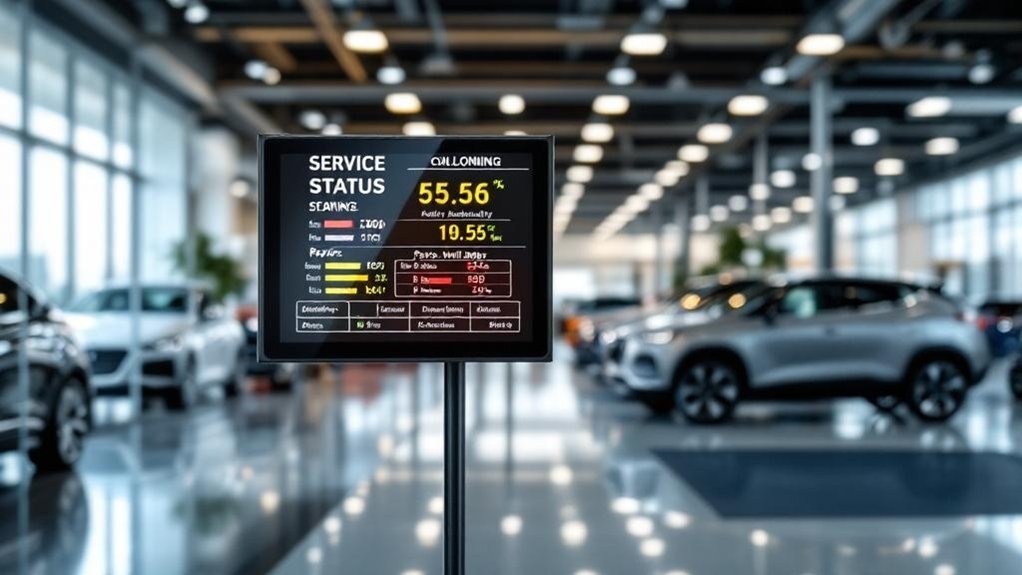
Place digital service status boards where customers first check in, wait, and walk—reception, entryways, and main seating clusters—to maximize visibility and cut perceived wait times by over 35%. Mount at eye level (58–62″) with a slight tilt and 50–70% brightness, use anti‑glare screens, and stagger multiple displays along routes to cover sightlines. Guarantee unobstructed ADA sightlines and monitor dwell times to optimize placement, and you’ll find practical tweaks and metrics to improve engagement.
Key Takeaways
- Mount boards at 58–62 inches eye level in service reception and entryways for immediate visibility.
- Place screens in waiting lounges and seating clusters, angled toward primary sightlines to capture attention.
- Install secondary displays along high-traffic corridors and entry points to reinforce information flow.
- Position boards near check-in and cashier counters to reduce inquiries with clear ETAs and progress updates.
- Monitor dwell times and A/B test placements, adjusting height, angle, and brightness for optimal legibility and engagement.
Key Benefits of Service Status Boards for Dealership Customers
While you wait, digital service status boards give real-time updates on your vehicle’s progress, boosting transparency and trust by clearly showing tasks, timelines, and estimated completion. You’ll see precise timelines and completion estimates that cut perceived wait times by over 35%, improving satisfaction. Service transparency is reinforced as you watch step-by-step progress without needing to ask staff. Customer engagement rises because live updates and brief entertainment keep you informed and comfortable during downtime. Integrated notifications and on-screen prompts nudge you toward loyalty program sign-ups and add-on services by presenting options at the right moment. Staff efficiency improves too, since boards convey routine maintenance facts, freeing employees to handle higher-value interactions and personalized service.
High‑Traffic Zones to Prioritize for Screen Placement
A well-placed digital service status board makes the difference between a confused customer and a confident one, so prioritize high-traffic zones like service reception, waiting areas, entryways and popular vehicle displays to maximize visibility and impact. Place screens where customers first check in so they get immediate, real-time updates — that boosts customer engagement from the start. Put displays in waiting areas to show vehicle status and estimated wait times; studies show perceived waits drop over 35%, improving satisfaction. Use multiple screens across entry points and showroom hotspots so updates are accessible wherever people move. These visibility strategies focus resources on movement corridors and congregation points, ensuring consistent information flow, reducing questions to staff, and supporting a measurable, customer-centered service experience.
Optimal Mounting Heights and Viewing Angles
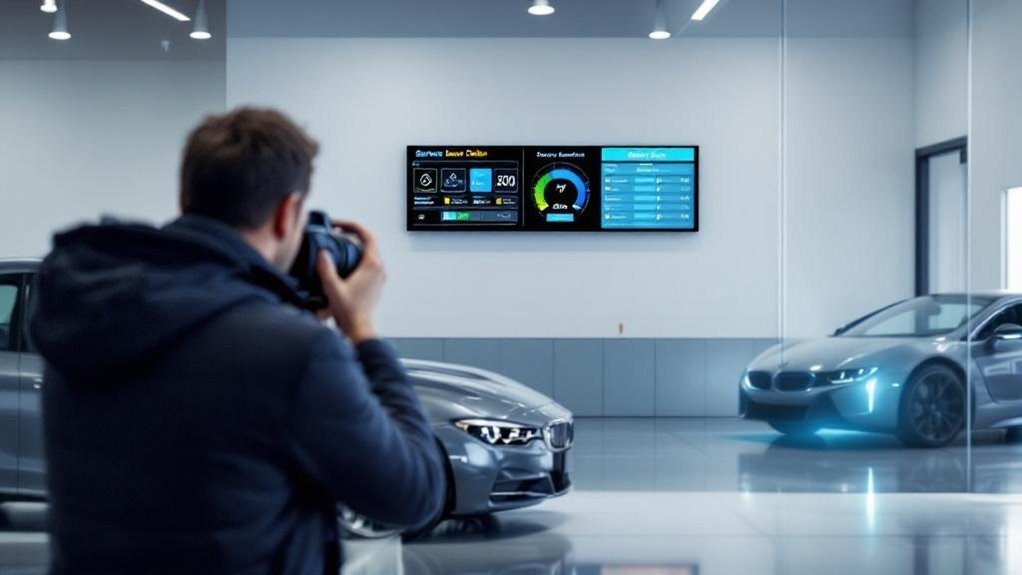
Place screens at 58–62 inches so customers see status info at eye level whether they’re standing or seated. Tilt and orient displays slightly off-axis within a 30° horizontal and vertical viewing cone, use 50–70% brightness, and add anti-glare coatings to keep text legible in showroom light. Match screen size to viewing distance so fonts and icons remain clear from typical customer positions.
Ideal Eye-Level Height
If you want customers to notice service updates quickly, mount digital status boards at an eye-level of about 58–62 inches; that range aligns with average adult sightlines and maximizes readability without forcing neck strain. Eye level advantages include faster scanning, improved customer engagement, and reduced missed messages. Position boards in primary dwell zones and slightly off-axis to incoming traffic to tap peripheral vision. Keep brightness at 50–70% and use high-brightness, anti-glare panels for clear text in showrooms.
- Mount at 58–62″ for average sightlines and comfort.
- Place in dwell zones and offset toward traffic for better visibility.
- Use 50–70% brightness with anti-glare/high-bright panels to balance longevity and legibility.
Tilt and Viewing Angle
Mounting your service board with a slight backward tilt (about 5–10°) and off-axis toward incoming traffic maximizes readability from seating and standing positions while tapping peripheral vision; combined with the recommended 58–62″ eye-height and 50–70% brightness, this angle reduces glare, improves contrast on anti-glare panels, and guarantees updates are noticed quickly in primary dwell zones. You should prioritize small tilt adjustments to match common viewing preferences: a 5° tilt favors seated users, 10° helps standing viewers. Test angles in situ during peak hours and document which settings yield fastest glance recognition. Keep brightness in the 50–70% range to balance legibility and lifespan. Use anti-glare screens and place displays where customers naturally gather to ascertain consistent, measurable engagement.
Distance and Screen Size
When you’re sizing and positioning service boards, think regarding viewing distance and eye level: keep screens at 58–62 inches to match average eye height, tilt them slightly off-axis toward incoming traffic to tap peripheral vision and reduce glare, and choose display sizes based on how far customers will be—use 55″+ panels for larger waiting areas so status is legible from across the room while keeping brightness at 50–70% to balance visibility and panel life. You’ll optimize engagement by matching screen dimensions to typical viewing distance and lighting.
- Mount height: 58–62″ to align with average eye level.
- Screen size: 55″+ for long viewing distance; smaller for close queues.
- Tilt & brightness: slight tilt, 50–70% brightness for clarity and longevity.
Positioning Screens Near Service Check‑In and Cashier Areas
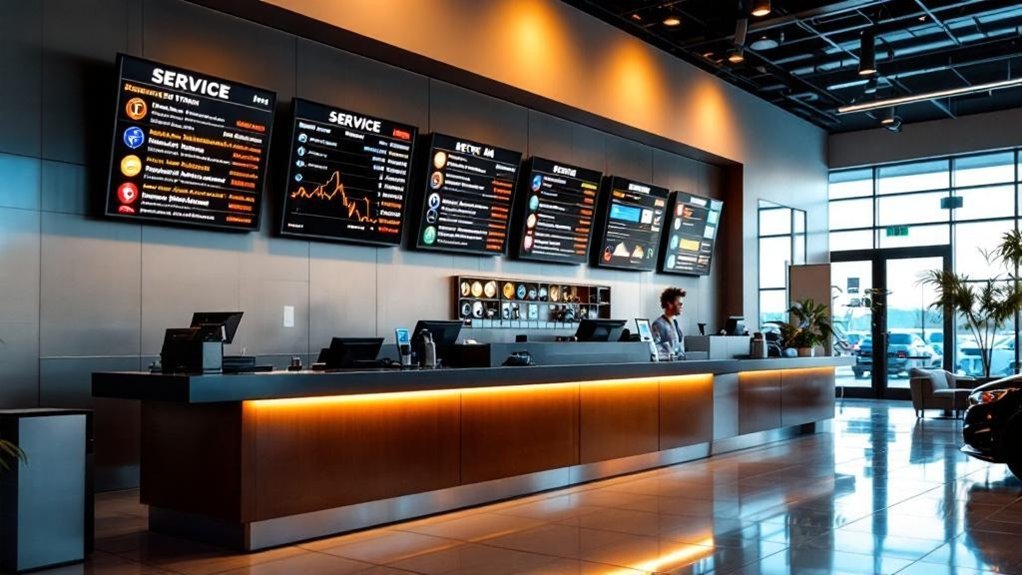
Place screens so they’re visible from the entrance and directly adjacent to transaction counters, letting customers spot status updates as they arrive and while they pay. Data shows eye-level placement (58–62 in.) with high-brightness, anti-glare panels improves readability and reduces perceived wait times. This layout creates a continuous information path from check‑in to checkout, increasing transparency and customer satisfaction.
Visible From the Entrance
Because customers form first impressions in seconds, positioning digital service status boards near the service check‑in and cashier areas guarantees visitors can immediately see real‑time updates on their vehicle’s progress and estimated wait times, which reduces uncertainty and boosts satisfaction. You’ll improve entrance visibility and customer engagement by placing screens at eye level (58–62 inches) in that sightline, so guests don’t have to ask staff for status. Real-time transparency builds trust and lowers perceived wait times.
- Capture attention immediately: entrance visibility delivers instant updates on arrival.
- Reduce inquiries: visible status means fewer staff interruptions and faster throughput.
- Increase trust: data-driven ETA and progress indicators enhance customer engagement and satisfaction.
Near Transaction Counters
Building on entrance visibility, positioning digital service status boards at service check‑in and cashier counters puts live vehicle updates and pricing where customers are already focused, so they get accurate ETAs and repair details while checking in or paying. You’ll boost customer engagement by delivering real‑time status, transparent pricing, and wait‑time metrics at the moment decisions are made. Data shows visible, context‑relevant digital signage reduces perceived wait times and increases upsell conversion by keeping patrons informed and receptive to add‑ons. Place screens in high‑traffic transaction zones so arriving or waiting customers naturally view service options and progress. Ascertain content is concise, prioritized, and synchronized with your CRM/OSS to avoid conflicts. Measured improvements include higher satisfaction scores, faster throughput, and increased service‑related revenue.
Placing Boards in Waiting Lounges and Customer Seating Areas
A well‑positioned digital service status board in your waiting lounge makes information easy to see and act on, so customers stay informed and engaged while seated. You’ll boost customer engagement and visual appeal by mounting screens at eye level (58–62 inches) and keeping brightness at 50–70% to avoid glare. Use multiple screens or orientations to cover high-traffic sightlines and different seating angles.
- Place primary boards facing main seating clusters to capture attention and reduce perceived wait time.
- Add secondary screens at entry points within the lounge for complementary views.
- Display real-time maintenance progress and estimated wait times; studies show satisfaction can rise over 35%.
These choices are data-driven, focused on clarity, visibility, and measurable experience gains.
Strategic Placement Along the Service Drive and Vehicle Bay Entrance
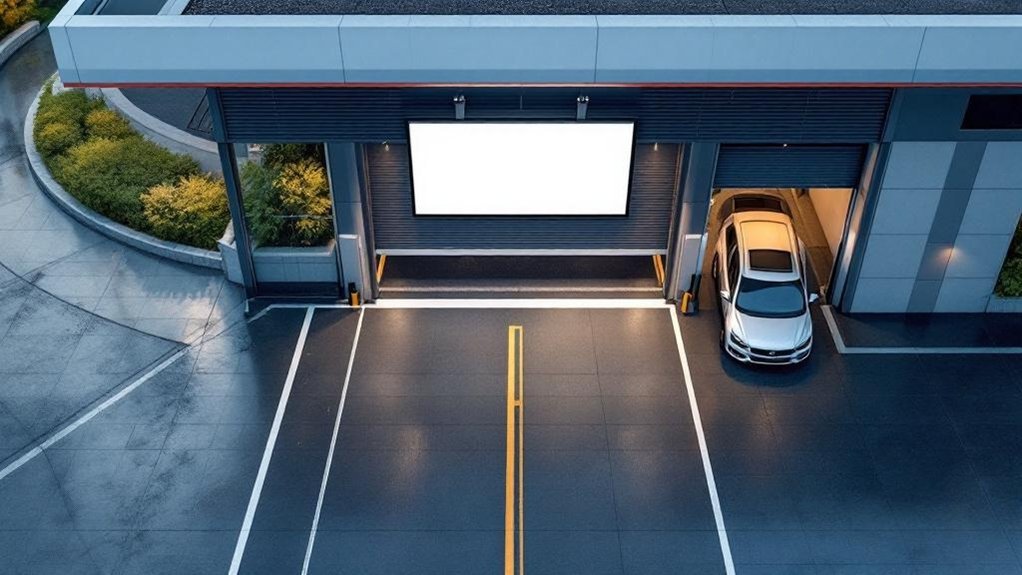
Placing digital service status boards at the service drive and vehicle bay entrance gives customers instant visibility of their vehicle’s progress the moment they arrive or are ready to leave, boosting transparency and perceived service speed. You should mount screens at 58–62 inches eye level near the service drive so arriving customers see updates immediately. Near the vehicle bay, staff can reference the board to communicate real-time status and ETA, improving trust. Use high-brightness, anti-glare panels to guarantee readability in varied lighting. Screens in primary dwell zones cut perceived wait by over 35%, so prioritize these sightlines.
| Location | Height | Benefit |
|---|---|---|
| Service drive | 58–62 in | Immediate visibility |
| Vehicle bay | 58–62 in | Staff communication |
| Waiting area | Eye level | Reduces perceived wait |
Using Multiple Screens to Cover Sightlines and Traffic Flow
Two or more screens positioned along entry points, high-traffic pathways and waiting areas guarantee customers don’t have to hunt for updates — they see status at every step. You’ll use traffic analysis to map sightlines and deploy a screen layout that covers entry, queue, and counter zones, minimizing missed messages. Position screens at 58–62 inches, angled toward incoming traffic, and set brightness to 50–70% for legibility without glare. Place additional displays near service counters so staff and customers share the same reference.
- Map traffic: identify entry, pathways, waiting clusters and blind spots.
- Deploy staggered screens: alternate sides to capture peripheral vision.
- Calibrate: verify angle, height, brightness and content legibility during peak flow.
Integrating Service Boards With Showroom and Display Areas
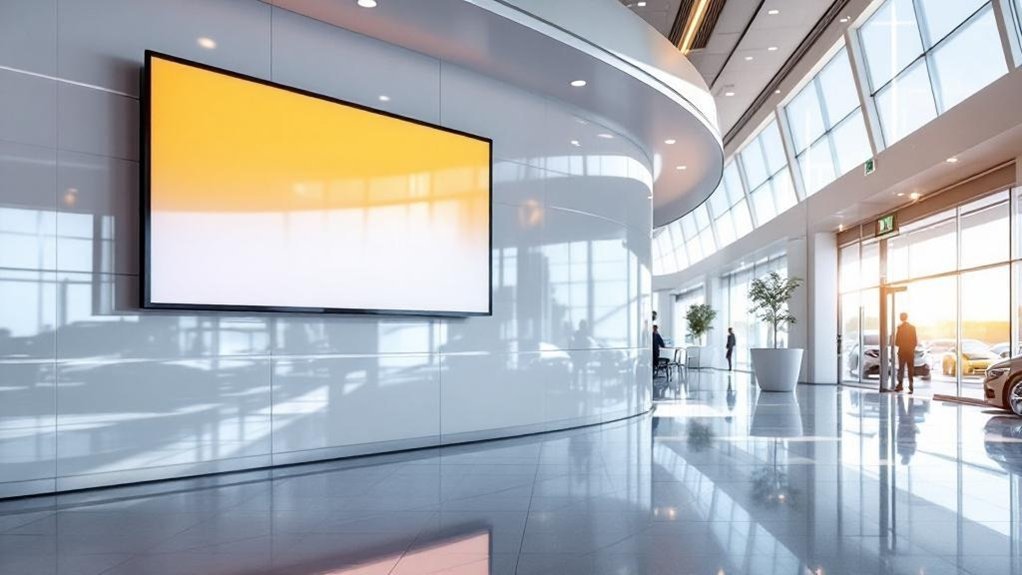
Place service boards near feature displays so customers get contextual, real-time updates tied to showcased models, and aim for eye-level mounting (58–62″) in high-traffic sightlines. You’ll strengthen brand storytelling by matching board visuals and messaging to showroom themes, and you can measure engagement by tracking dwell time and screen interactions. Sync boards with live inventory feeds to highlight vehicles in service or available for purchase, reducing friction between service and sales.
Position Near Feature Displays
Positioning a digital service status board adjacent to a showroom feature display boosts visibility and keeps customers informed without interrupting their vehicle exploration. You’ll increase customer engagement by placing boards near popular models and high-traffic feature displays, capturing attention through peripheral vision and contextual relevance. Real-time updates let shoppers stay informed about service progress while they browse, reducing the need to interrupt staff.
- Place boards facing incoming foot traffic near featured cars to maximize noticeability and inquiries.
- Integrate concise service metrics with attractive vehicle visuals to drive interest in both service and sales.
- Use location data (high-traffic zones, popular-model displays) to iterate placement and measure engagement uplift.
This approach is data-driven, customer-focused, and optimized for visibility.
Blend With Brand Storytelling
Storytelling through your showroom’s service status boards turns routine updates into a trust-building narrative that complements vehicle displays and highlights your commitment to transparency. You should place boards where shoppers pause—near featured cars and seating areas—so storytelling elements flow naturally from vehicle specs to service options. Use high-quality visuals and concise metrics (wait times, progress stages, special packages) to reinforce professionalism and brand innovation. Data shows real-time visibility increases perceived reliability; leverage that by tying service offers to the models customers inspect, boosting customer engagement and conversion potential. Keep content modular so teams can update promotions and maintenance milestones without disrupting the showroom narrative. Measured placement and clear, relevant content make status boards a strategic part of your brand story.
Sync With Inventory Feeds
When you sync service status boards with live inventory feeds, customers get immediate, accurate visibility into vehicle availability and service timelines—boosting transparency and trust while cutting perceived wait times. You’ll leverage inventory integration to surface real-time service updates and readiness alongside showroom displays, so browsing customers see maintenance timelines and sales opportunities without asking staff. Place screens near entrances and waiting areas to maximize exposure and engagement; integrated boards can also push targeted promotions tied to specific vehicles on display. Data shows better-informed customers report higher satisfaction, with service visits improving by up to 35%.
- Real-time inventory integration: immediate availability and status.
- Service updates + displays: align promotions with vehicle readiness.
- Placement: entrance, showroom, waiting areas for max visibility.
Accessibility, Visibility, and ADA Considerations
Because clear, accessible displays directly affect customer experience and compliance, digital service status boards should be mounted 58–62 inches high in primary dwell zones like waiting areas and service desks, with unobstructed sightlines to meet ADA requirements. You’ll follow accessibility guidelines and visibility standards by keeping boards free of glare, using anti-glare coatings, and ensuring no seating, plants, or kiosks block views. Place tactile buttons or touchscreens at reachable heights so customers with mobility or dexterity limitations can interact independently. Prioritize high-traffic sightlines and position duplicates where needed to avoid crowding. Make sure installation teams verify ADA clearances and that screen contrast, font size, and placement support legibility from typical waiting distances. This keeps updates usable, inclusive, and compliant.
Monitoring Performance and Adjusting Placements Over Time
Although initial placement follows best practices, you should continuously monitor traffic patterns, dwell times, and interaction data to confirm screens are hitting high-visibility zones and driving engagement. Use performance metrics and customer feedback to guide adjustments—don’t assume a one-time install solves visibility issues. Continuously reassess lighting, obstructions, and sightlines; small shifts can change engagement rates.
- Collect: log dwell times, clicks, and observational counts to map true high-traffic zones.
- Test: run A/B placement trials and compare engagement and wait-time reduction against baseline performance metrics.
- Adjust: incorporate customer feedback and analytics to reposition or change screen height, angle, or content cadence.
You’ll keep boards effective by iterating with data, maintaining visibility, and prioritizing customer experience.
Frequently Asked Questions
What Is the Four Square Trick at a Car Dealership?
The four square’s a negotiation worksheet you’ll see at a dealership layout: it breaks price, trade-in, down payment and monthly payment into four boxes so you can compare scenarios, spot trade-offs, and negotiate transparently.
Where Do Car Dealerships Put Trackers?
Obviously, they hide trackers everywhere, but you’ll find tracker placement in service bays, on loaner keys, dealer lot vehicles and transporters; your visibility strategy uses GPS/cellular units for real-time tracking, improving turnaround times and customer updates.
How to Increase Traffic to Your Car Dealership?
You’ll boost traffic by ramping up customer engagement with targeted promotional events, using data-driven digital campaigns, social proof, limited-time offers, and eye-level displays to convert passersby, increasing visits and measurable sales by targeted percentages.
What Software Do Most Car Dealerships Use?
Most dealerships use cloud-based CMS like CrownTV or AIScreen; you’ll get dealership management and customer relationship integrations, analytics, scheduling, and customizable content so you can optimize promotions, track engagement, and streamline service communications efficiently.
Conclusion
You’ll boost satisfaction and reduce perceived wait times by placing service status boards where customers naturally look — check‑in, cashiers, waiting lounges and showroom sightlines. Studies show digital signage cuts perceived wait by up to 35%, so prioritize high‑traffic zones, mount screens at eye level (48–60 inches), and use multiple displays to cover blind spots. Track engagement metrics and adjust placements over time to keep visibility, accessibility and ADA compliance maximized for every visitor.