
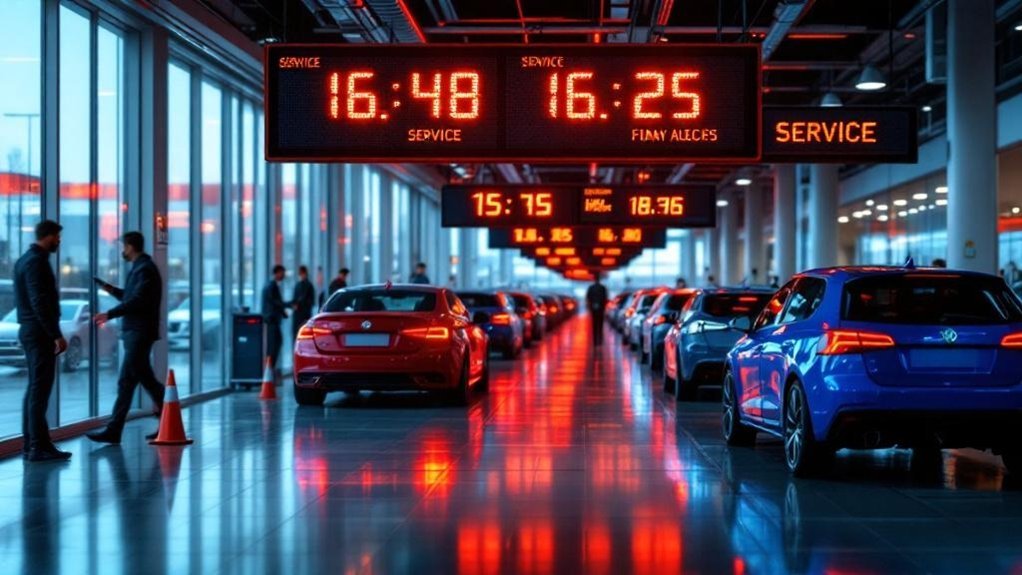
You’ll cut perceived wait times and lane chaos by installing high-visibility digital signs that give real-time service updates, ETAs, and lane assignments. They boost customer satisfaction and reduce staff interruptions by clearly displaying service options, targeted promos, and vehicle-specific offers. Durable, weatherproof panels and a centralized CMS let you update content instantly and track engagement, upsells, and dwell time. Adopt strategic placement and staff training to maximize uptime — keep going to see practical setup, content, and measurement tips.
Key Takeaways
- Real-time queue and ETA updates reduce perceived wait times and lower customer anxiety in busy service lanes.
- High-brightness outdoor screens maintain readability in all weather, keeping customers informed and reducing staff interruptions.
- Dynamic content promotes timely service upsells and specials, increasing revenue per visit during peak periods.
- Interactive intake touchscreens speed check-in and service selection, streamlining flow and minimizing lane congestion.
- Centralized CMS enables fast updates and consistent messaging across lanes, improving operational clarity and customer experience.
Key Benefits of Service Drive Digital Signs

While your customers wait, service drive digital signs cut perceived wait times and stress by delivering real-time updates on queue status and service availability. You’ll boost customer engagement and operational clarity by presenting current promotions, service options, and vehicle features that prompt timely upsells. Data shows 91% of customers prefer a mix of digital tools and staff support, so digital innovation aligns with expectations and strengthens trust. High-quality displays capture attention and relay crucial information quickly, improving satisfaction and repeat visits. Dynamic content updates let you tailor messages to service flow, inventory, and special offers, keeping communication relevant. Implementing these signs reduces uncertainty, increases ancillary revenue opportunities, and modernizes your service lane experience.
How Digital Displays Reduce Wait Times and Friction
Because real-time updates cut uncertainty, digital displays in the service drive lower perceived wait times and smooth customer flow by keeping people informed of queue status and service progress. You get measurable wait time reduction as customers see live ETA adjustments, reducing anxiety and perceived delays. High-resolution panels deliver urgent alerts and clear process steps, so fewer questions reach staff and handoffs are faster. Dynamic content drives customer engagement by promoting relevant service specials while folks wait, increasing revenue per visit without prolonging actual service. Studies link these signs to higher satisfaction and retention, showing that informed customers behave cooperatively and make quicker decisions. Implementing digital displays is a low-friction, data-backed way to optimize throughput and experience.
Strategic Placement and Hardware Considerations
If you want digital signs to actually move the needle on customer flow and satisfaction, placement and hardware choices matter as much as the content: install high-brightness, weatherproof panels in service lanes and other high-traffic touchpoints so information stays readable in sunlight and harsh conditions, use touchscreens at intake stations to let customers check wait times and select services, and tie everything to a remote content management system for real-time updates—these steps cut perceived wait times, reduce staff interruptions, and make promos actionable, supporting that 91% of customers who want a mix of digital tools and in-person help. You’ll prioritize digital signage placement where queues form, guarantee hardware durability against weather and bumps, and deploy touch-enabled units to speed check-in and routing.
Content Ideas That Inform and Engage Customers
Placement and hardware set the stage, but what customers actually see and interact with determines whether signage moves behavior and revenue; use real-time wait-time displays in service lanes to cut anxiety, rotate high-resolution testimonials and before/after visuals to build trust, and run targeted, time-limited service promos that drive measurable upsells—interactive kiosks should offer maintenance tips and personalized offers based on VIN or service history so you boost satisfaction and lift average ticket with minimal staff lift. You’ll want content that educates and converts: prioritize customer education with clear, scannable tips, deploy interactive content for self-serve upgrades, and surface timely specials that feel relevant. Keep visuals sharp, copy action-oriented, and cycles short to maintain attention.
- Real-time wait and progress updates
- Before/after visuals + testimonials
- Interactive maintenance tips and VIN offers
Measuring Impact: Metrics and Feedback Loops
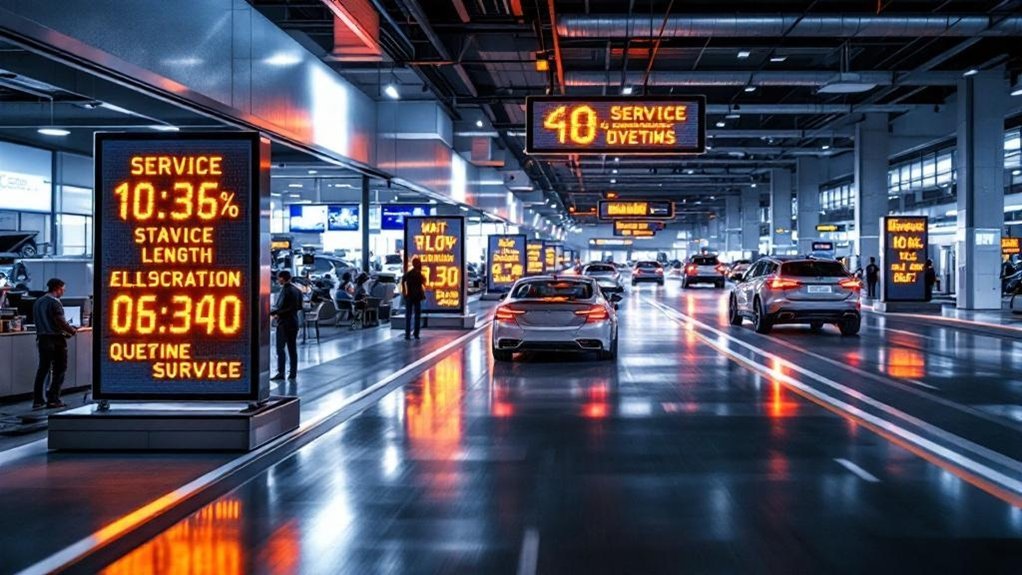
You’ll track engagement and dwell time by measuring interactions and average time spent near screens, noting that targeted content often boosts recall (70% of customers remember specific promotions). Compare sales and conversion rates before and after installation to quantify impact — some dealerships report a 20% jump in service appointments. Use staff observations and survey feedback to close the loop and iterate content, which has driven a 15% rise in customer satisfaction in tested programs.
Engagement and Dwell Time
Because engagement directly drives perceived value, measuring dwell time and interaction on service-drive digital signs gives you actionable insight into what actually works—studies show engaging displays can raise dwell time by up to 30% and boost promotional recall by 70% versus static signs. You can quantify customer interaction and display effectiveness using sensors, heat maps, and interaction analytics to see which content holds attention and which doesn’t. Real-time wait-time updates and targeted messaging reduce perceived waits and raise satisfaction. Closed-loop feedback from short surveys lets you iterate quickly.
- Track dwell time, interaction rates, and heat-map traffic to optimize placement.
- Use A/B content tests and surveys to measure display effectiveness.
- Feed analytics into content cycles to improve relevance and engagement.
Sales and Conversion Rates
When you measure sales and conversion rates from service-drive digital signs, you get hard evidence of ROI: dealerships report an average 15% lift in service sales conversions, a 20% increase in upsell take-rates, and engagement gains of up to 30% that translate into measurable revenue. You can tie those numbers to clear sales strategies: real-time wait-time updates and visual packages reduce perceived waits by up to 50%, keeping customers receptive to offers. Use conversion tactics like targeted promos, sequential messaging, and quick-survey prompts to capture intent and feedback. Track lift by A/B testing content, monitoring upsell attach rates, and surveying customers — 74% value clear in-lane info. Those metrics create a feedback loop that refines messaging and boosts measurable conversions.
Best Practices for Seamless Staff and Signage Integration
You should define clear roles so staff know when signage updates are informational versus actionable, which cuts miscommunication and speeds service flow. Integrating staff notifications with signs (e.g., push alerts for status changes) reduces perceived wait times and boosts upsell capture by up to measurable percentages. Train employees on content workflows and schedule maintenance plans so signs stay accurate, letting staff spend more time on personalized customer care.
Clear Role Definitions
Although digital signs can handle routine updates and promotions, clearly defining staff responsibilities guarantees employees focus on personalized service while signage delivers consistent information in busy service lanes. You’ll get faster response times and fewer handoffs when you enforce role clarity and responsibility assignment: assign who monitors content, who answers sign-prompted questions, and who updates schedules. Train staff to interpret and react to displayed messages, cross-train so coverage isn’t single-pointed, and collect regular feedback to refine processes. Measurable outcomes—reduced wait time, higher customer satisfaction scores, fewer missed promotions—justify the approach. Implement clear SOPs and a simple update cadence so everyone knows expectations and accountability, letting signage handle broad communication while staff provide personalized solutions.
- Monitor and respond
- Update schedule ownership
- Cross-training and feedback
Staff Notification Integration
Clear role definitions set the stage for a tightly integrated notification system that keeps staff and signage in sync; by routing alerts through a centralized dashboard, you’ll get real-time updates on wait times, appointment changes, and promotions that staff can act on immediately. Designate notification types (alerts, reminders, status updates) so staff know priority and response expectations. Use multiple communication methods—push, SMS, in-dashboard banners—to match context and reduce missed messages. Automate routine signage updates to cut manual tasks and free staff for higher-value interactions; metrics show faster response times and fewer lane bottlenecks when automation is applied. Track delivery rates and response times in the dashboard to refine workflows, improve collaboration, and sustain consistent customer experiences.
Training and Maintenance Plans
When staff are trained on both day-to-day content updates and troubleshooting procedures, you’ll see fewer outages, faster promotional rollouts, and measurably higher engagement; a structured training program combined with routine maintenance checks reduces downtime risk and keeps messaging consistent across locations. You should deploy standardized training techniques focused on the CMS, content integration with promotions, and basic hardware troubleshooting so teams can act immediately. Pair that with documented maintenance schedules for screen health, network checks, and software updates to prevent missed opportunities. Use a centralized CMS and a feedback loop so staff report performance metrics and content effectiveness, enabling iterative improvements that lift service-drive conversions.
- Standardized CMS usage and update workflows
- Regular hardware and network maintenance schedules
- Feedback loop for content performance and training gaps
Frequently Asked Questions
Why Is It Essential to Focus on Local SEO in Digital Marketing for Car Dealerships?
You must prioritize local SEO because it boosts local visibility, drives nearby foot traffic, and improves conversion rates; search optimization captures 46–78% of local intent, leverages reviews, GMB, and community backlinks to beat competitors.
How to Drive More Traffic to Your Dealership?
Funny coincidence — you’ll boost visits by optimizing social media, running referral programs, promoting real-time digital offers, using local SEO, tracking KPIs, and A/B testing creatives; data shows targeted combos increase foot traffic and conversions quickly.
Conclusion
You need these service drive digital signs — they’ll cut perceived wait times, slash friction and keep lanes flowing like clockwork, not chaos. Data shows clearer updates and targeted content boost satisfaction and repeat business, so forgiving slowdowns isn’t an option. Place robust hardware where heat and cars won’t kill it, feed signs real-time metrics, and train staff to use them. Do it right and your busy lanes will practically run themselves.