
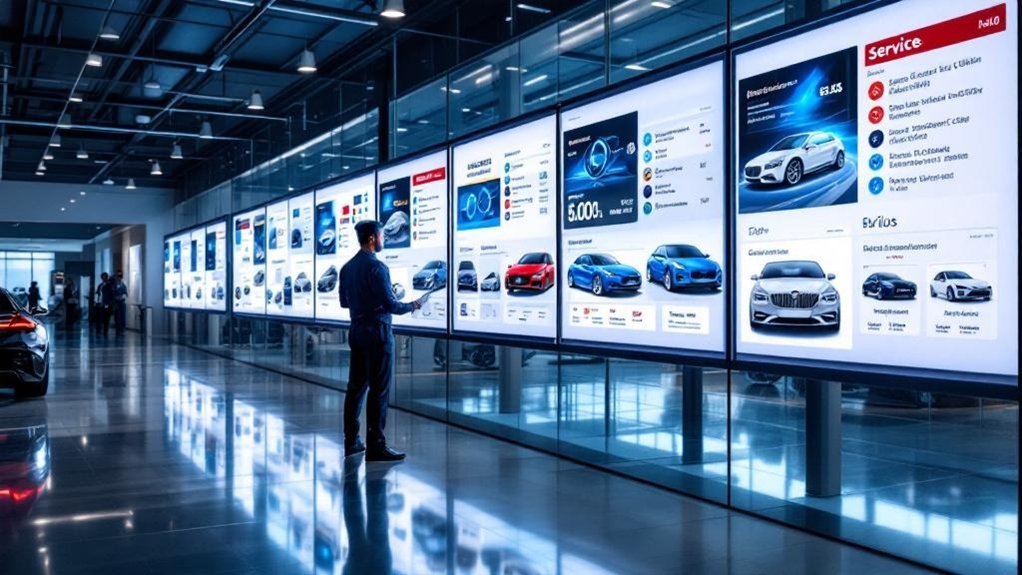
You’re switching because digital service boards cut manual errors, update prices and promotions instantly from your DMS, and keep inventory-aware offerings accurate. They automate POS and pricing rules, reduce print costs, and let you run targeted upsells and visuals that boost conversions. Role-based controls and leaderboards streamline staff workflows and training while measurable KPIs reveal what works. They improve customer trust and operational speed — keep going to see practical implementation tips and best practices.
Key Takeaways
- Digital service boards provide real-time pricing and inventory updates, eliminating outdated information and customer confusion.
- Integration with DMS and POS automates menu changes, reducing manual errors and administrative workload.
- Dynamic promotions and visuals boost engagement and increase high-margin service conversions.
- Role-based controls and automated workflows standardize processes, improving staff efficiency and consistency.
- Lower printing costs and reduced environmental waste make digital boards more economical and sustainable.
The Limitations of Paper Service Menus in Modern Dealerships

While paper service menus may seem simple, they quickly become a liability in a modern dealership: they’re static, hard to update, and can present outdated pricing or offers that confuse customers and cost you sales. You’ll find manual updates slow and error-prone, undermining clear menu design and frustrating tech-savvy buyers who expect current info. Rigid paper formats limit how you present services, visuals, and targeted promotions that influence customer preferences and drive upsells. The environmental and recurring printing costs also contradict growing sustainability expectations, which matters to many shoppers. To improve conversions, you need a streamlined process for delivering accurate, engaging content that matches customer preferences and supports consistent, measurable service interactions.
Real-Time Updates: Keeping Prices and Promotions Accurate
Because prices and promotions change fast, digital service boards give you a single source of truth that updates instantly across the dealership. You’ll integrate boards with your DMS so inventory levels, limited-time offers and market-driven adjustments flow automatically, eliminating manual edits and pricing discrepancies that frustrate customers. Use dynamic pricing rules to reflect demand or stock shifts, and trigger promotional banners the moment thresholds are met. That immediacy prevents revenue leakage by spotlighting timely discounts and nudging quicker decisions. From a customer engagement standpoint, patrons see accurate, current information on arrival, which raises satisfaction and trust. Set clear update protocols, monitor audit logs, and train staff on exception handling so real-time accuracy becomes a consistent, measurable part of the customer experience.
How Digital Service Boards Streamline Workflow and Reduce Errors
When your team switches to digital service boards, workflows get tighter and mistakes drop because updates, pricing and service status flow automatically from your DMS to visible displays. You’ll cut manual entry and eliminate inconsistent paper menus, producing measurable workflow efficiency and error reduction. Set processes so DMS changes push instantly to screens, and staff follow a single source of truth for offerings, pricing and statuses. Customers see clear visuals and accurate expectations, which reduces back-and-forth and clarifies service scope. Use role-based access to control who edits menus, and log changes to trace and correct issues quickly. Standardize check-in and update steps around the board, and monitor response times to continuously refine procedures and keep errors minimal.
Boosting Sales With Visuals, Upsells, and Targeted Messaging
Having a reliable digital service board in place makes it easier to shift from error reduction to revenue generation: you can push timely promotions, spotlight high-margin services, and use visuals to guide customer choices. You’ll set up templates for time-sensitive offers and seasonal upsells, update them remotely, and target content based on observed customer behavior. Use high-contrast images, short videos, and animations to boost visual engagement and draw attention to add-ons. Display tailored recommendations at key decision points—drop-off, waiting area, checkout—to increase impulse conversions. Track which promotions drive clicks and purchases, then iterate content, timing, and placement. The result: faster promotion deployment, reduced print costs, roughly 3% better margins, and up to a 10% lift in sales through focused upsells.
Improving Customer Experience and Perception of Professionalism

Although digital service boards look simple at a glance, they change how customers experience your service center by delivering clear, timely information that reduces confusion and speeds decisions. You’ll use dynamic content to boost customer engagement, pushing real-time updates on services and promotions so visitors get relevant options without asking. High-quality visuals and short videos provide immediate clarity, lowering questions and perceived wait friction while enhancing visual impact and a modern, professional feel. Follow a process: present priority services, show expected times, and rotate promotions to keep attention. That streamlined flow shortens interactions, raises satisfaction scores, and reinforces brand professionalism. The result: faster decisions, fewer repeat explanations, and a stronger, service-focused reputation.
Integration With DMS, POS, and Inventory for Automated Management
You’ll want your service boards tied directly into your DMS so pricing and scheduling update in real time and customers see accurate availability. Let POS-driven menus push current promotions and labor rates instantly to displays, reducing staff edits and checkout errors. Make listings inventory-aware so parts and service options disappear when stock runs low, preventing overbooking and improving customer trust.
Real-time DMS Sync
When your service board is synced in real time with the DMS, POS, and inventory systems, updates to pricing, availability, and promotions happen automatically so customers always see accurate options. You get real time analytics that feed into data driven decisions, so you can highlight in-demand services and avoid listing unavailable parts. Automated syncing reduces manual edits, cuts errors, and keeps service lanes moving. Staff spend less time fixing menus and more time helping customers. The process lets you react to inventory shifts, adjust margins, and surface promotions that convert.
- Immediate price and availability updates from DMS and inventory
- Automated promotion scheduling tied to demand
- Fewer manual overrides and reconciliation tasks
- Faster customer confirmations and reduced misquotes
POS-Driven Menu Updates
If your service board is driven by POS integration, menu updates happen automatically as sales, parts changes, and promotions occur, so customers always see accurate prices and available services without staff intervention. You’ll rely on POS analytics to track which services sell, which promotions convert, and when to trigger price or availability changes. Integration with your DMS and inventory systems guarantees those updates reflect real stock and technician capacity, reducing customer disappointment. The automated workflow frees staff from manual edits, so you can focus on customer interaction and service quality. Menu customization tools let you highlight time‑sensitive offers and tailor displays by location or bay, improving responsiveness to demand and maximizing upsell opportunities.
Inventory-Aware Service Listings
Because your service board ties directly into the DMS, POS, and inventory systems, it can automatically show only services and parts that are actually in stock and scheduleable, reducing customer confusion and wasted trips. You get real-time inventory tracking that feeds service listings, so customers see accurate options and you avoid manual errors. That automated flow supports service optimization by highlighting promotable items aligned with current stock and available labor capacity. The process reduces callbacks, speeds check-ins, and boosts upsell conversion by presenting valid, timely offers.
- Real-time parts availability synced from DMS/POS
- Automated removal of sold-out services to prevent booking errors
- Dynamic promotions matched to inventory levels
- Scheduling limits tied to technician capacity and stock
Implementation Tips and Best Practices for Dealer Adoption
Although adopting a digital salesboard takes planning, you’ll get smoother operations and clearer customer communication by choosing a system that ties directly into your DMS, training staff regularly, and scheduling ongoing maintenance; prioritize integrations, customizable service menus and leaderboards, routine performance reviews, and hands-on training so the tool stays accurate, engaging, and aligned with your dealership’s workflows. Start with a pilot: integrate the board with your DMS, import live inventory and service pricing, then test workflows with a small team. Run dealer training sessions focused on daily use and customer conversations. Schedule weekly checks for data syncs and monthly performance reviews to tweak displays and KPIs. Use customizable menus and leaderboards to drive transparency and motivate staff. Plan quarterly maintenance windows and clear escalation paths for technical issues.
Frequently Asked Questions
Do Customers Prefer Digital Menu Boards?
Yes — you prefer digital menu boards because they boost customer engagement and deliver digital convenience; they’re updated in real time, showcase appealing visuals, drive unexpected purchases, and streamline info delivery so you get clearer, faster service decisions.
What Is the Four Square Trick at a Car Dealership?
The four square trick is a negotiation tactics method where you’ll see trade-in value, new car price, down payment, and monthly payment separated so you can adjust each element methodically; stay focused to avoid hidden costs and confusion.
What Are the Disadvantages of Digital Menus?
Like a fragile web, you’ll face digital limitations: outages, costly setup and maintenance, glitches, training burdens, and alienating non-tech customers. You’ll need clear processes to protect customer experience and reduce downtime, confusion, and frustration.
Are Digital Menu Boards Worth the Cost?
Yes — you’ll find digital menu boards worth the cost when a cost benefit analysis shows higher customer engagement, reduced printing expenses, real-time updates and measurable sales lifts, provided you plan deployment, training and content strategy.
Conclusion
You’re ready to ditch paper menus because they slow you down and cost you revenue. Studies show dealerships using digital service boards see up to a 30% increase in average repair order value — proof that real-time pricing, visuals, and targeted upsells work. Roll them out with clear workflows, staff training, and DMS/POS integration, and you’ll cut errors, speed service, and look more professional—giving customers a smoother, more profitable experience.