
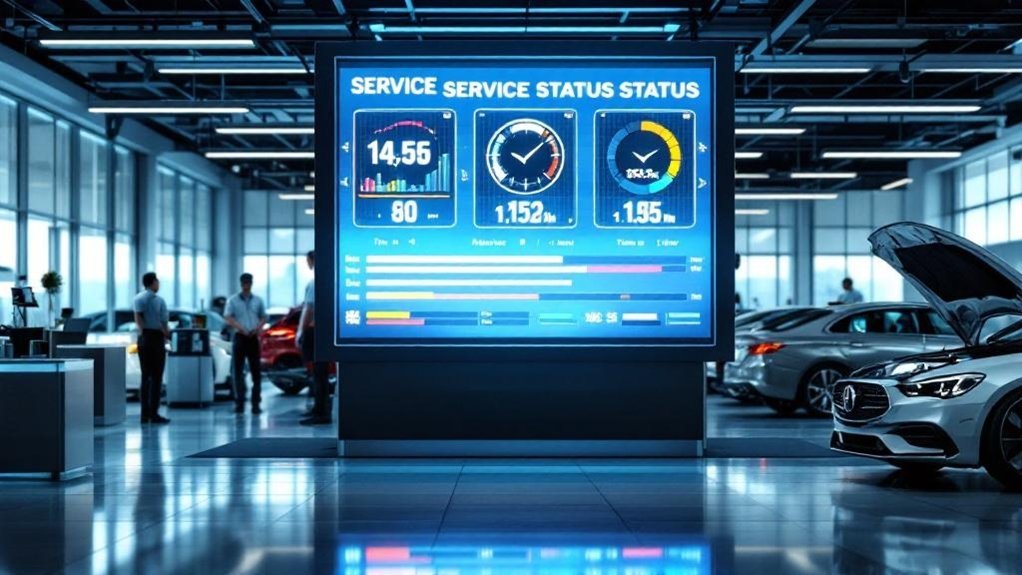
You’ll get faster, more predictable service and fewer calls by showing live repair-order milestones in a branded digital status menu that ties to your DMS. Customers see stage-specific notes, estimated times, and automated alerts so they can approve work and pay quickly, boosting conversions and trust. Advisors spend less time on status calls and more on complex tasks, while you capture data for targeted offers — keep going to learn implementation steps and best practices.
Key Takeaways
- Display a live milestone timeline synced with the DMS to show real-time repair order progress and reduce customer uncertainty.
- Send automated, consented mobile or text alerts triggered by milestone changes to cut inbound calls and improve transparency.
- Include stage-specific details and technician notes for each milestone to help customers make faster, informed approval decisions.
- Integrate payment and approval workflows with milestones to speed authorizations and increase conversion by reducing friction.
- Use milestone analytics and branded interfaces to personalize offers, improve retention, and measure service efficiency gains.
Key Takeaways for Dealerships and Customers
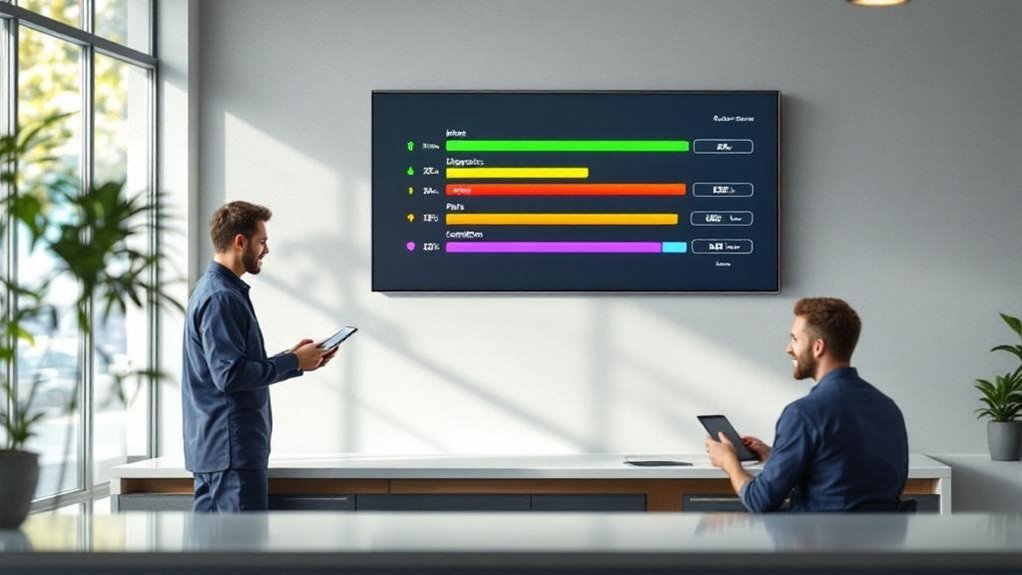
One clear benefit you’ll notice is faster, more predictable service: real-time repair order milestones and Automated Service Updates (ASU) cut back on uncertainty and let customers know exactly where their vehicle is in the process. You’ll reduce inbound calls and let advisors focus on diagnostics and repairs, improving throughput and lowering cycle times. Data shows about 55% of customers prefer mobile or text updates, so aligning with customer preferences meets modern service expectations. Transparent milestones build trust, raise satisfaction scores, and increase retention. Implementing ASU-driven workflows standardizes communication, removes variability, and gives you measurable efficiency gains. You’ll track reduced inquiry volumes, faster turnarounds, and clearer KPIs that support continuous improvement.
What a Digital Service Status Menu Includes
Because you want clarity and control, a digital service status menu gives real-time repair order milestones, stage-by-stage details (write-up, inspection, servicing), and automated mobile notifications so customers always know exactly where their vehicle is in the process; it also links service history and maintenance needs to the dealership management system to keep updates accurate, reduce inbound inquiries, and provide measurable KPIs for improving throughput and satisfaction. You get service transparency and customer empowerment through concise, data-driven features:
A digital service status menu delivers real-time repair milestones, stage details, and automated alerts for transparent, efficient vehicle service.
- Live milestone timeline tied to the dealership management system.
- Stage-specific details (technician notes, estimated durations).
- Automated mobile alerts and consented messaging.
- Accessible service history and recommended maintenance actions.
This menu reduces uncertainty, shortens response cycles, and lets you make informed decisions about your vehicle quickly.
Real-Time Repair Order Milestones Explained

When you opt into real-time repair order milestones, you’ll get instant, data-driven updates—check-in, inspection, servicing, and completion—pushed to your phone so you always know exactly where your vehicle is in the process. You’ll see milestones aligned with customer preferences and choose communication channels (app, text) that match your needs. Automated alerts cut inquiry volume, free advisors for higher-value tasks, and boost throughput through predictable workflows. Data shows 55% prefer app or text updates, so configure notifications accordingly. The process-oriented flow clarifies responsibilities at each milestone, reduces anxiety, and improves service efficiency.
| Milestone | Action |
|---|---|
| Check-in | Confirm arrival |
| Inspection | Diagnose issues |
| Servicing | Perform repairs |
| Quality Check | Verify work |
| Completion | Notify pickup |
How Live Updates Improve Customer Trust
Although you might drop off your car feeling uncertain, live, data-driven repair updates give you transparent, step‑by‑step visibility—check‑in, inspection, servicing, quality check, and completion—so you always know where your vehicle is and what’s happening next. You get predictable touchpoints that reduce anxiety and drive measurable customer engagement. Data shows 55% prefer app or text updates; automated Service Status Updates cut status calls so advisors focus on complex work. Clear milestone messages, including pricing clarity, boost trust—96% of customers value updates that reflect service value. Real-time tracking gives you a sense of control and raises repeat business probability. Key benefits you’ll notice:
- Reduced uncertainty
- Fewer status inquiries
- Higher satisfaction
- Stronger service transparency
Integrating Payment and Approval Workflows
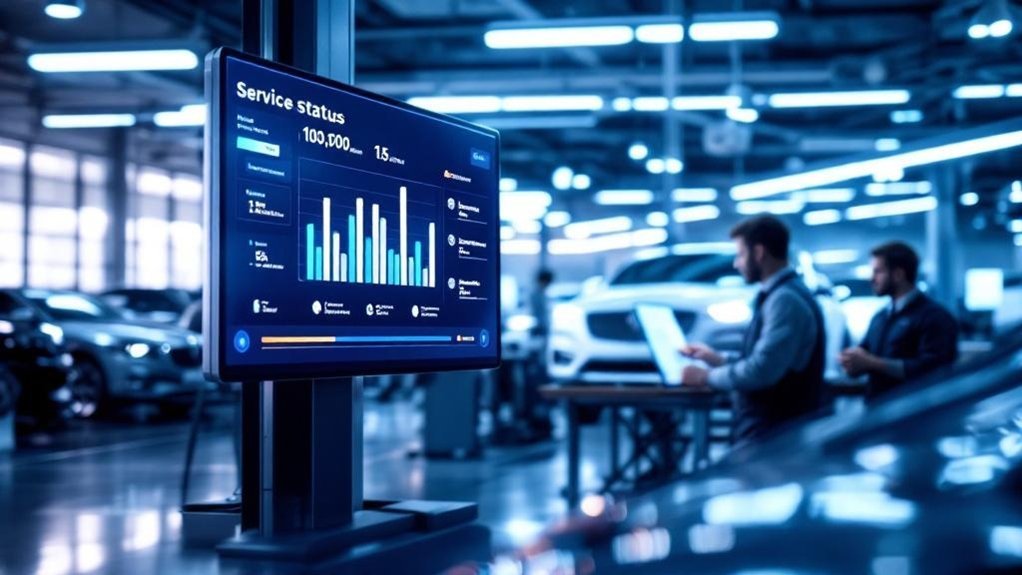
If you want faster approvals and fewer phone calls, integrating payment and approval workflows directly into your digital service status menu makes it simple for customers to review estimates, authorize repairs, and pay securely without leaving the app or text thread. You’ll reduce friction with approval automation and offer payment flexibility via credit cards and digital wallets. Real-time milestones trigger notifications when estimates are ready, so customers act quickly; that combination can boost sales by ~30%. Advisors spend less time chasing approvals and more on high-value tasks, improving throughput and satisfaction. Secure processing and multiple options increase conversion. Measure time-to-approval, payment completion rate, and advisor hours saved to quantify ROI and continuously refine the workflow.
| Metric | Impact |
|---|---|
| Time-to-approval | Decreases |
| Payment completion | Increases |
| Advisor workload | Reduces |
Customization and Branding Opportunities
You can reinforce your dealership’s identity with branded interface themes that keep colors, fonts, and messaging consistent across the service journey. Tailored service packages let you segment offers by customer preferences and purchase history, improving relevance and conversion rates. Use analytics from these custom interfaces to refine bundles and promotions as market trends and customer behavior evolve.
Branded Interface Themes
One clear advantage of branded interface themes is that they let your dealership present a consistent, measurable brand experience across every digital touchpoint—logo, colors, typography and layout all reinforce recognition and drive engagement. You’ll use branded themes to translate visual identity into the service flow, increasing trust and repeat visits through consistent cues. Measure engagement and repeat rate to validate impact.
- Display unique logos and color schemes to reinforce recognition.
- Align typography and layout with brand standards for clarity.
- Track click-throughs and time-on-page to quantify engagement.
- Use visual consistency to reduce friction and speed decisions.
This process-oriented approach ties customization to KPI improvements, helping you differentiate and retain customers in a competitive market.
Tailored Service Packages
Branded themes set expectations visually; tailored service packages let you meet those expectations with personalized offerings that drive revenue and loyalty. You’ll use digital service menus to map customer preferences into clear, branded packages that blend concise descriptions, transparent pricing, and optional add-ons. By capturing interaction data, you can identify trends and launch targeted promotions aligned with demand, improving conversion and retention. Interactive menu tools let customers customize maintenance or repair selections in real time, simplifying choices and enabling upsells without pressure. Operationally, integrate analytics into the workflow so advisors see recommended bundles and acceptance rates, then iterate offers based on performance. This service personalization strengthens your dealership identity, boosts satisfaction, and generates measurable revenue uplift through smarter, data-driven packaging.
Operational Benefits for Service Advisors and Technicians
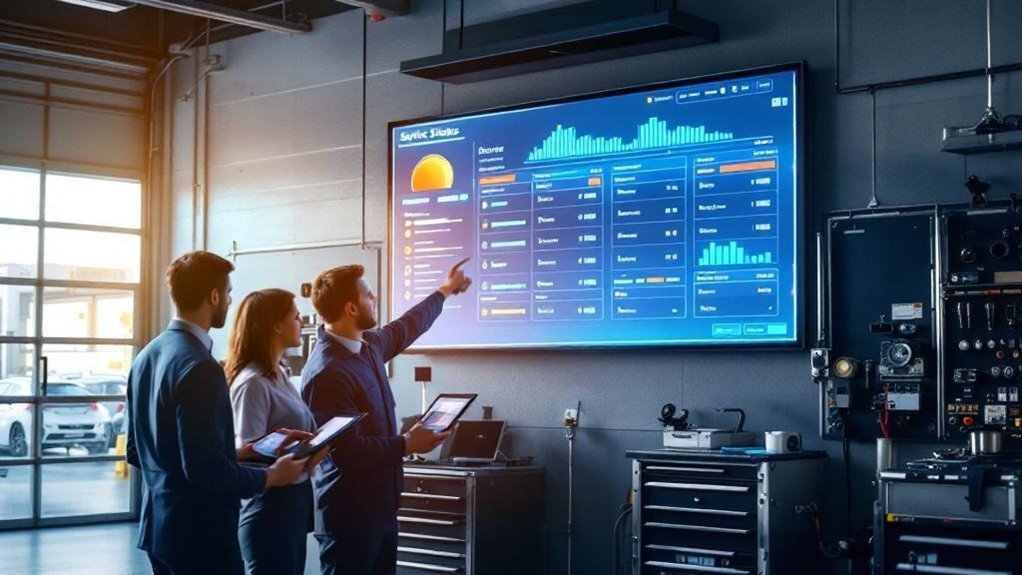
Because real-time repair order milestones cut customer follow-ups by as much as 33%, service advisors and technicians can shift from reactive status checks to higher-value work, improving productivity and job satisfaction. You’ll see measurable gains in service efficiency and clearer task prioritization when milestones are automated and visible.
- Reduced inquiries — automated updates shrink call volume, freeing advisors for complex customer conversations.
- Better throughput — technicians use milestone visibility to sequence jobs and reduce downtime.
- Lower admin costs — fewer manual status reports cut processing time and errors.
- Smoother communication — shared milestones reduce misunderstandings and speed handoffs.
You’ll deliver faster, more reliable service, track performance with data, and keep staff focused on revenue-generating activities.
Implementation Steps and Best Practices
Start by integrating the digital service status menu with your dealership management system so repair order milestones and real-time updates flow automatically between teams and customers. Define clear, measurable status stages (e.g., write-up complete, inspection in progress, parts on order, final servicing) so customers get consistent, data-backed expectations at each touchpoint. Train staff on the process and monitor key metrics—update accuracy, notification delivery, and customer satisfaction—to refine status definitions and system configurations.
Integration With DMS
When you integrate a Digital Service Status Menu with your DMS, you’ll unfasten real-time repair order milestones that let advisors and customers track progress instantly, reduce inquiry volume by up to 30%, and improve transparency across each repair stage. Focus on DMS compatibility early to avoid integration challenges and map fields, triggers, and status codes. Test thoroughly in a sandbox, then phase rollout to limit disruption. Train advisors on workflows so automated updates replace repetitive calls and boost satisfaction.
- Select compatible DMS and verify APIs, data models, and security.
- Run end-to-end tests covering triggers, notifications, and edge cases.
- Train staff with role-based scenarios and monitor adoption metrics.
- Review integration monthly and iterate based on customer feedback and tech updates.
Clear Status Definitions
Clear, standardized status definitions are the backbone of a digital service status menu, letting you give customers precise, data-driven updates like “Checked In,” “In Inspection,” and “Completed” that cut confusion and reduce inquiry volume; define each milestone, map the triggering events in your DMS, and assign visual cues so notifications are consistent, measurable, and easy for advisors and customers to interpret. You’ll implement status clarity by documenting each state, linking it to DMS events, and adding color-coded icons to improve customer onboarding and reduce anxiety. Train advisors to use these terms consistently and review definitions regularly with customer feedback to refine meanings and triggers.
| Status | Trigger |
|---|---|
| Checked In | RO created |
| In Inspection | Tech start |
| Completed | Finalized & billed |
Leveraging Data for Targeted Promotions and Loyalty

Because real-time repair order milestones give you a precise view of customer behaviors and preferences, you can use that data to deliver promotions and loyalty offers that actually matter to each driver. You’ll boost customer engagement and enable service personalization by turning milestones into actionable segments. Use a process that extracts patterns, maps offers to service history, and automates delivery at the right moment.
- Analyze milestone-derived segments to identify high-value repeat candidates.
- Create personalized loyalty rewards tied to individual repair histories.
- Bundle services with targeted discounts informed by past purchases.
- Continuously refresh offers based on live milestone updates to keep engagement rising.
This data-driven approach increases retention, raises repair order value, and makes promotions timely and relevant.
Emerging Trends: AI, Predictive Maintenance, and Connectivity
As AI, predictive maintenance, and connected mobile tools converge, you’ll be able to move from reactive fixes to proactive, personalized service—using data to anticipate issues, tailor communications, and streamline parts and labor workflows so customers spend less time worrying and more time driving. You’ll deploy AI Integration and Predictive Analytics for Maintenance Forecasting, improving Customer Experience through Service Personalization and Real time Connectivity. Inventory Optimization follows from Data Driven Decisions based on usage patterns and repair order milestones. Processes shift: sensors feed forecasts, systems trigger parts orders, and mobile alerts guide customers through milestones. The result is reduced downtime, higher retention, and transparent service journeys that align expectations with outcomes.
| Capability | Outcome | Metric |
|---|---|---|
| Predictive Analytics | Fewer breakdowns | Downtime % |
| Inventory Optimization | Faster repairs | Fill rate % |
Frequently Asked Questions
Can Customers Opt Out of Real-Time Notifications?
Yes — you can opt out. You’ll manage real time preferences via your account’s notification settings, choosing which milestone alerts to receive. This customer-focused, data-driven process gives clear control over alerts and communication frequency.
How Are Data Privacy and GDPR Handled?
You might worry it’s intrusive, but you’ll control sharing: we use user consent, strict data encryption, access logs, and retention policies. Our process’s customer-focused, data-driven safeguards and regular audits guarantee GDPR-compliant handling of personal data.
Will Older Dealership Systems Support Integration?
Yes — you’ll often integrate with legacy systems, though integration challenges arise; you’ll map data, use APIs or middleware, run pilot tests, monitor performance metrics, and iteratively refine processes to guarantee reliable, customer-focused real-time updates.
Can Third-Party Garages Use the Same Menu?
Yes — third-party garages can; seamless third party integration enables consistent repair tracking. You’ll gain customer-focused clarity, data-driven dashboards, and process-oriented protocols, letting you monitor milestones, measure metrics, and manage workflows across multiple independent shops.
Is Multilingual Support Available for Customers?
Yes — you’ll get multilingual support: the menu offers language options tied to customer preferences, logs selections for analytics, and adjusts notifications and process steps so service communication’s data-driven, consistent, and customer-focused.
Conclusion
You’ll see how real-time repair milestones turn waiting into clarity, and coincidence has it that clarity often boosts loyalty—because when customers know what’s happening, they behave differently. You’ll measure faster approvals, fewer callbacks, and higher satisfaction, and those metrics will prove the case. Focus on clean processes, data-driven alerts, and seamless payment flows, and you’ll not only improve throughput but create repeat customers who trust your shop every time.