
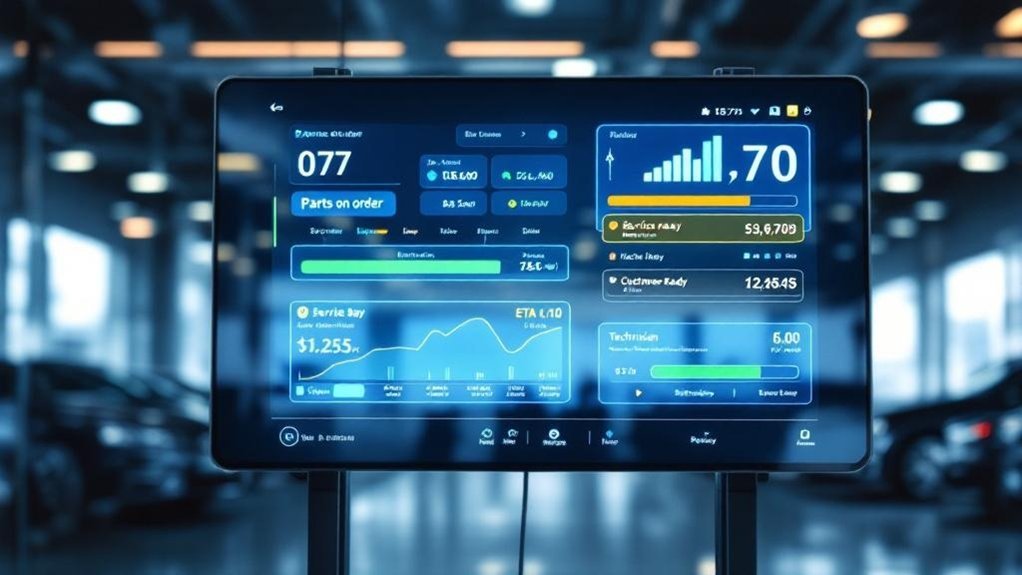
Your service screen should show your vehicle’s current stage (in progress, awaiting parts, completed), a live ETA with reason for any changes, and a checklist of tasks being done. It should list technician name and bay, note pending approvals and parts delays with simple actions, and display past services plus upcoming maintenance alerts. Include promotions, loyalty perks, and waiting‑area amenities. Keep timestamps and clear prompts so you can plan—scroll down for a fuller breakdown.
Key Takeaways
- Current service stage, real-time ETA, and dynamic countdown showing technician progress and any delays.
- Detailed list of services and repairs with statuses, estimated finish times, and required parts or approvals.
- Assigned technician name/photo, service bay location, and estimated completion per vehicle for easy tracking.
- Notifications of recommended additional work with clear approve/defer actions and expected cost or wait time.
- Current promotions, loyalty benefits, amenities, and simple instructions for redeeming offers or enrolling.
Essential Service Status Overview for Customers
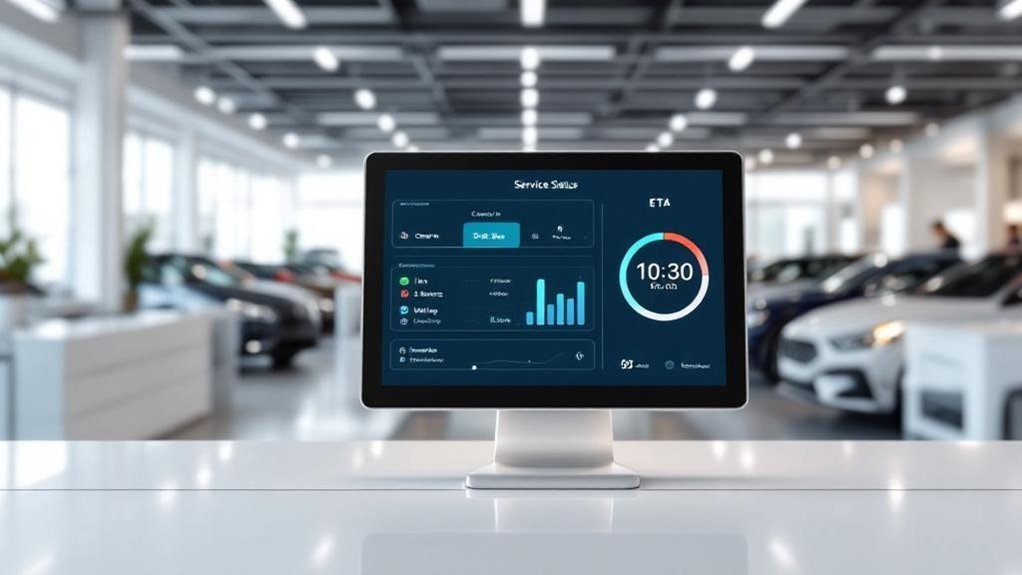
When you check the service status screen, it should show each vehicle’s current stage—In Progress, Awaiting Parts, or Completed—plus an estimated completion time so you can plan your day. You’ll see a concise checklist of tasks being performed (oil change, tire rotation, inspection) so you know what’s included and why, supporting service transparency. If additional work is recommended, a notification appears with options to approve or defer, reducing surprises. Real-time updates on delays or parts shortages keep you informed and improve customer engagement by lowering uncertainty. Use the screen to confirm status, estimated timing, and any required actions; follow prompts to accept recommendations or request staff assistance for clarity and next steps.
Real-Time Estimated Completion Times
Because real-time estimated completion times update automatically as work, labor and parts availability change, you’ll always know the most current finish time for your vehicle. Use the display to check a dynamic countdown that adjusts as technicians log progress or parts arrive, giving you actionable expectations. Rely on the screen’s integration with shop management software so estimates refresh without staff intervention. If times shift, note the updated ETA and any brief reason provided to maintain service transparency. Plan errands or return trips based on the live estimate to reduce wait stress. For best customer engagement, glance at the timestamped estimate and confirm any questions at the service desk; the screen’s accuracy should streamline your visit.
Detailed List of Services and Repairs Underway
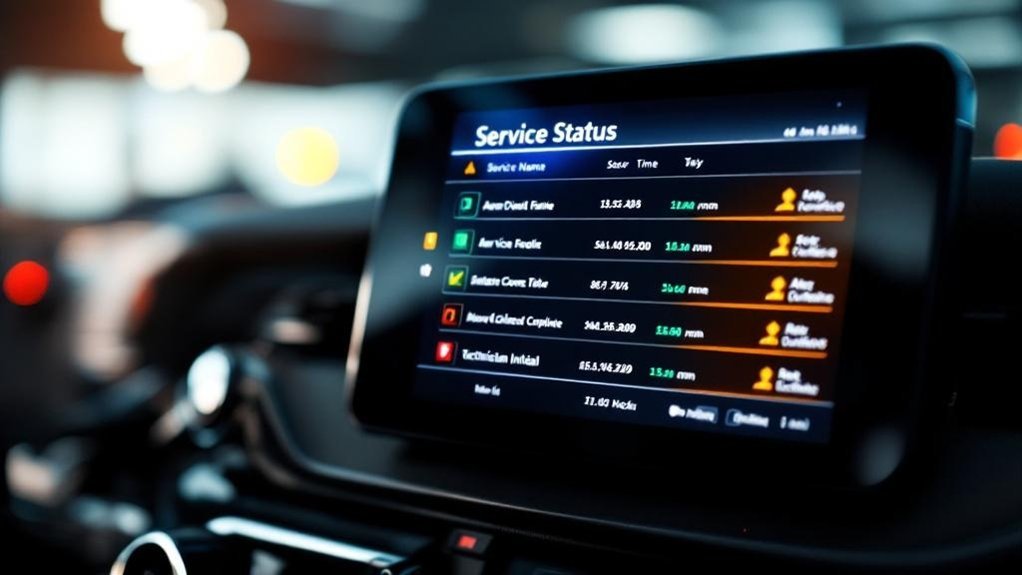
Alongside live completion estimates, the screen should list every service being performed on your vehicle—oil changes, tire rotations, brake inspections and any diagnostic or repair work—each with its own estimated finish time and current status (in progress, awaiting parts, or complete). You’ll see services organized by clear service categorization (maintenance, inspection, repair, diagnostics) so you can scan priorities quickly. Each line shows the task, short description, ETA and status badge; color coding indicates urgency. Real-time updates reduce uncertainty and improve customer engagement by keeping you informed without asking staff. Include concise notes when parts or approvals are needed and an expected wait timeframe. This procedural layout streamlines decisions and sets transparent expectations.
Technician Assignments and Bay Locations
1 clear display should show which technician is assigned to your vehicle and the exact service bay where it’s being worked on, so you can identify who’s handling your car and where to find it. You’ll see technician visibility through a listed name, photo or badge ID, and a status indicator (inspection, repair, waiting). Bay assignments should be explicit: bay number, zone map link, and current occupancy. Use color-coding or icons to show who’s available versus busy, reducing questions at the counter. Include an estimated completion time per vehicle to set expectations. The screen should update in real time so you can track progress, confirm who’s responsible, and locate your car quickly without interrupting technicians or service flow.
Pending Customer Approvals and Parts Delays
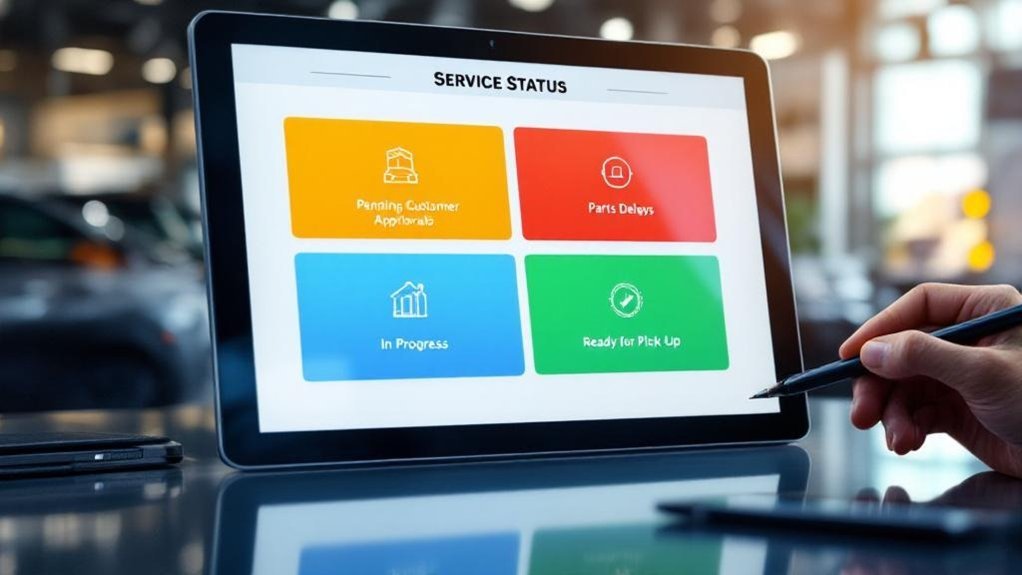
When your vehicle needs approval or a delayed part, the service status screen should show a prominent, real-time notification with what’s awaiting your OK, the decision deadline, and how the delay will affect the completion estimate. You’ll see concise entries for pending approvals and parts delays, with clear actions: approve, decline, or request more info. The screen lists estimated arrival times, expected impact on completion, and a timeline so you can plan. Updates push when status changes. This reduces anxiety and speeds decisions by keeping you informed.
| Item | Current Status | Action |
|---|---|---|
| Repair authorization | Pending | Approve / Ask Qs |
| Brake pads | Delayed | ETA: 2 days |
| Remaining work | On hold | Resume after OK |
Service History and Upcoming Maintenance Reminders
You’ll see a clear list of past service records showing dates, service types, and parts replaced so you know exactly what’s been done to your vehicle. The screen will also display scheduled maintenance alerts based on manufacturer intervals, with color-coded urgency and estimated costs to help you plan. Use these entries to approve upcoming work or book appointments directly from the status screen.
Past Service Records
A clear service history on your digital status screen gives you instant access to past repairs, dates, service types, and mileage at service so you can verify work, track maintenance patterns, and plan upcoming care; the same interface can show manufacturer recalls or service bulletins and deliver personalized reminders for scheduled maintenance to keep your vehicle safe and extend its lifespan. You’ll see past maintenance insights and concise service trend analysis that build trust and make decisions faster. Use the screen to confirm completed work, note recurring issues, and prioritize safety items. A procedural view lists entries, highlights recalls, and offers contact or booking actions so you can act immediately.
| Repaired | Date | Mileage |
|---|---|---|
| Brake pads | 03/12/24 | 42,100 |
| Oil change | 06/05/24 | 44,300 |
| Recall fixed | 09/20/24 | 46,000 |
Scheduled Maintenance Alerts
Because your schedule and mileage affect safety and warranty, the digital service status screen combines past service records with upcoming maintenance alerts so you won’t miss essential work; it shows previous service dates, types, and mileages, flags overdue items with color-coded indicators, and lists recommended services with estimated costs and quick actions to book or contact the shop. You’ll see scheduled service notifications tied to mileage or time intervals (oil, tires, brakes) and clear overdue warnings. The screen gives step-by-step options: review recommended service, view estimated cost, choose maintenance scheduling options (drop-off, shuttle, loaner), or contact service advisor. Real-time status updates keep you informed of progress or delays. Follow prompts to confirm or reschedule to maintain warranty and safety.
Personalized Customer Information and Notifications

When you check the service status screen, it should show your name, vehicle model, recent service history and clear notifications about progress, estimated completion and any recommended additional work. You’ll see real-time status labels (In Progress, Awaiting Parts, Ready for Pickup), estimated completion times, and targeted recommended services based on diagnostics. The screen supports service personalization and drives customer engagement by offering quick feedback prompts and appointment reminders. You can act on alerts, approve extra work, or request clarification without interrupting staff. Follow on-screen steps to confirm decisions, view cost estimates, or schedule follow-ups. This reduces anxiety and speeds decisions.
- Relief when updates are clear and timely
- Confidence from transparent estimates
- Control over service choices
- Satisfaction from quick feedback options
Promotions, Loyalty Offers, and Waiting Area Amenities
You’ll see current promotions and special offers clearly on the service status screen so you can quickly decide on maintenance upgrades or add-ons. You’ll also get loyalty program summaries showing points, available discounts, and member-only deals to make repeat visits more rewarding. Finally, the screen lists waiting area amenities like complimentary coffee, Wi‑Fi, and entertainment plus real-time wait and completion estimates to keep you comfortable and informed.
Current Promotions Display
1 clear section on the screen should highlight current promotions—limited-time service discounts, special vehicle offers, and rotating seasonal deals—so you can quickly see savings that may influence your choices. Use concise promotion strategies and visuals to drive customer engagement: present offer name, expiration, eligible services, and one-line call to action. Update rotating content automatically to reflect seasonality and urgency. Include loyalty-related hints without detailing program mechanics (covered later). Feature waiting-area amenities alongside promotions for immediate comfort cues.
- Feel reassured by clear savings and deadlines.
- Enjoy a cozy wait with complimentary amenities.
- Be tempted by limited-time vehicle deals.
- Trust transparent, timely offers that respect your time.
Place high-contrast graphics and short animations to capture attention.
Loyalty Program Highlights
Confidence comes from knowing your loyalty perks are working for you: the screen will spotlight member-only promotions, current points balance, and easy steps to redeem discounts or book exclusive services. You’ll see real-time updates of loyalty program benefits—discounts on services, free maintenance checks, and cashback offers—so you can decide instantly whether to apply rewards. The display lists current promotions for members, shows points earned from today’s visit, and provides a clear redeem path (code, button, or staff scan). It also advertises upcoming member exclusive events and special discounts with dates and RSVP instructions. Update frequency and visible timestamps should be noted so you trust the info. Follow on-screen prompts to enroll, claim offers, or ask staff for assistance.
Waiting Area Amenities
Comfort is more than a chair — it’s knowing what’s available while you wait: the screen should show current promotions and loyalty perks, estimated service times, and clear instructions for redeeming offers or enrolling, alongside a concise list of waiting-area amenities like complimentary beverages, Wi‑Fi, TV, and reading materials. You’ll use the display to boost customer engagement by listing limited-time offers, loyalty benefits and points status, and upcoming events. Include step-by-step redemption instructions and an updated ETA to minimize uncertainty. Present amenities clearly so guests can choose how to spend their time. Use simple icons and brief copy to maintain readability.
- Feel welcomed with a warm beverage and fast Wi‑Fi
- Stay informed with live ETAs and offers
- Enjoy TV, magazines, or quiet work space
- Redeem perks quickly with clear steps
Frequently Asked Questions
What Information Does a Dealership Need?
You need service scheduling, live repair status, estimated wait times, specific services listed, customer notifications, technician contact availability, billing/authorization updates, promotional offers, and loyalty details so customers stay informed and appointments run efficiently.
What Is Service Information in Automotive?
Service information in automotive tells you current repair status, performed work, costs, service schedules and maintenance reminders, estimated completion times, recommended additional services, warranty details, and real-time updates so you’ll know what’s happening with your vehicle.
What Does a Car Dashboard Display?
Of course your car tells you everything—speed, fuel, temps, warnings, navigation, media and connectivity—so you can stay informed. Use dashboard features and modern display technology to check status, troubleshoot alerts, and customize readings efficiently.
Can Dealerships See Service History?
Yes — you can: dealerships access service records tied to your VIN, review vehicle maintenance history, verify prior repairs and warranties, then recommend next steps and schedule upkeep, ensuring continuity and accurate service for your vehicle.
Conclusion
Think of the service screen like a lighthouse guiding your car through fog: it shows where you are, who’s helping you, what still needs fixing, and when you’ll reach safe harbor. You follow clear signals, approve needed parts, and get timely updates so surprises stay ashore. By keeping information concise, real-time, and customer-centered, the screen lets you navigate maintenance with confidence and makes returning smoother every time.