
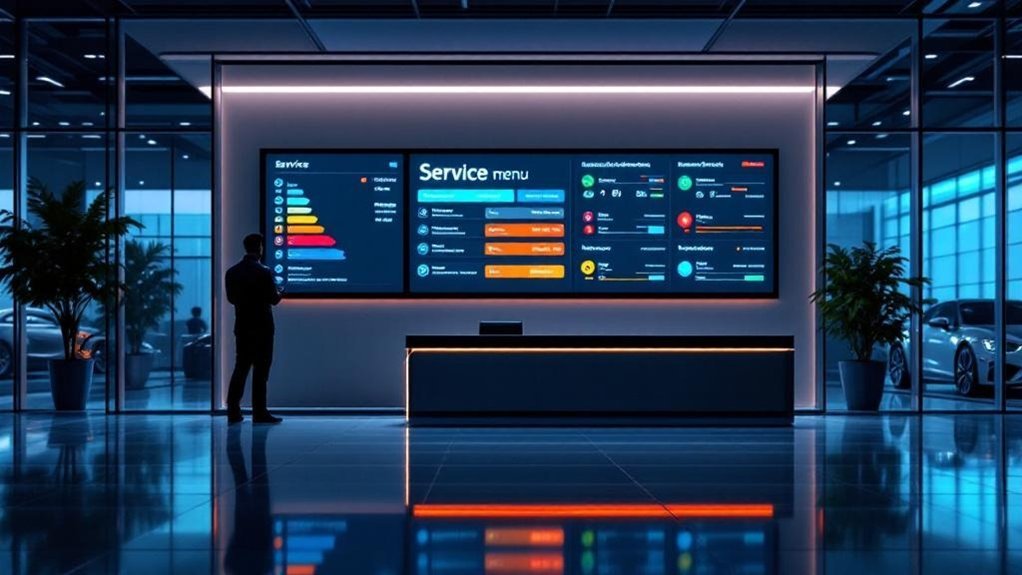
Pair your digital service menu with live status boards by syncing your DMS for real-time pricing, clear tiered packages and automated milestone updates (check‑in, diagnosis, in‑service, QC, ready). That transparency cuts perceived wait times, reduces inquiries and boosts upsells and CSI by measurable amounts. Use timestamped progress, tech load balancing and automated alerts to prevent bottlenecks and reassign staff quickly. Track KPIs and board logs to prove impact — keep going to see practical setup and rollout steps.
Key Takeaways
- Integrate the digital service menu with your DMS so prices, packages, and available times update in real time.
- Show clear, tiered service packages and concise descriptions to speed customer decisions and increase upsell conversion.
- Display live job milestones (check-in, diagnosis, in-service, quality check, ready) on status boards to reduce perceived wait times.
- Automate milestone alerts and concise notifications to customers to cut status inquiries and boost satisfaction.
- Use status-board metrics (avg completion time, technician load, bottlenecks) to rebalance workloads and improve throughput.
Key Takeaways for Dealers and Customers
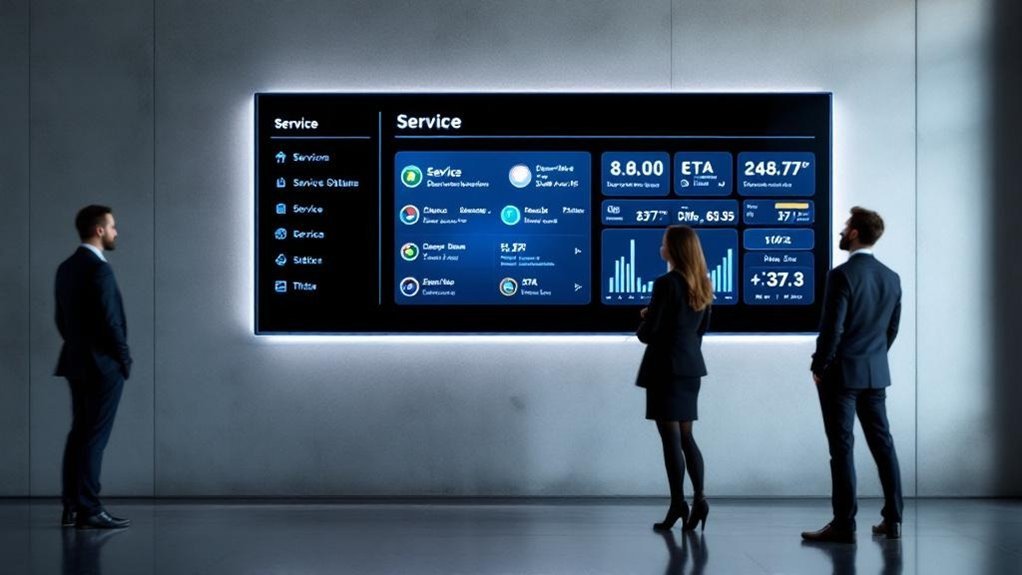
Because real-time visibility matters, pairing a digital service menu with service status boards gives you clear, actionable updates so customers can track their vehicle and make informed choices without calling the desk. You’ll reduce manual inquiries and raise customer engagement by providing automatic status pushes that can increase satisfaction up to 30%. Continuous updates shrink perceived wait times and create upsell windows tied to current service context. You’ll also get operational data to spot bottlenecks, reallocate resources, and improve throughput, which drives better CSI. Implement consistent messaging and measurable KPIs for response times, update frequency, and conversion rates. Prioritize service transparency in interfaces and staff training so customers trust the process and you capture quantifiable gains in efficiency and loyalty.
Why Pairing Service Menus With Status Boards Boosts CSI
When you pair a digital service menu with live status boards, customers get real-time progress visibility that shrinks perceived wait times and raises satisfaction. Clear, transparent wait communication cuts status calls and frees advisors to deliver higher-value service, which shows up in better CSI scores. Together these tools build trust and engagement, increasing upsell rates and repeat business.
Real-Time Progress Visibility
Any clear, real-time update that shows a vehicle’s progress will cut perceived wait times and lift customer satisfaction—status boards synced with your digital service menu give customers live visibility into diagnostics, repairs, and completion estimates so they’re informed without having to ask. When you provide real time updates, you reduce status inquiries by measurable amounts, freeing advisors to handle complex conversations and improve throughput. Customers see available services alongside current job stages, which boosts transparency and trust and drives customer engagement that correlates with higher CSI scores. Continuous visibility also enables timely, personalized upsell prompts based on what’s actually happening to the vehicle, increasing average transaction value. The net effect: fewer complaints, faster resolution, and better retention.
Transparent Wait Communication
Real-time status boards do more than reduce questions — they create a predictable, visible experience that directly raises CSI. When you pair digital service menus with status boards, you deliver continuous service transparency and proactive updates that build trust and reduce perceived wait times. Data shows integrated systems cut status inquiries and boost customer engagement, leading to higher CSI scores and repeat business.
- Automated milestone alerts keep customers informed without staff intervention.
- Clear menu options plus live progress let customers make faster, confident decisions.
- Real-time ETAs and change notices lower anxiety and increase perceived value.
You’ll see measurable gains: fewer calls, better ratings, and enhanced loyalty because customers feel informed and respected throughout the service visit.
Real-Time Data: How DMS Integration Powers Seamless Updates
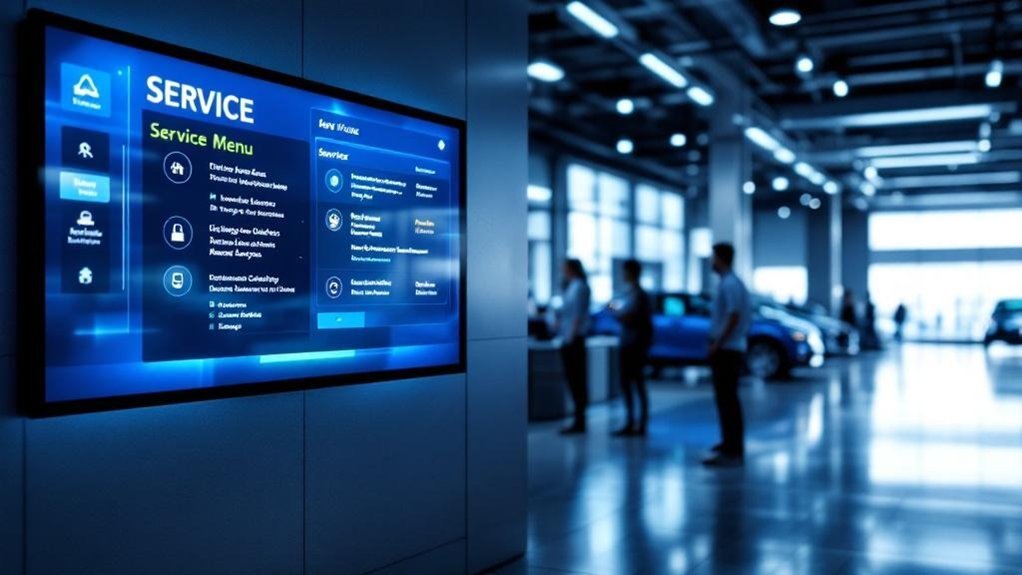
Because your DMS feeds live pricing, availability, and job milestones directly into digital service menus and status boards, customers and advisors always see the latest information without manual updates. With robust data synchronization and automated updates, you’ll eliminate transcription errors and keep technician assignments and job progress accurate. Real-time DMS signals let advisors tell customers exactly where a vehicle is in the workflow, cutting perceived wait times and boosting transparency. You’ll also balance workloads better, assigning techs based on current capacities and milestones rather than stale reports. That operational clarity improves customer trust and satisfaction scores, and it drives repeat business. Measure impact by tracking reduced inquiry rates, faster cycle times, and higher post-service NPS tied to live-update adoption.
Designing an Effective Service Menu for Upsells and Clarity
You’ll want a service menu that presents clear, tiered packages so customers can compare scope and price at a glance. Interactive upsell prompts — informed by vehicle history and real-time status — boost engagement and conversion without interrupting the customer’s flow. Make pricing and warranty terms transparent and front-and-center to build trust and shorten decision time.
Clear, Tiered Service Packages
When dealers present services in clear, tiered packages, customers can quickly compare options and make confident choices—driving an estimated 30% increase in upsells and roughly 25% higher average transaction values. You’ll use service tiers to simplify decisions: label them basic, recommended, and premium; include transparent pricing, scope, and warranty details to build customer trust and reduce advisor talk time by about 20%.
- Basic: essential checks, clear price, short warranty.
- Recommended: recommended maintenance, parts, longer warranty.
- Premium: full inspection, priority scheduling, extended warranty.
You’ll see faster decisions and higher CSI when each tier has concise descriptions and benefits. Clear tiers let customers self-serve confidently, improve throughput, and lift average ticket values without confusing choices.
Interactive Upsell Prompts
Start with three targeted prompts that adapt to the vehicle’s history and the customer’s preferences — interactive upsell prompts can raise average transaction value by about 25% by surfacing timely, relevant options. You’ll use interactive engagement to present tailored recommendations that fit past services, mileage, and known preferences. Pull real-time inventory and pricing so offers are accurate and actionable, reducing friction and boosting conversions. Design clear, itemized choices with dynamic visuals and categorized pricing to cut advisor talk time by ~20% and let customers decide quickly. Automate suggestion logic to increase advisor effectiveness and upsell rates by about 30%, while keeping the experience customer-focused and respectful of consent. Measure conversion and satisfaction to refine prompts continuously.
Transparent Pricing and Warranties
Because customers trust what they can see, a digital service menu that pairs transparent pricing with clear warranty terms reduces friction and drives better outcomes: expect up to 30% higher upsell rates and ~20% less advisor talk time when costs, coverage, and exclusions are shown side-by-side with service options. You’ll build customer trust and pricing transparency by presenting service descriptions, exact costs, and warranty scope up front. Real-time status updates plus accessible warranty details cut perceived wait times and lower anxiety.
- Show price, warranty duration, and exclusions together for each line item.
- Update status boards in real time so customers confirm coverage while tracking progress.
- Use concise copy and visuals to clarify what’s covered and what’s out-of-scope.
That clarity boosts CSI and frees advisors for higher-value conversations.
Configuring Service Status Boards to Reduce Perceived Wait Times
Although customers rarely enjoy waiting, configuring service status boards to deliver real-time technician assignments and job progress will materially lower perceived wait times by keeping them informed at every step. You’ll boost customer engagement and service transparency by integrating the board with your DMS so updates push automatically — removing manual delays and errors. Present clear milestones (check-in, diagnosis, in-service, quality check, ready) and timestamped progress so customers see measurable movement. Continuous digital communication reduces anxiety, cuts status inquiries, and builds trust. Use concise notifications for critical changes and aggregate metrics on-screen to show average completion times. Monitor board data to spot bottlenecks early and prioritize visibility of jobs nearing completion to keep expectations accurate and satisfaction high.
Workflow Strategies to Balance Technician Loads and Reassignments
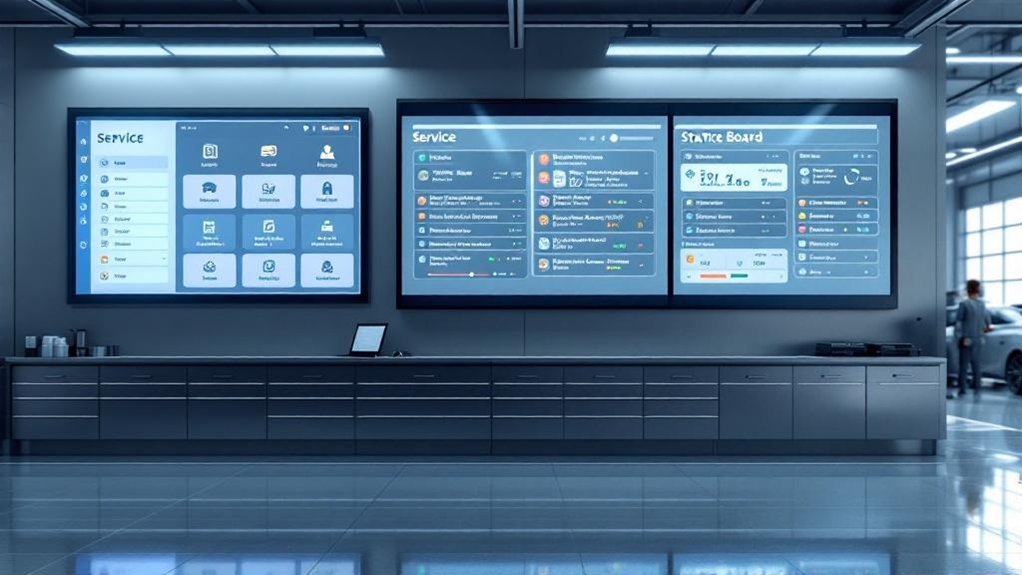
Having service status boards tightly synced with your digital service menu gives you a live, data-driven view of technician loads so you can actively balance assignments and reassign work as conditions change. You’ll use continuous workload assessment to spot uneven distribution and idle time, then reallocate technicians to reduce customer wait and improve CSI. Auto-syncing keeps techs updated on service availability so task prioritization happens in real time.
- Monitor live load metrics and flag overloads for immediate reassignment
- Use bottleneck alerts to shift resources and minimize idle time
- Auto-update tech queues from the digital menu to maintain clarity
This approach drives equitable assignment, reveals performance patterns for targeted coaching, and keeps customers moving through service efficiently.
Measuring Impact: KPIs, Board Logs, and CSI Tracking
Metrics matter: to measure how well your digital service menu and status boards improve the customer experience, track KPIs like average wait time, upsell rate, and CSI while correlating those figures with board logs that show real-time technician assignments and service updates. You’ll use KPI analysis to quantify improvements — for example, a +30% upsell rate or a -20% advisor talk-time — and tie them to specific board events. Board logs reveal bottlenecks, technician load imbalances, and timing gaps that impact CSI. Visual dashboards let you spot trends quickly, enabling board optimization and targeted coaching. By correlating CSI feedback with status updates, you’ll adjust communication touchpoints, prove financial impact, and sustain continuous, customer-focused operational gains.
Implementation Roadmap and Best Practices
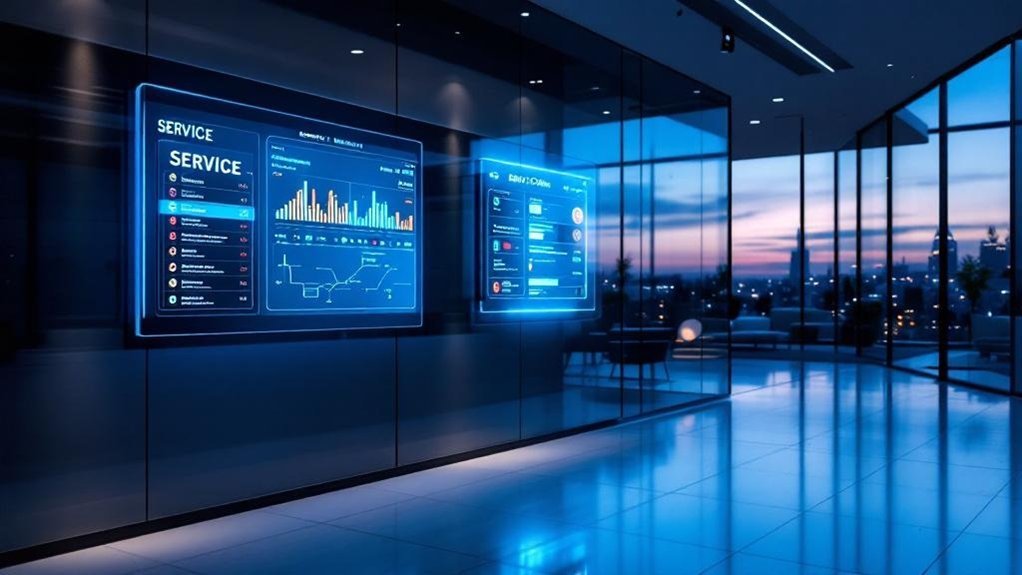
You’ve seen how KPIs and board logs prove value — now map that evidence into a practical rollout plan that aligns people, systems, and customer touchpoints. Start by integrating the digital service menu with your DMS for real-time pricing and offerings; this reduces manual entry and supports measurable customer engagement. Deploy service status boards and split-screen displays so customers can track progress while viewing upsell options. Train staff to use insights from both systems to make targeted recommendations.
- Phase 1: DMS integration and pilot at one location.
- Phase 2: Staff training, split-screen deployment, and live board rollout.
- Phase 3: Collect feedback, analyze metrics, iterate.
Anticipate implementation challenges and use data to refine processes and improve CSI.
Frequently Asked Questions
How Do You Handle Customers Without Smartphones or Email Access?
You use in person communication and alternative notifications: log preferences, offer printed updates, call or SMS to shared numbers, assign staff liaisons, track response rates, and measure satisfaction metrics so you can optimize outreach for non-smartphone customers.
Can Third-Party Vendors Display on Our Status Boards?
Yes — and no: you can show vetted partners, but not unvetted ones. Use strict third party integration controls, demand vendor collaboration SLAs, monitor uptime and privacy metrics, and keep customer-facing info concise, branded, and permissioned.
What Privacy Safeguards Protect VINS and Customer Names?
You’re protected by VIN protection and customer anonymity measures: data masking, tokenization, role-based access, TLS encryption, audit logs, and consent controls, ensuring only authorized staff see full VINs/names while customers’ identities stay confidential.
Can Boards Adapt for Multilingual or Accessibility Needs?
Like a Swiss Army knife, you’ll deploy multilingual options and accessibility features: prioritize readable fonts, ARIA labels, real-time translations, and adjustable contrast; monitor usage metrics, A/B test interfaces, and report improved satisfaction and reduced service hold times.
How Do We Manage Holiday or Emergency Schedule Changes?
You’ll automate updates: integrate emergency protocols and holiday staffing presets, push real-time status changes to boards, log timestamps and staff coverage, and notify customers via SMS/email so expectations stay clear and metrics remain accurate.
Conclusion
Pairing a digital service menu with real-time status boards drives measurable CSI gains — faster decisions, clearer upsells, and shorter perceived waits. You might worry integration is costly or disruptive, but modern DMS APIs and phased rollouts cut time and expense while protecting workflow. Focus on clean menu design, live data feeds, and technician load balancing. Track KPIs (turn time, upsell rate, CSI) and iterate; small changes often yield double-digit improvements.