

Use your digital service menu to spotlight certified technicians by featuring professional photos, clear certifications (ASE, manufacturer training), specialties, short experience summaries and recent training. Show customer ratings and before‑after visuals to build trust, and let customers filter or book by certified tech with real‑time availability. Automate certification expiry alerts and encourage post‑service reviews to keep profiles current. Track bookings, repeat visits and job times to prove ROI — keep going to learn practical setup tips.
Key Takeaways
- Feature technician profiles with photo, certifications, years of experience, and recent training at the top of the service menu.
- Add filter and booking options to let customers choose certified technicians by specialty (e.g., brakes, hybrid systems).
- Display certifications prominently on booking cards and show real-time certified technician availability.
- Include before-and-after visuals, customer ratings, and short testimonials on technician pages to demonstrate skill and quality.
- Integrate certification expiry tracking and automated renewal reminders to keep profiles current and trustworthy.
Why Highlighting Certified Technicians Builds Trust and Increases Service Uptake
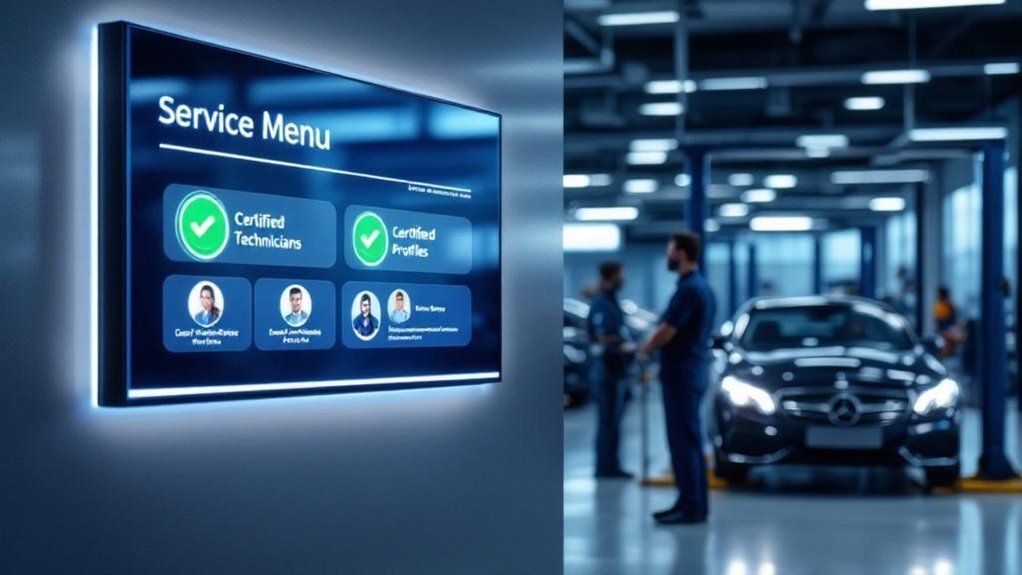
When you show technician certifications on your digital service menu, customers instantly see who’s qualified to work on their vehicle — and that transparency builds trust. You’ll tap into trust building by making qualifications visible: 96% of customers value seeing credentials, and that clarity drives confidence. Service transparency not only reassures buyers but influences behavior — certified displays can boost service uptake by about 20% and prompt 68% of customers to add services after seeing expert endorsements. That clarity also fosters loyalty; roughly 80% of customers prefer returning to centers with transparent staff qualifications, improving satisfaction and retention. By prioritizing visible certifications, you increase perceived value and can lift revenue from repeat business by as much as 30%.
What to Include in a Technician Profile on Your Digital Service Menu
Because customers want to know who’s working on their vehicle, your technician profiles should be concise, confident snapshots that build trust and drive decisions. Include a professional photo to create a personal connection and boost technician engagement. List certifications and specializations (ASE, manufacturer training) prominently so customers immediately see qualifications. Add a short experience summary — years in the industry and areas of focus — to reinforce competence. Note recent workshops or ongoing training to show commitment to new automotive technologies. Feature brief customer testimonials or ratings tied to the technician to demonstrate service quality and encourage loyalty. Keep copy tight, prioritize clear customer interaction cues (how they’ll communicate about work), and make each profile a trust-building tool.
Designing Visuals and Layouts That Showcase Expertise
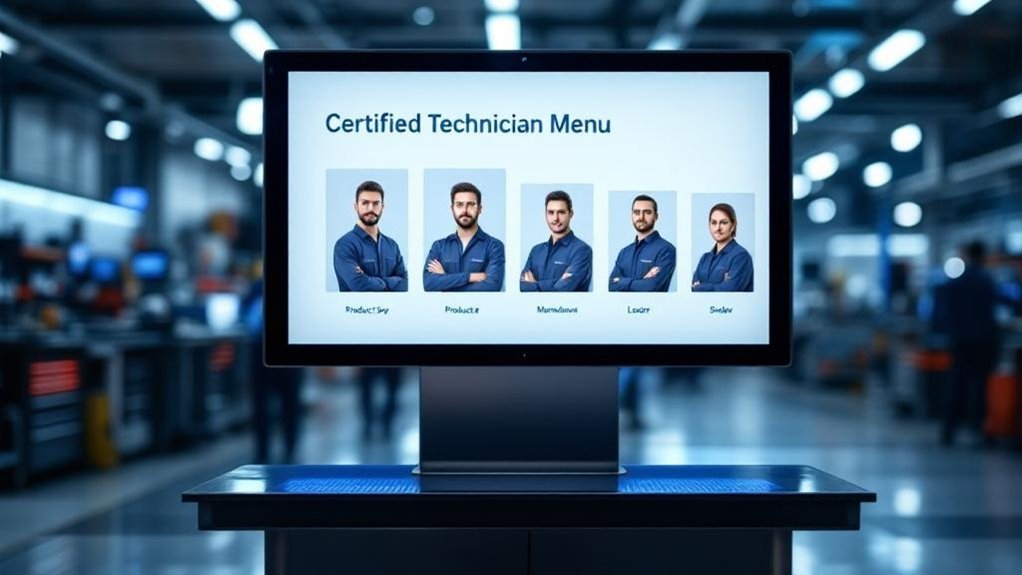
Show technicians’ certifications prominently so customers can quickly see credentials and specializations that build trust. Pair those badges with clear before-and-after repair visuals to prove skill and the real value of services. Keep the layout clean and consistent so certification details and imagery are easy to scan and compare.
Technician Certifications Display
A dedicated, visually striking section on your digital service menu should make certified technicians instantly recognizable by combining high-resolution headshots, clear icons for credentials, and concise text that lists manufacturer-specific training and industry-recognized certifications; this layout builds trust quickly, lets customers verify expertise at a glance, and sets the stage for rotating spotlights and client testimonials that further reinforce credibility. You’ll use attractive graphics and color to separate this area, pairing each photo with a short summary of certification benefits and technician recognition. Keep descriptions terse: title, key certifications, specialty, and years of experience. Add a weekly rotating spotlight and customer ratings beside profiles to humanize staff and amplify credibility without cluttering the menu.
Before-and-After Repair Visuals
Now that customers can quickly spot your certified technicians, reinforce that expertise with high-quality before-and-after repair visuals that prove results. You’ll use before and after storytelling to create immediate visual impact: pair each image set with a concise description of the service, the technician’s qualifications, and the problem solved. Choose dynamic imagery that highlights repair details so customers grasp the skill involved. Format the digital menu to feature these visuals prominently, using clear layout and readable captions to drive engagement. Update the gallery regularly to showcase recent work and sustain credibility. This approach turns abstract certifications into tangible proof, boosts trust, and helps customers make informed service decisions based on visible results and documented technician expertise.
Integrating Certifications, Experience, and Customer Reviews Seamlessly
Because customers decide quickly, your digital service menu should weave certifications, years of experience, and real-time reviews into a single, easy-to-scan view that builds trust at a glance. Use clear badges and brief bios to communicate certification benefits and highlight each technician’s years in the field, so visitors immediately see expertise and professionalism. Integrate live customer reviews next to profiles to boost confidence and improve customer engagement, keeping testimonials current to reflect service quality. Visuals—headshots, certificate icons, concise stats—create a personal connection without clutter. Update credentials and feedback routinely to preserve transparency and reliability. By presenting certifications, experience, and reviews together, you reduce friction in decision-making and increase the likelihood customers will pick a certified technician.
Using Scheduling and Service Filters to Promote Certified Technicians
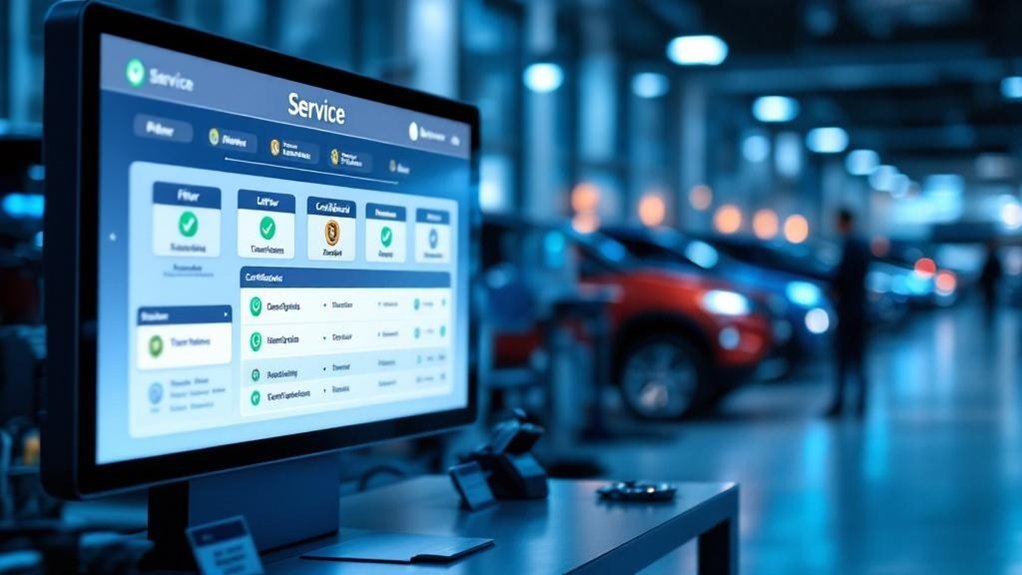
You can let customers schedule appointments specifically with technicians by certification, so they book the exact expertise their vehicle needs. Use filters that surface technician specialties—brakes, hybrid systems, diagnostics—so choices match qualifications. Showing real-time certified technician availability boosts trust and speeds booking, improving retention and shop efficiency.
Schedule by Technician Certification
Filtering your service options by technician certification lets customers quickly connect with the most qualified professionals for their vehicle, boosting confidence with transparent qualifications and clear specializations. You should offer scheduling options that let customers pick certified technicians directly, showing technician availability in real time so they can match expertise with their timetable. Present certifications and brief specializations on each booking card so users see the value before they commit. That transparency increases trust—studies show 96% of customers value clear qualifications—and drives satisfaction that can lift repeat business by about 20%. Make the booking flow simple: filter by certification, view available slots, and confirm. By making certification a first-class scheduling filter, you promote quality, meet industry standards, and strengthen your reputation.
Filter Services by Expertise
How will customers know they’re getting the right hands on their vehicle? Use scheduling and service filters so shoppers can sort service categories by technician specialties and certification level. You’ll let customers select filters like manufacturer certification, hybrid expertise, or diagnostic mastery, immediately revealing available appointments and qualified technicians. That transparency builds trust — studies show highlighting certified technicians boosts satisfaction by 30% and retention by 25%. Filters also speed decisions and raise sales: streamlined choices cut decision time and can increase service revenue by about 20%. Display real-time availability and qualifications in the menu and on digital signage to elevate perceived value and encourage premium packages. Implementing precise filters makes your expertise visible and simplifies booking for every customer.
Measuring Impact: KPIs to Track Technician Promotion Success
When you roll out technician promotions, measure a focused set of KPIs to prove their value: track customer satisfaction scores tied to services performed by certified technicians to quantify perceived expertise. Monitor revenue growth from promotions, targeting at least 15% uplift in service sales attributable to certified-staff campaigns. Count service appointments booked specifically for certified technicians, aiming for a 20% increase in appointment rates after promotion. Measure customer retention for those who used certified technicians, seeking a 10% rise in repeat visits within six months. Evaluate service-department efficiency by tracking average job completion time for certified technicians, with a goal to reduce service time by 15%. Use these KPIs to iterate promotion messaging and justify staffing or training investments.
Best Practices for Keeping Technician Profiles Current and Compliant

You’ve seen how tracking KPIs proves the value of technician promotions — now keep that value visible by keeping technician profiles accurate and compliant. You should update profiles regularly to reflect certifications, training, specialties, and customer ratings so customers see current qualifications and trust your team. Use profile management tools that track certification expirations and trigger automatic notifications for timely renewals. Implement continuous education and compliance training programs tied into the digital menu so requirements and manufacturer standards are met and visible. Invite technicians to report skills and development interests to tailor training and keep profiles engaging. Display customer reviews and ratings prominently to boost credibility. These practices reduce compliance risk, improve service quality, and increase bookings through transparent, up-to-date technician information.
Frequently Asked Questions
How to Run a Successful Automotive Service Department?
You run a successful automotive service department by prioritizing staff training, streamlining workflows, using transparent communication, tracking metrics, and focusing on customer satisfaction; train technicians continually, empower front-line staff, and measure feedback to drive improvements and loyalty.
How Do Car Dealers Detail Cars?
Deep-duty detailing: you’ll follow stepwise detailing techniques, using potent cleaning products, steam cleaners, waxes, vacuuming, shampooing, polishing and inspections; certified technicians perform precise prep and protective procedures that boost appearance, value, and spot potential repairs.
Conclusion
You’ve seen how spotlighting certified technicians on your digital service menu builds trust, boosts bookings, and deepens customer loyalty. Use clear profiles, smart visuals, filters, and live scheduling to make expertise impossible to miss. Track KPIs, keep credentials fresh, and let reviews do the talking—like a trusted mechanic’s handshake, your platform should feel personal and professional. Do this consistently, and customers will choose skill every time.